23Chapter 3
KeyBoxes
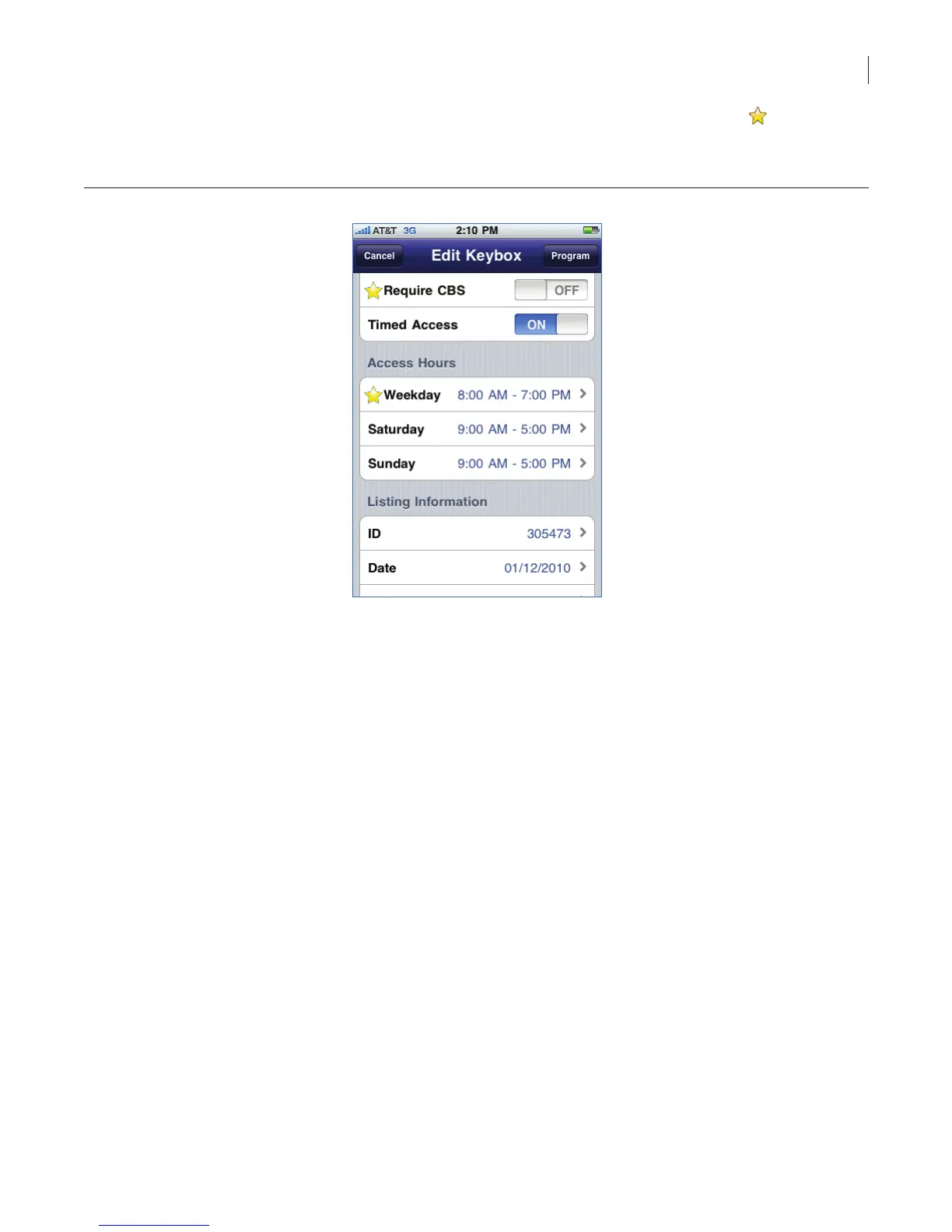
4. Select the eld you want to change and then update the information. A gold star to the left
of the eld indicates a change has been made to the setting that has not been updated in the
keybox.
Figure 19. Change iBox Settings
5. Select Program.
6. Enter the shackle code for the iBox. If you are changing the shackle code, you’ll need to enter
the old shackle code one last time here.
7. Connect your eKEY Adapter to your iPhone and select Begin.
8. Point the infrared port on the eKEY Adapter at the infrared lens on the iBox to have the new
settings updated in the iBox.
9. Once the programming has completed, your screen will show your updated values.



 To Next Page