TROUBLESHOOTING
40
© 2018 Rodan Enterprises LLC t/a SureShade®
ATF Installation Guide
TROUBLESHOOTING THE SURESHADE ATF-SG INTELLIGENT
CONTROL BOX (ICB)
The SureShade ATF-SG Intelligent Control Box (ICB) is designed so that the shade will not operate at any
voltage under 10V at start-up of the shade. During operation of the shade, if the voltage drops below 9V, the
shade will shut down.
IF THE SHADE DOES NOT OPERATE
In the event the shade either does not operate at start-up or it shuts down during operation, the FIRST STEP
in troubleshooting is to ALWAYS CONFIRM VOLTAGE AT THE ICB:
1. Locate the ICB in the vessel.
2. Observe the status LED. If it is solid yellow voltage is below 9-volts DC.
The ICB also contains a number of additional indicators via status LED light to aid in troubleshooting e orts.
During normal operation, once the controller receives a signal from the switch or remote and the shade
starts to move, the status LED light will turn YELLOW. Once the shade is either fully deployed, fully
UHWUDFWHGWRKRPHSRVLWLRQRUVHQVHVVRPHVLJQLȴFDQWREVWUXFWLRQ, the status LED will turn RED. When
the controller is not receiving a signal to move (i.e. the shade is idle), the status LED light will be GREEN.
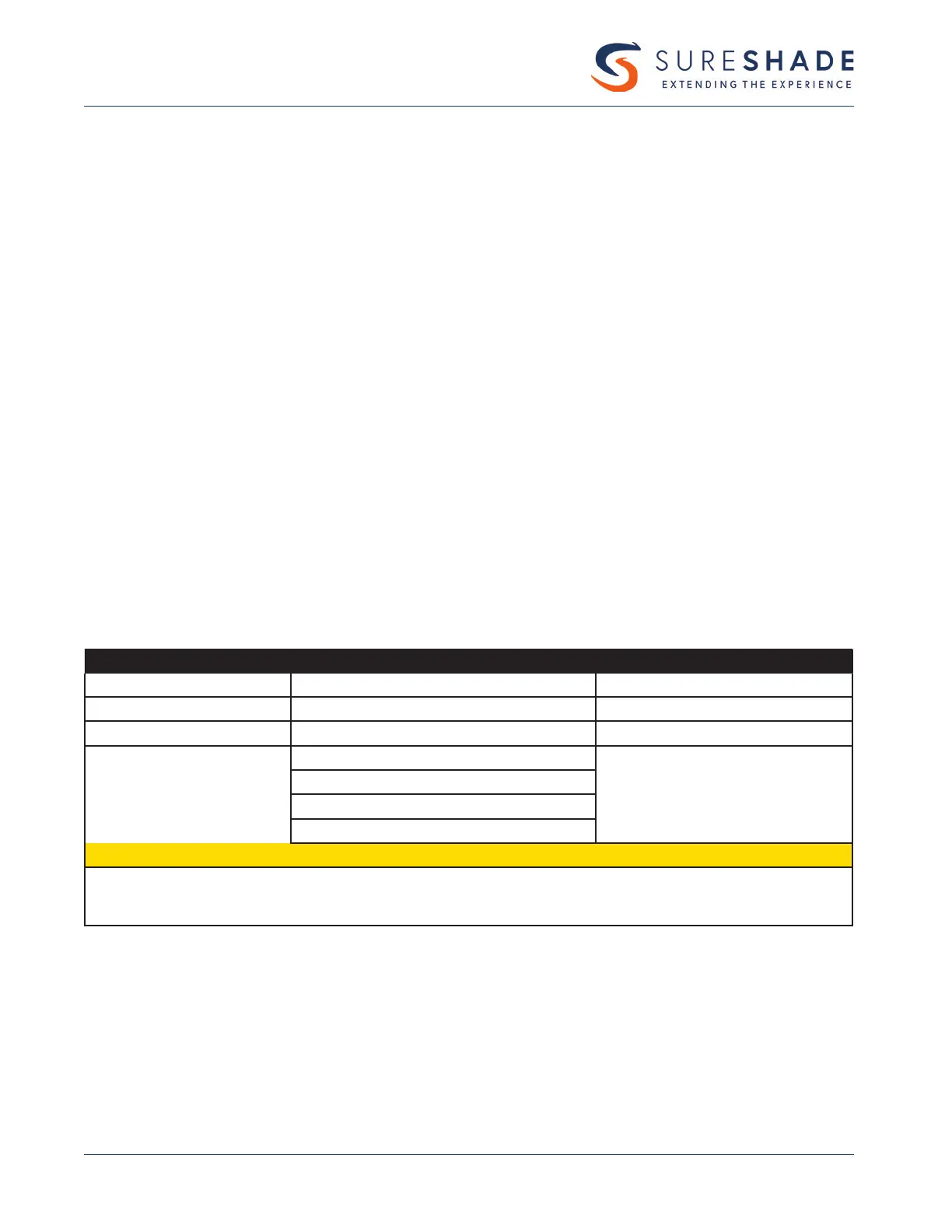
LED LIGHT COLOR INDICATION ACTION REQUIRED
GREEN Controller is ready to operate None — Shade is operable
BLINKING YELLOW Rocker switch fault Troubleshooting needed
SOLID YELLOW Low voltage (<9VDC) Check power supply
BLINKING RED Bad encoder signal
Troubleshooting needed
1 RED BLINK Bad encoder signal on the PORT actuator
2 RED BLINKS Bad encoder signal on the STBD actuator
3 RED BLINKS Bad encoder signal on both actuators
7 RED BLINKS Indicates shade racked Hard home reset required
OTE: N This fault does not con rm that the encoder is either good or bad, just that there is a communication issue. There
is a faulty power/signal connection between the ICB and the encoder and therefore the ICB will not operate.
Further troubleshooting is required.
“FORCE HARD HOME” RESET
In the event the shade does not return all the way to its home position and a retract command does not
resolve this issue, a “force hard home” action can be initiated on a new shade. After power-up, press both
movement buttons simultaneously on the remote, the ICB or on the switch input for more than 10 seconds
and hold until the shade returns to the home location.



 To Next Page