38
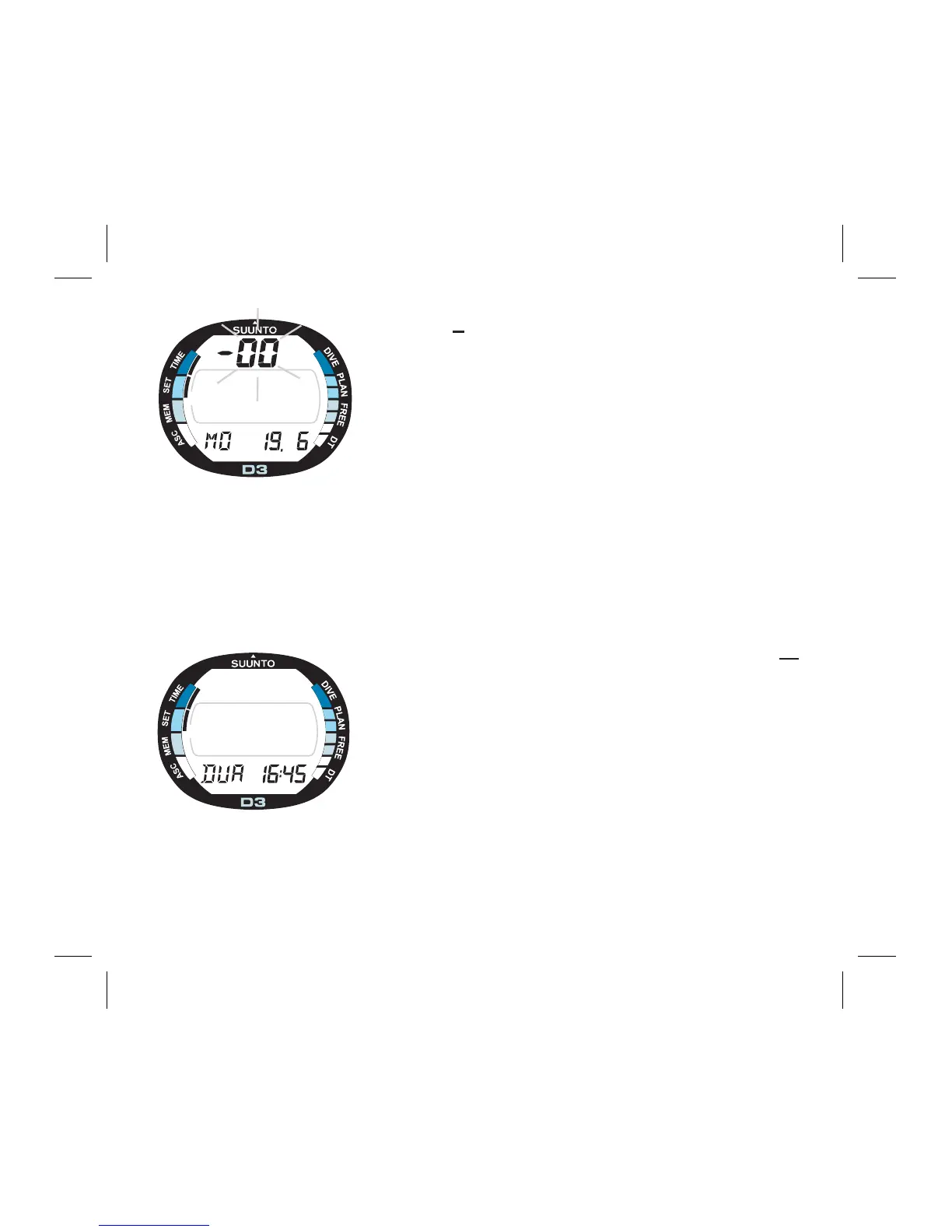
3. Press S to change the selection in the following
sequence:
-
> seconds
-
> hours
-
> minutes
-
> 12/24 hour format
-
> year
-
> month
-
> day
-
> dual (home) time hours
-
> minutes
4. While the second digits are selected (blinking),
press - to reset the seconds to ”00” or press + to in-
crease the value.
5. While any other digits (except seconds) are se-
lected (blinking), press + to increase the value or - to
decrease it. Holding the button the current selection
starts to scroll.
6. After you have set the time and date, press the M
button to save the settings and to return to the Setting
Mode [SET].
NOTE:
• The day of the week is automatically calculated in
accordance with the date.
• The date can be set within the range of Jan 1, 1990
to Dec. 31, 2089.
F
R
E
E
A
C
S
Fig. 4.5. Dual time is selected.
Page III.
Fig. 4.4. The year, month and
day are selected. Page II.



 To Next Page