41
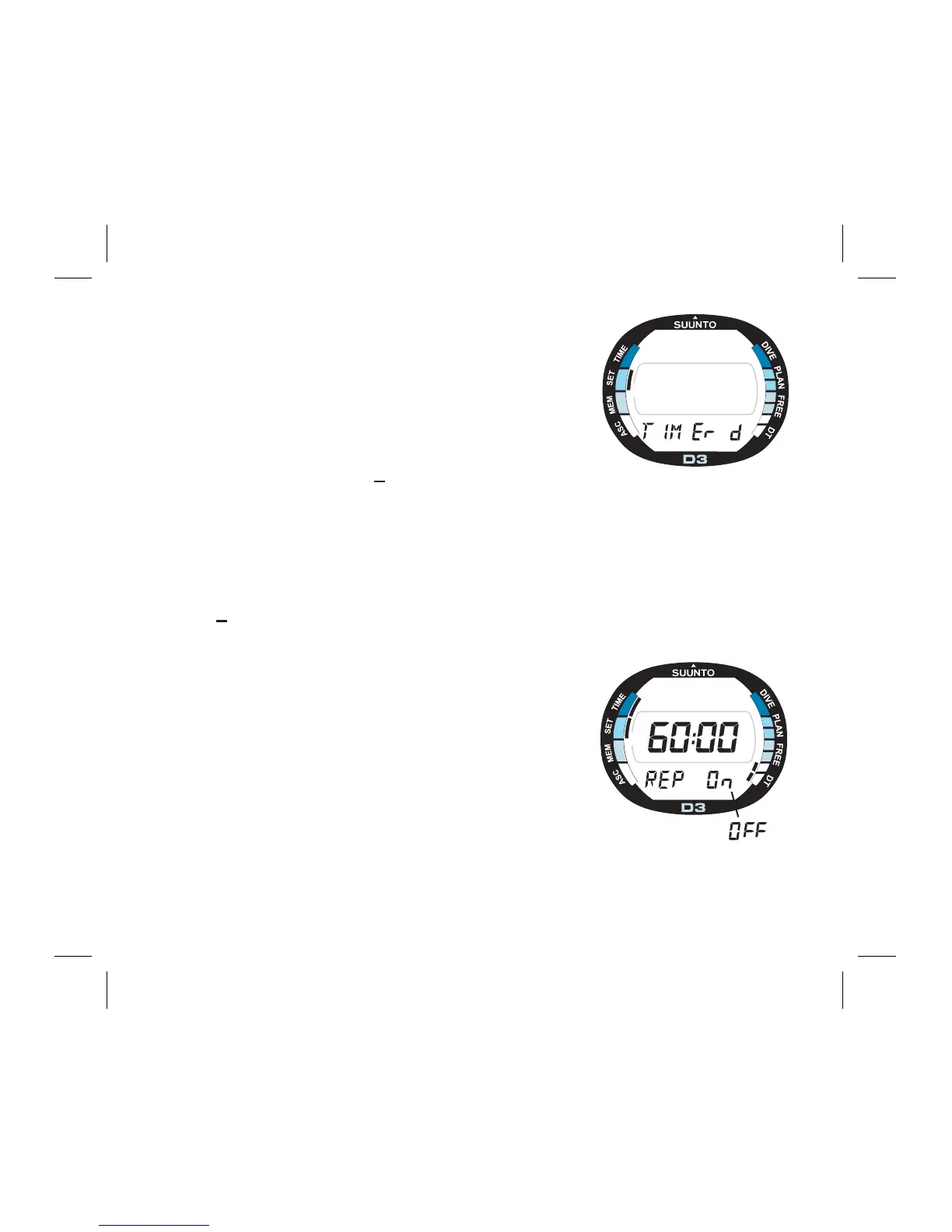
4.3. TIMER SETTINGS [TIMER D]
In this mode you can set the countdown time for the
downtimer. The downtimer also has an alarm repeat
function for continuous downtimer alarm.
To set the downtimer:
1.In the Setting Mode, press S three (3) times to select
the Timer Setting Mode (Fig. 4.8.)
2.Wait two seconds until the Timer Setting Mode
activates automatically. The SET mode and DT seg-
ments are displayed.
3.Press S to change the selection in the following
sequence:
-
> minutes
-
> seconds
-
> alarm repeat
When the minutes and seconds are selected (blink-
ing), press - to decrease and + to increase the value.
4. After the downtimer time selection, the down timer
alarm repeat is selected. The alarm repeat function
begins a new countdown after the previous one and
signals every time when the downtimer begins a new
countdown.
A
C
S
ON
Fig. 4.8. Timer Setting Mode.
A
C
S
ON
Fig. 4.9. Downtimer time and
alarm repeat are selected.



 To Next Page