47
4.6. UNIT ADJUSTMENT SETTINGS
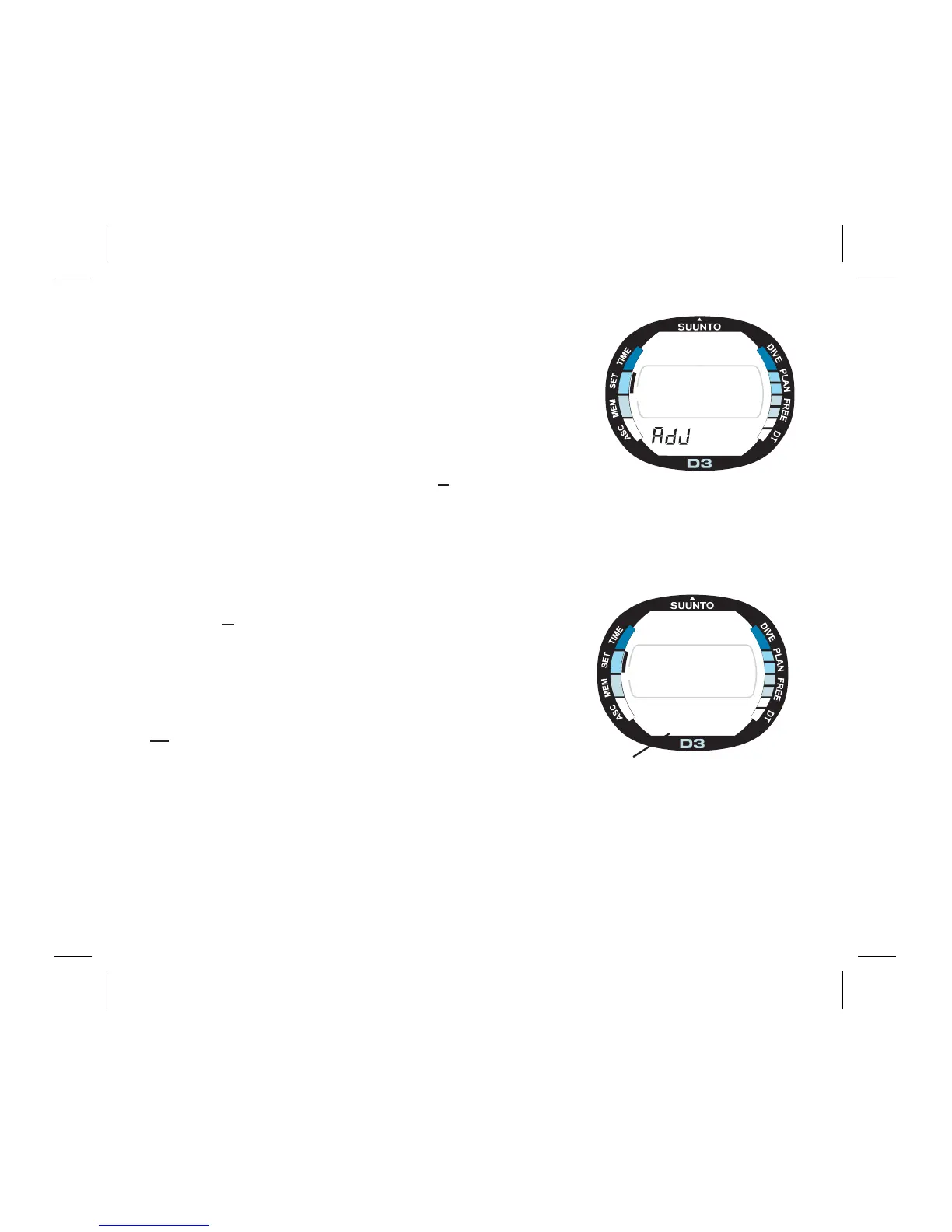
[AdJ]
In this setting mode also the desired units can be se-
lected (metric, m/°C or imperial, ft/°F).
To set the new Unit Adjustments:
1. In the Setting Mode [SET], press S six (6) times to
select the Unit Adjustment Mode (Fig. 4.16.).
2. Wait two seconds until the Adjustment Mode ac-
tivates automatically. The unit setting starts to blink
on the display (Fig. 4.17.).
3. Press S to change the selection of units:
While the units are blinking in the lower part of the
display, press + or - to change units (Fig. 4.17.).
After you have set the desired adjustments, press the
M button to save the settings and to return to the
Setting Mode [SET]).
F
R
E
E
A
C
S
Fig. 4.16. Unit Adjustment
Mode.
F
R
E
E
°F
ft
°C
m
A
C
S
Fig. 4.17. Setting Unit
Adjustment.



 To Next Page