Home
Suunto
Diving Instrument
D9
Page 24 (Configuring Alarms, Tones, and Units)
Suunto D9 - Configuring Alarms, Tones, and Units
122 pages
Manual
Save Page as PDF
To Next Page
To Next Page
To Previous Page
To Previous Page
Loading...
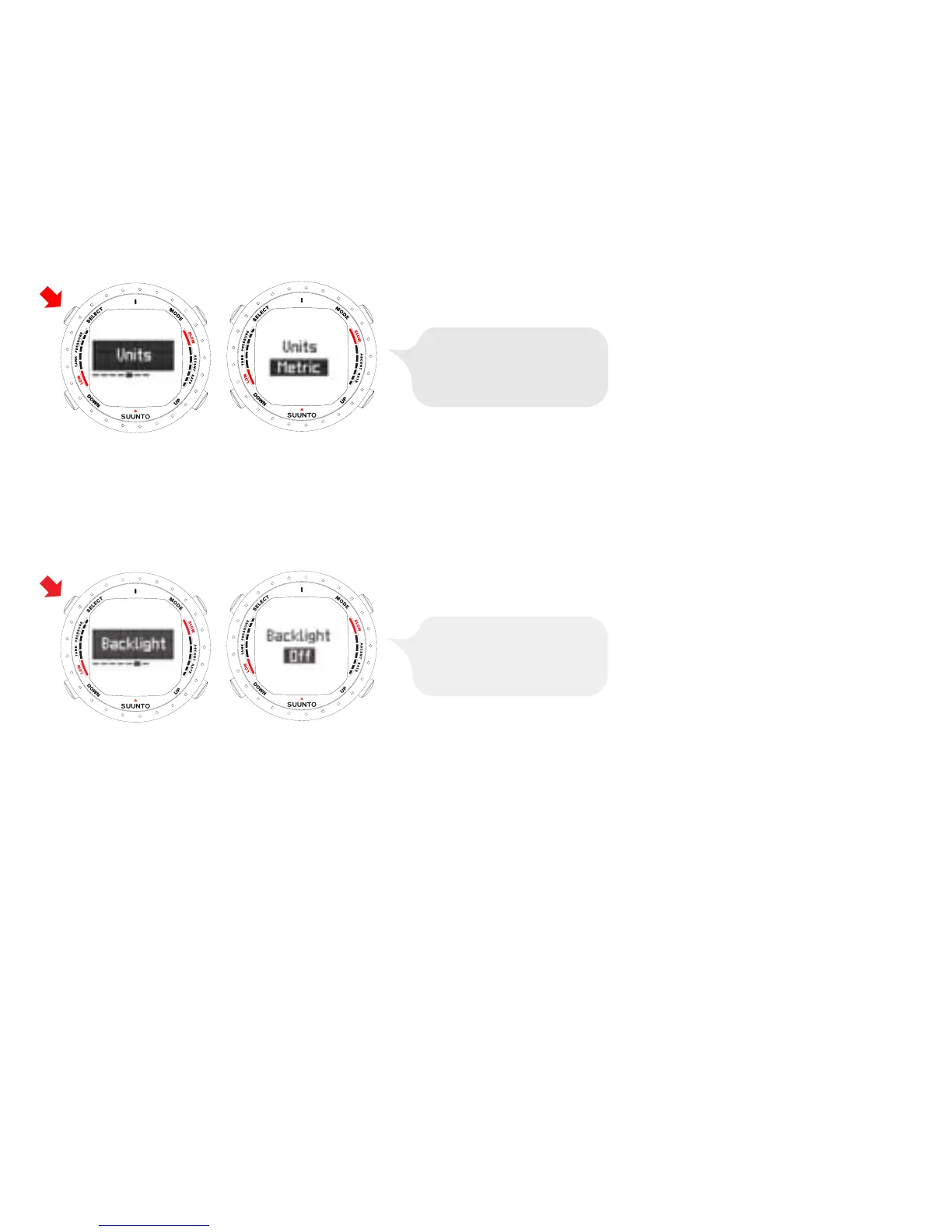
ADJUST WITH UP
AND
DOWN BUT
TONS. ACCEPT
WITH SELECT BUTT
ON.
4.1.6.
Setting
the
backlight
Use
the
BACKLIGHT
SETTING
mode
to
turn
the
backlight
on
or
off
and
to
define
how
long
it
stays
on
for
(5,
10,
20,
30,
or
60
seconds).
When
the
backlight
is
turned
off,
it
does
not
illuminate
when
an
alarm
sounds.
ADJUST WITH UP
AND
DOWN BUT
TONS. ACCEPT
WITH SELECT BUTT
ON.
4.1.7.
Setting
the
tones
The
TONE
SETTING
mode
allows
you
to
activate
or
deactivate
the
tones.
24
23
25
Table of Contents
Main Page
Default Chapter
3
Table of Contents
3
1 Welcome to the World of Suunto Diving Instruments
8
2 Warnings, Cautions, and Notes
10
3 Suunto D9 at a Glance
16
Navigating in the Menus
17
Button Symbols and Functions
18
4 Getting Started with Your Suunto D9
20
TIME Mode Settings
20
Setting the Alarm
21
Setting the Time
22
Setting the Dual Time
22
Setting the Date
23
Setting the Units
23
Setting the Backlight
24
Setting the Tones
24
Stopwatch
25
AC Water Contacts
26
Learning How to Use Your Compass
27
Compass Display
28
Locking a Bearing
29
Compass Settings
30
5 Before Diving
33
The Suunto Rgbm/Deep Stop Algorithm
34
Emergency Ascents
34
Dive Computer Limitations
35
Nitrox
35
Freediving
35
Audible and Visual Alarms
36
Error Conditions
40
Wireless Transmission
41
Installing the Wireless Transmitter
41
Pairing and Code Selection
42
Transmitting Data
44
DIVE Mode Settings
45
Setting the Depth Alarm
47
Setting the Dive-Time Alarm
48
Setting the Nitrox Values
48
Setting the Personal/Altitude Adjustments
50
Setting the Sample Rate
50
Setting the Safety Stops/Deep Stops
51
Setting the RGBM Values
51
Tank Pressure
52
Units
52
HP Code
53
Activation and Pre-Checks
53
Accessing DIVE Mode
53
DIVE Mode Activation
54
Battery Power Indication
56
Diving at Altitude
57
Personal Adjustments
58
Safety Stops
60
Recommended Safety Stops
60
Mandatory Safety Stops
61
Deep Stops
63
6 Diving
64
Diving in AIR Mode (Diveair)
64
Basic Dive Data
64
Bookmark
66
Tank Pressure Data
67
Ascent Rate Indicator
68
Safety Stops and Deep Stops
69
Decompression Dives
70
Diving in NITROX Mode (Diveean)
75
Before Diving in NITROX Mode
75
Oxygen Displays
77
Oxygen Limit Fraction (OLF)
78
Gas Change and Multiple Breathing Gas Mixes
79
Diving in GAUGE Mode (Divegauge)
80
7 After Diving
81
At the Surface
81
Surface Interval
81
Dive Numbering
82
Repetitive Dive Planning
83
Flying after Diving
83
MEMORY Mode
84
Suunto Dive Manager (SDM)
89
Suuntosports.com
90
8 Care and Maintenance
92
Water Contacts and Buttons
92
Care of Your Dive Computer
92
Maintenance
93
Water Resistance Inspection
94
Battery Replacement
95
Computer Battery Replacement
95
Wireless Transmitter Battery Replacement
96
9 Technical Data
99
Technical Specifications
99
Rgbm
103
Suunto RGBM Adaptive Decompression
104
No-Decompression Limits
105
Altitude Diving
107
Oxygen Exposure
108
10 Intellectual Property
109
Copyright
109
Trademark
109
Patent Notice
109
11 Disclaimers
110
User's Responsibility
110
Limits of Liability and ISO 9001 Compliance
111
After Sales Service
111
12 Warranty
112
13 Disposal of the Device
114
Glossary
115
Other manuals for Suunto D9
Instruction Manual
122 pages
Related product manuals
Suunto DX
92 pages
Suunto D3
86 pages
Suunto D4
106 pages
Suunto D6
110 pages
Suunto D5
65 pages
Suunto D4i
118 pages
Suunto D6I
135 pages
Suunto EON
69 pages
Suunto SK-8
6 pages
Suunto ZOOP
73 pages
Suunto Vyper
86 pages
Suunto zoop novo
73 pages



 To Next Page