6. DIVING
This section contains instructions on how to operate the dive computer and interpret
its displays. You’ll find that this dive computer is easy to use and read. Each display
shows only the data relevant to that specific diving mode.
6.1. Diving in AIR mode (DIVEair)
In this section, we look at how to make the most of the dive computer when diving
with standard air. To activate DIVEair mode, please see Section 5.10.1. Accessing
DIVE mode.
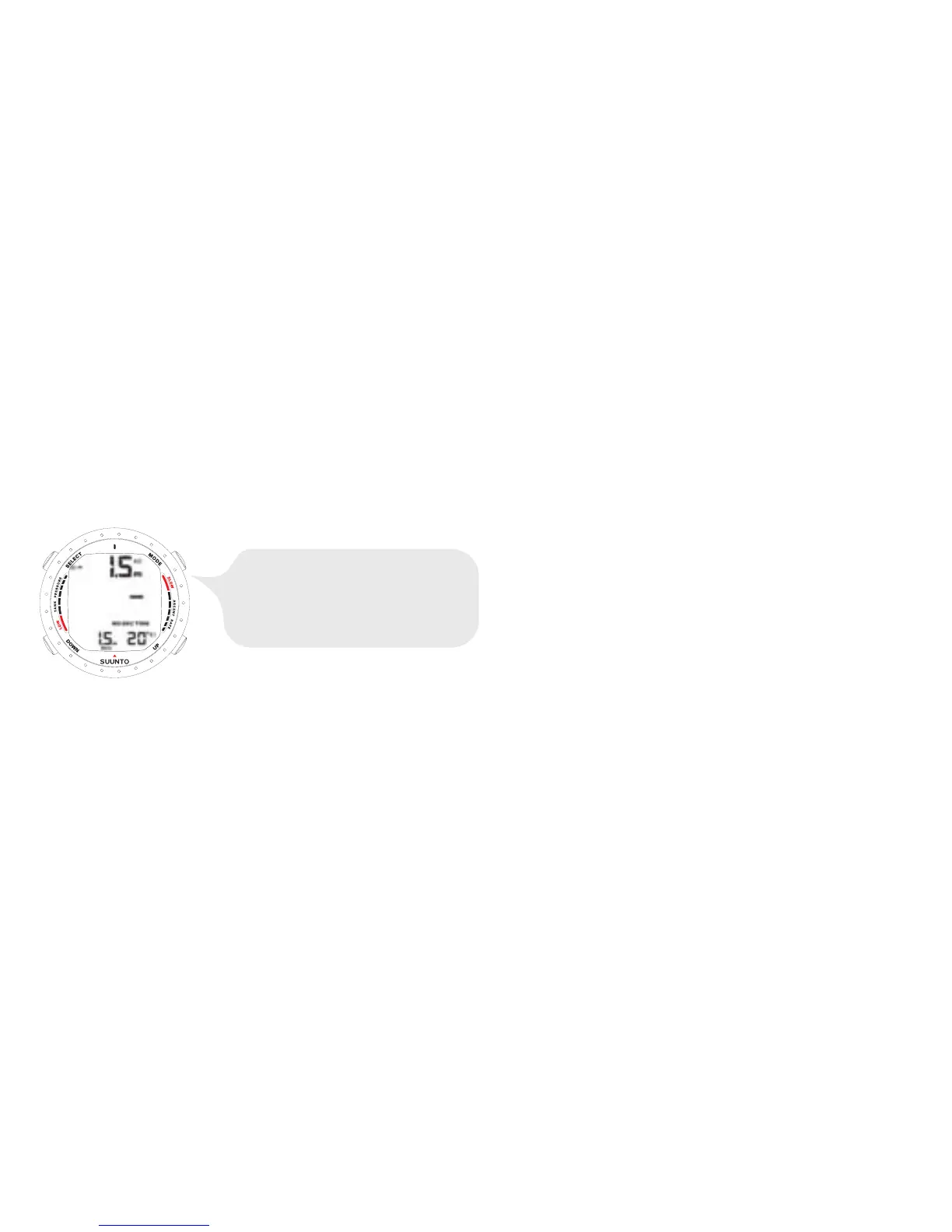
DIVE HAS JUST BEGUN AND
AVAILABLE NO-DECOMPRESSION
TIME IS OVER 99 MINUTES SO NO
VALUE IS DISPLAYED.
NOTE
The dive computer will remain in the Surface mode at depths less
than 1.2 m/4 ft. At depths greater than 1.2 m/4 ft the instrument
will go into the DIVE mode automatically. However, it is
recomended that you activate the DIVE Mode manually in order
to perform the necessary dive pre-checks.
6.1.1. Basic dive data
During a No-decompression dive, the following information is displayed:
64



 To Next Page