4.3. AC water contacts
The water and data transfer contact is located on the right side of the case. When
submerged, the water contact is connected to the casing (which is the other pole of
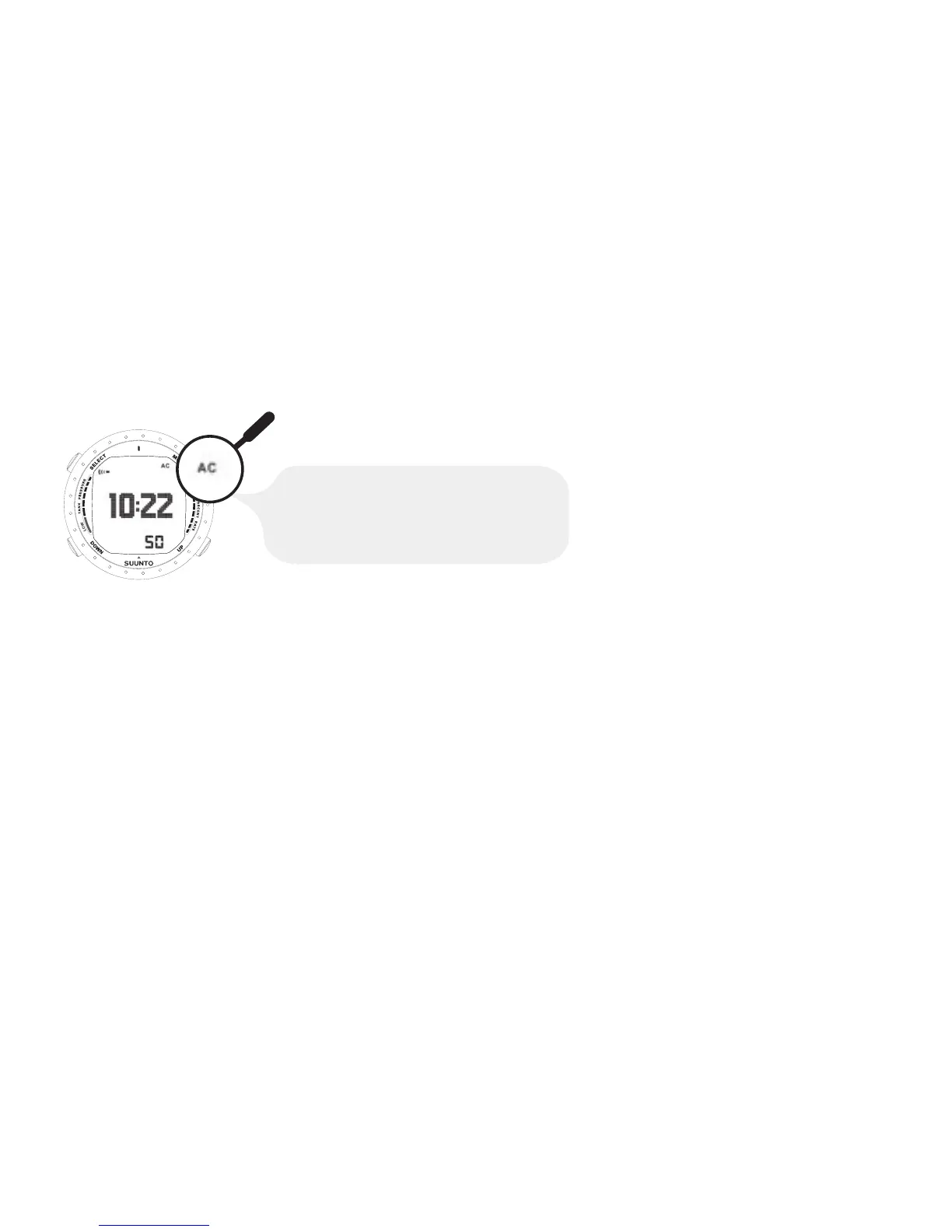
the water contact) by the conductivity of the water and the “AC” symbol appears on
the display. The AC text is shown until the water contact deactivates.
AC APPEARS IN THE TOP RIGHT
CORNER OF THE DISPLAY, WHEN THE DIVE
COMPUTER IS IN CONTACT WITH WATER.
THIS ALSO ACTIVATES THE DIVE MODE.
Contamination or dirt on the water contact may prevent this automatic activation. It is
therefore important that the water contact is kept clean. The contact can be cleaned
with fresh water and a soft brush, for example a tooth brush.
26



 To Next Page