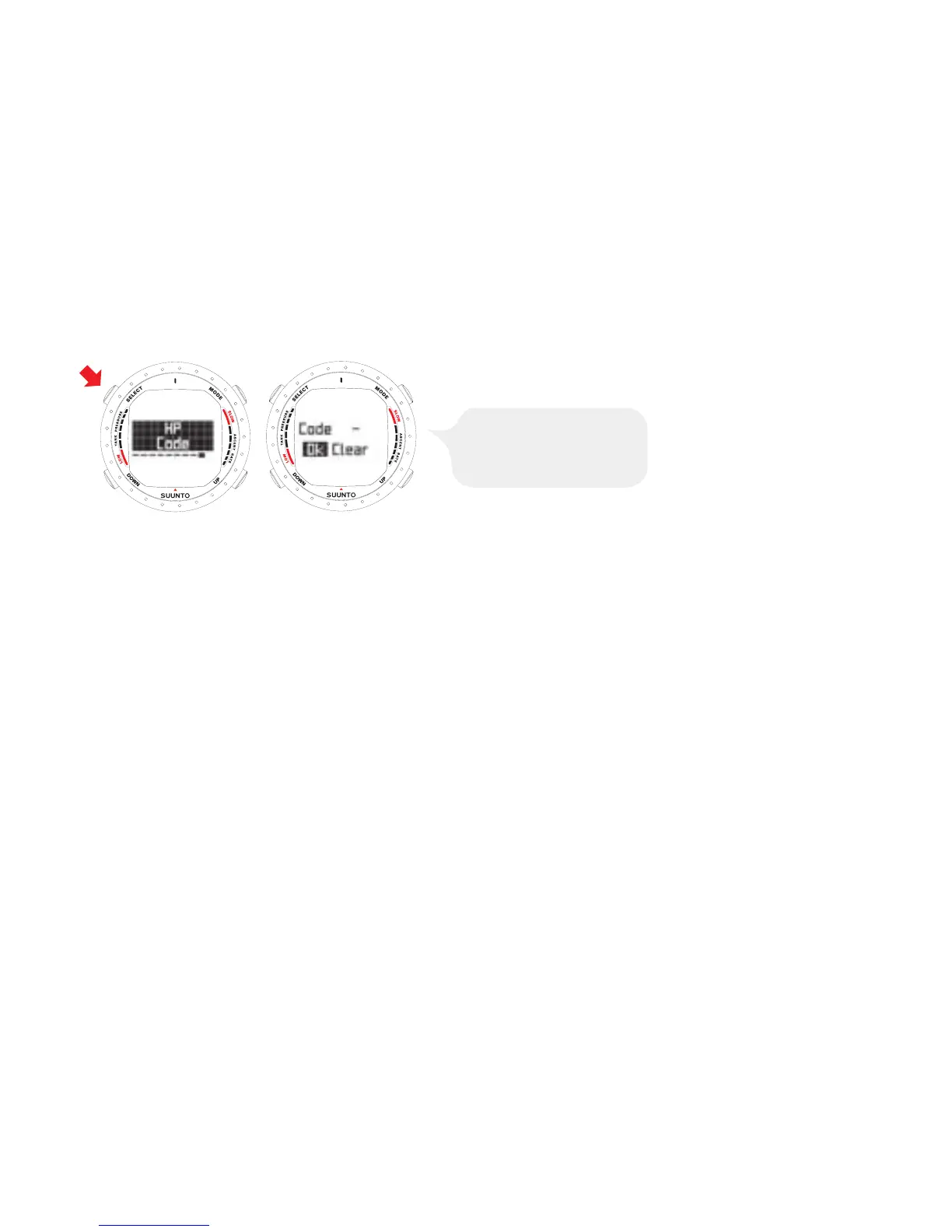
5.9.10. HP code
The HP Code setting allows you to verify the selected code and to erase the stored
code. It also enables re-pairing if necessary.
5.10. Activation and pre-checks
This section describes how to activate the DIVE mode and explains the pre-checks
that it is highly recommended you perform before you get into the water.
5.10.1. Accessing DIVE mode
The Suunto D9 has three diving modes: AIR mode for diving with standard air only,
NITROX mode for diving with oxygen enriched mixtures, and GAUGE mode for use
as a bottom timer and for freediving. The OFF mode disables the DIVE mode, and
allows the TIME mode to be used underwater. The chosen dive mode is displayed
when the DIVE mode is accessed, and you can toggle between the submodes by
pressing the UP/DOWN buttons.
53



 To Next Page