6.4 Setting alarm
You can use your Suunto Essential as an alarm clock.
To access the alarm clock and set the alarm:
1.
In MENU, select TIME-DATE.
2.
Select ALARM.
3. Switch the alarm on or off with [+] and [- Light].
4. Accept with [Mode].
5. Use [+] and [- Light] to set the hours and minutes.
When the alarm is switched on, the alarm symbol
appears on the
display.
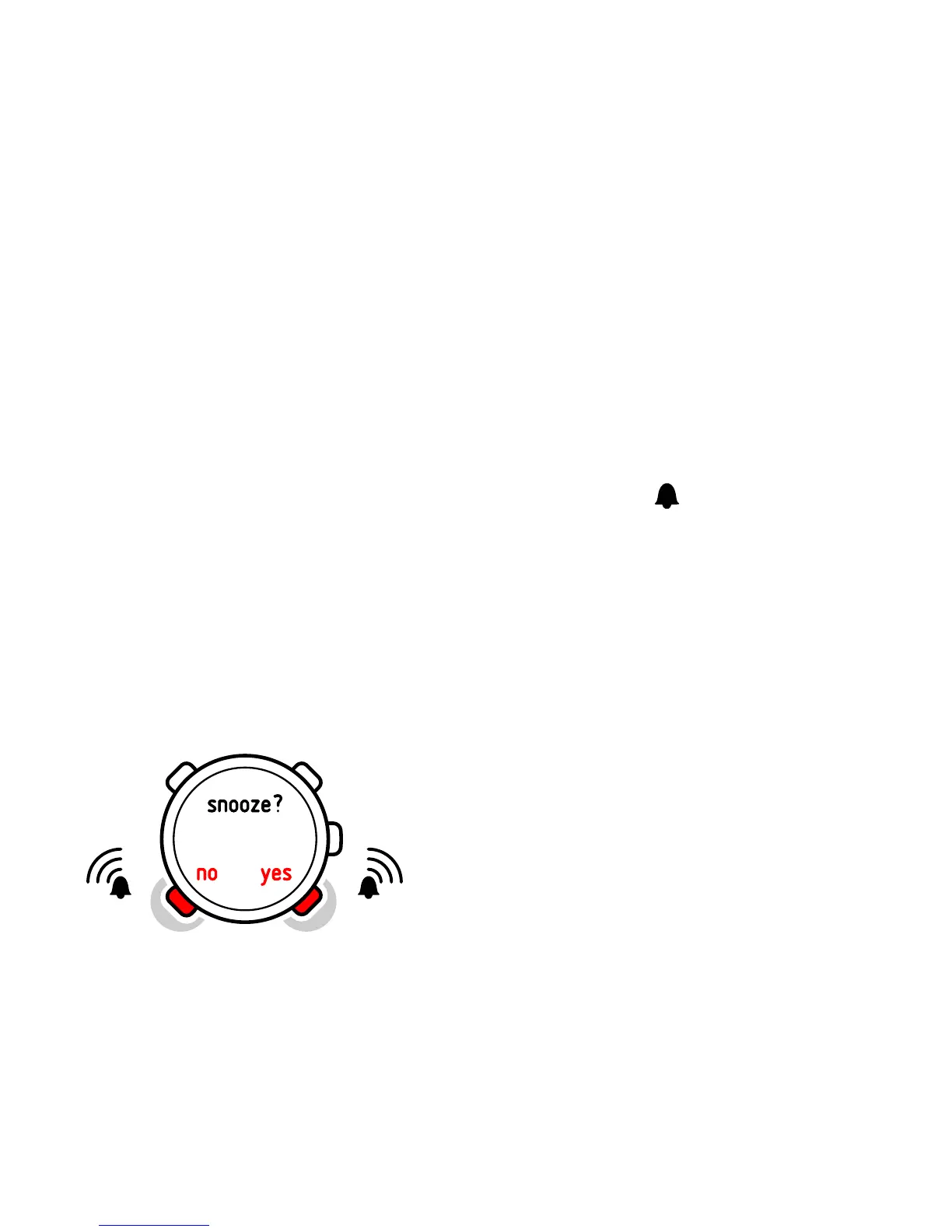
When the alarm sounds, you can either snooze or turn the alarm
off.
If you choose
YES
or do nothing, the alarm stops and restarts every
5 minutes until you stop it. You can snooze up to 12 times for a
total of 1 hour. If you choose
NO
, the alarm stops and restarts the
same time the following day.















 To Next Page