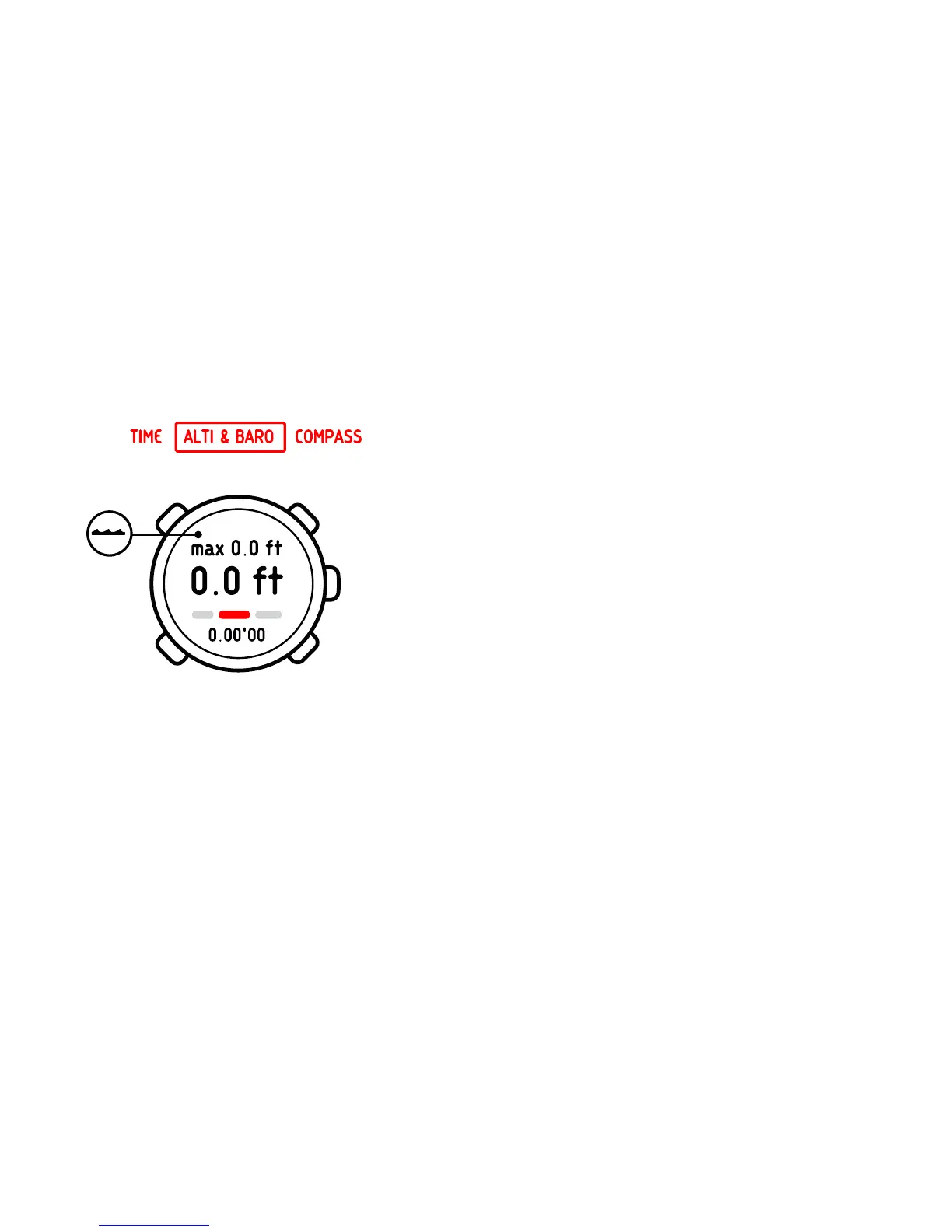
When the DEPTH METER profile is activated, a wave icon appears
on the upper left part of the display.
When the DEPTH METER profile is activated, you can access the
following views with [View]:
•
Log recorder: records your snorkeling dives
•
Temperature: measures the current temperature
•
Time: shows the current time
7.8.1 Recording logs in depth meter profile
The log recorder in the
DEPTH METER
profile works similarly to the
log recorder in the
ALTIMETER
profile, but instead of recording
altitude it records the depth of your snorkeling dives.
To record logs in the
DEPTH METER
profile:
1.
In the
ALTI & BARO
mode, select the log recorder view.
2. Start, stop and restart it with [Start Stop]. Begin a snorkeling
dive.
3. When you return to the surface, reset by holding [+] pressed.
38















 To Next Page