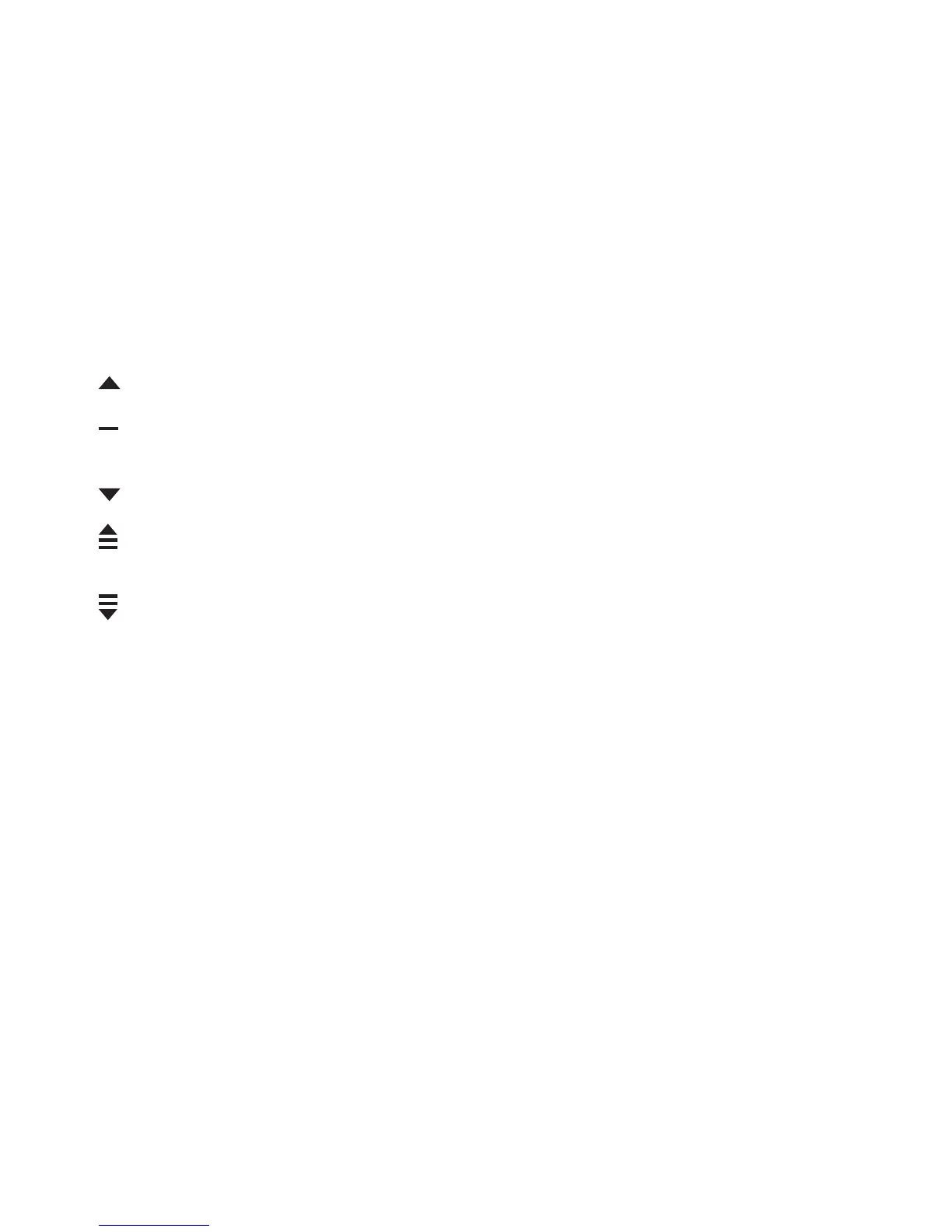
Log height difference: shows the measured altitude difference
between a log starting point and a log finishing point with the
following icons:
In the additional views:
is displayed when your altitude is above the starting point.
is displayed when your altitude is the same as at the starting
point.
is displayed when your altitude is below the starting point.
is displayed when you view how much you have ascended from
the log start.
is displayed when you view how much you have descended
from the log start.
Altitude points are recorded according to the recording interval you
have chosen (see
9.3 Choosing recording interval
).
To change the recording rate:
1.
In
MENU
, select
MEMORY
.
2.
Select
REC INTERVAL
.
3. Change the recording rate with [+] and [- Light].
33















 To Next Page