45
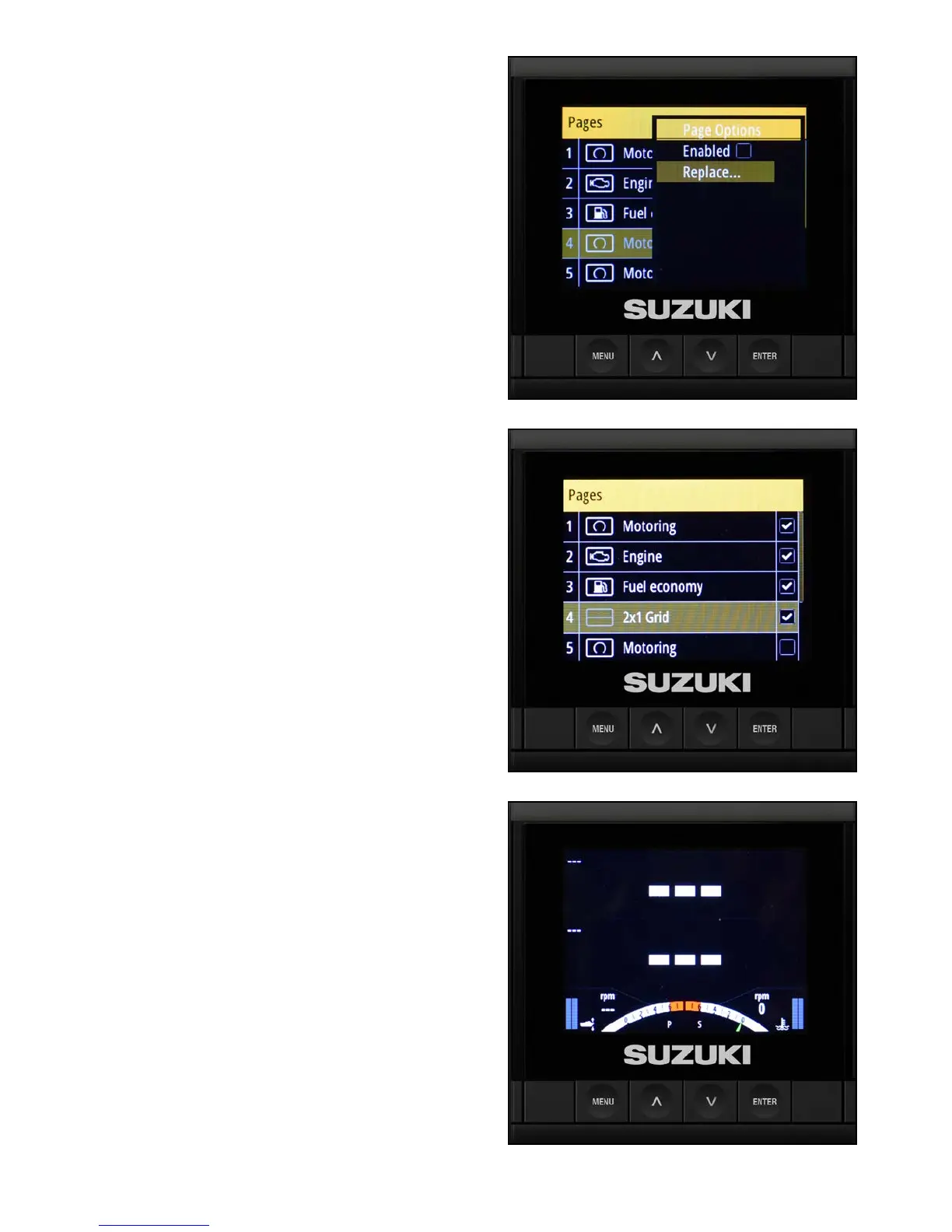
4. Select Replace and press Enter — this
allows you to choose from ten custom page
templates.
NOTE:
Choosing Enabled instead of Replace only permits
you to choose from the three default-style pages
already available in the software.
5. The 2x1 grid page is selected to monitor both
the uid level sensors already congured.
6. When the 2x1 screen appears, press Menu.



 To Next Page