38
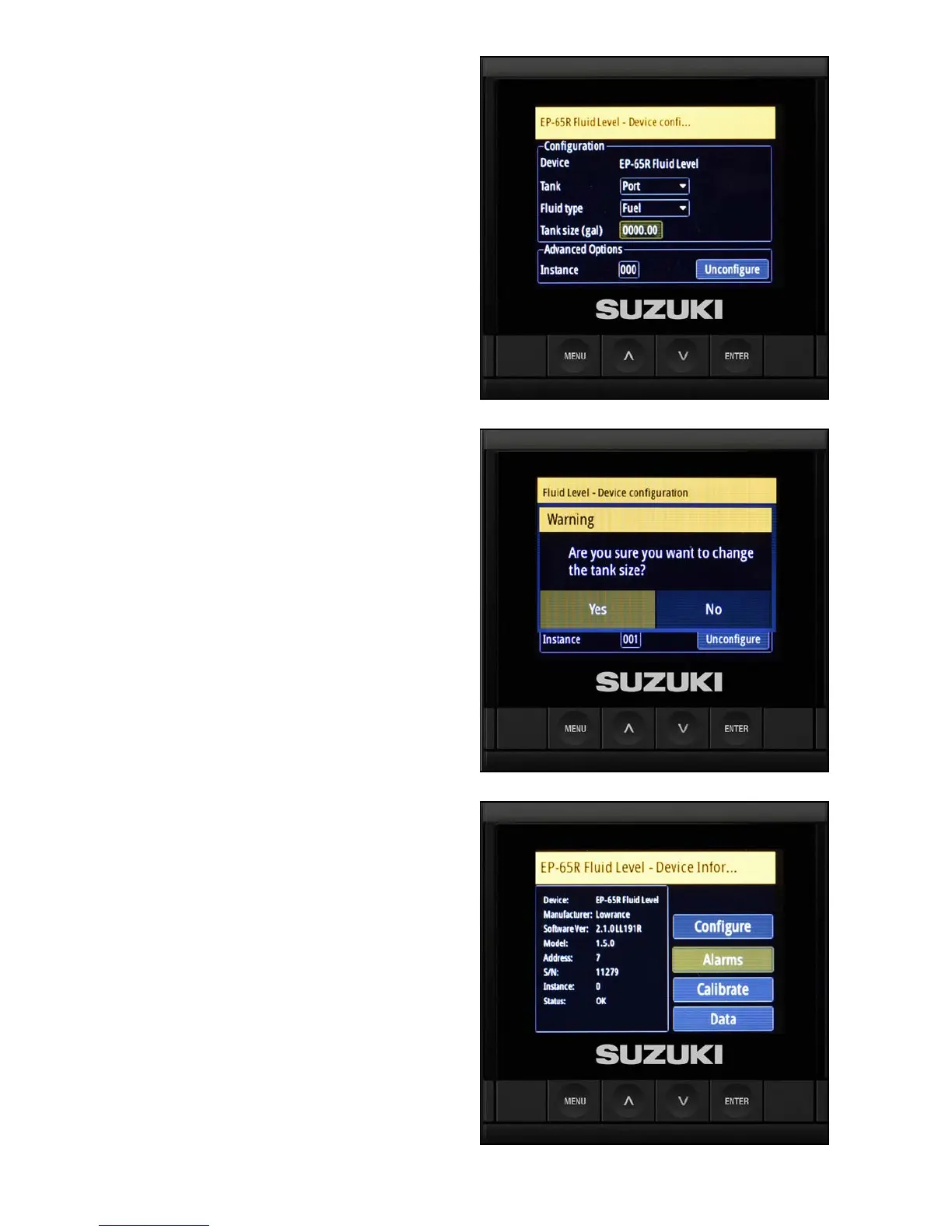
8. Use the arrow buttons to select Tank size
and press Enter.
9. When the box begins ashing, use the arrow
buttons to specify the number of gallons and
press Enter.
10. Select Yes to conrm the tank size.
11. Press Menu to return to the previous screen.
Setting the Alarm
After conguring the uid level sensors, congure
the low fuel alarms. In this example, it is being set
for 20 percent.
1. Select Alarms and press Enter.



 To Next Page