39
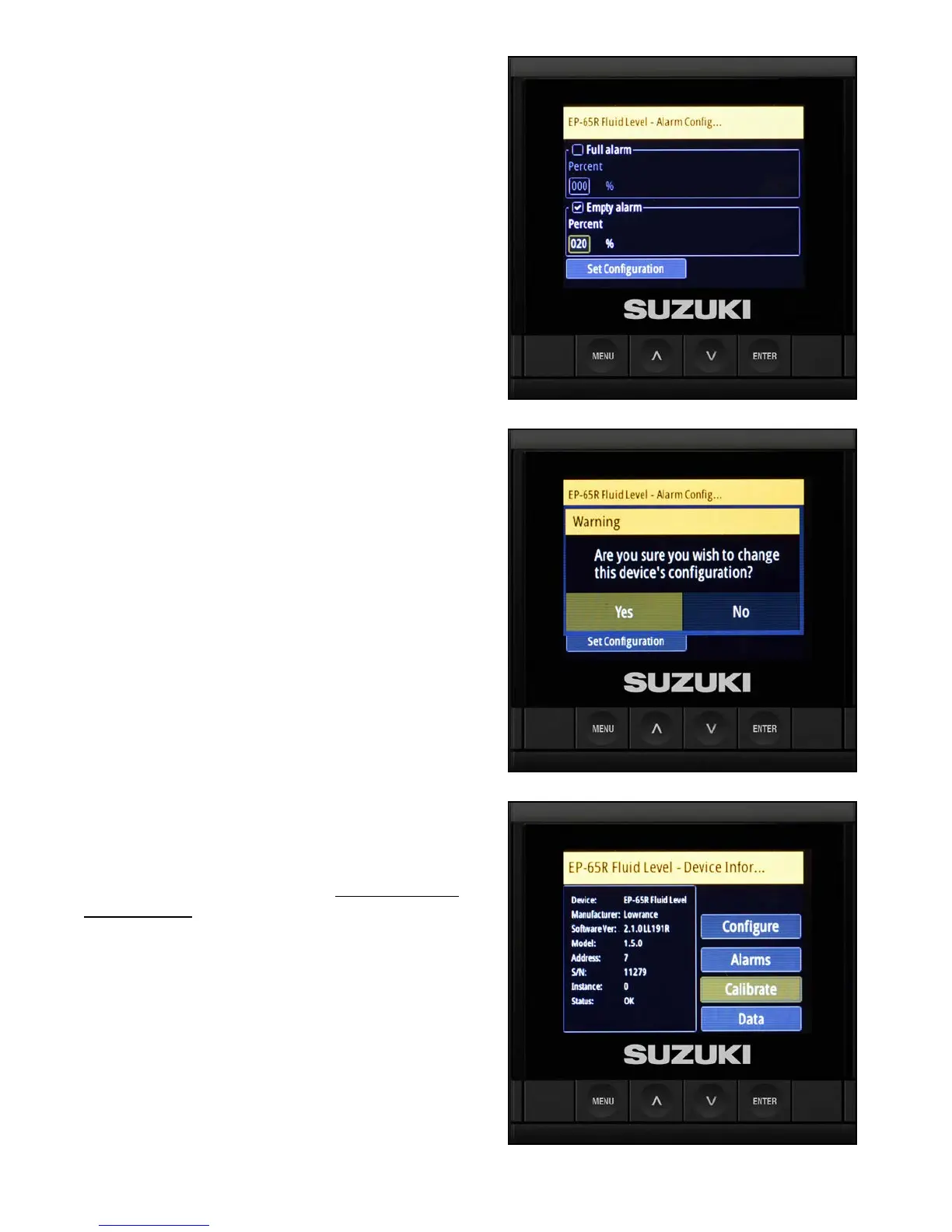
2. Select the Empty alarm box and use the arrow
buttons to set the low fuel alarm percent.
3. A warning screen asks you to conrm the
uid level change conguration — select Yes
and press Enter.
Calibrating the Fuel Level Sensor
After the low fuel warning is set, the calibration fuel
level points need to be set.
NOTE:
Be sure the fuel tanks are empty before you start
this procedure. Later, you will be instructed to ll
the fuel tanks to complete the procedure.
Starting with the starboard tank, use the procedure
below, then repeat the process for the port tank.
1. Select Calibrate and press Enter.



 To Next Page