44
Setting Up a Custom Page
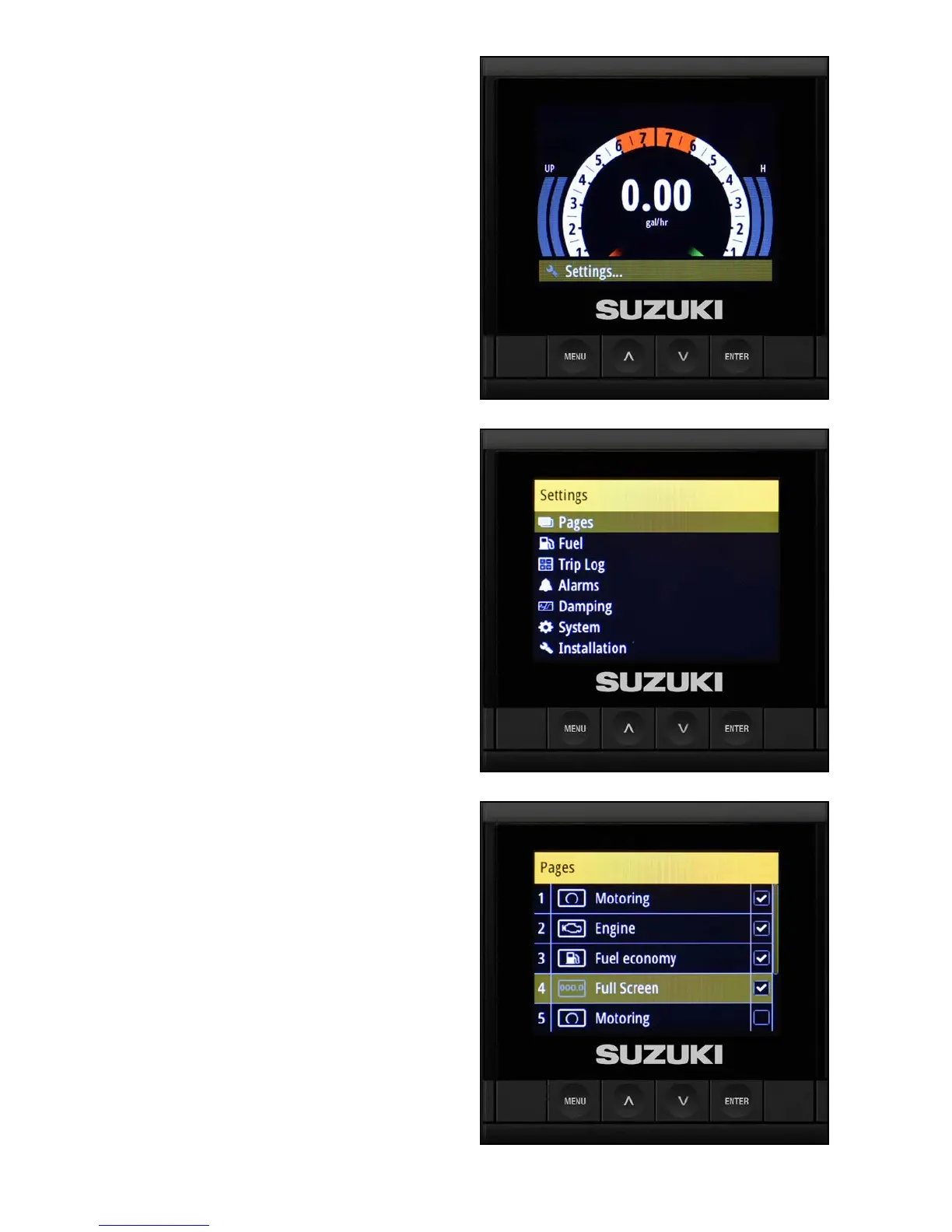
1. From the default screen, press the Menu
button — Settings is highlighted for you —
press Enter to select it.
2. Select Pages and press Enter.
3. Select Box 4.
NOTE:
The boxes for the rst three items in the Pages
screen are checked — these are default pages that
are already set-up and cannot be changed.



 To Next Page