26
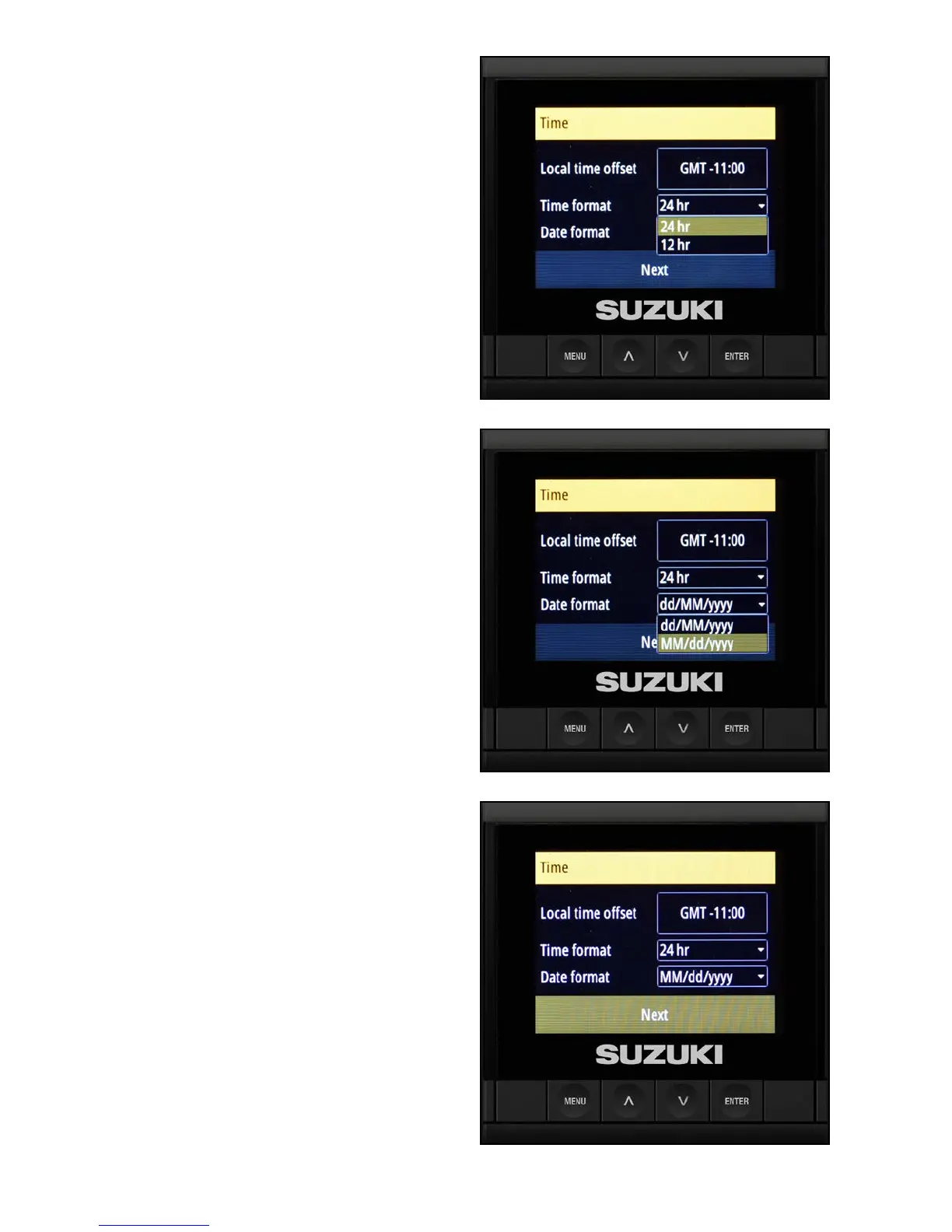
1. To set the time and date manually, use the
arrow buttons to select Time format, then
use the arrow buttons to select the 12-hour or
24-hour time format and press Enter.
2. Use the arrow buttons to select Date format,
then set the date and press Enter.
NOTE:
A GPS antenna must be connected in order for the
date to be accurate.
3. After setting the time and date, conrm the
information is correct, then select Next and
press Enter.



 To Next Page