29
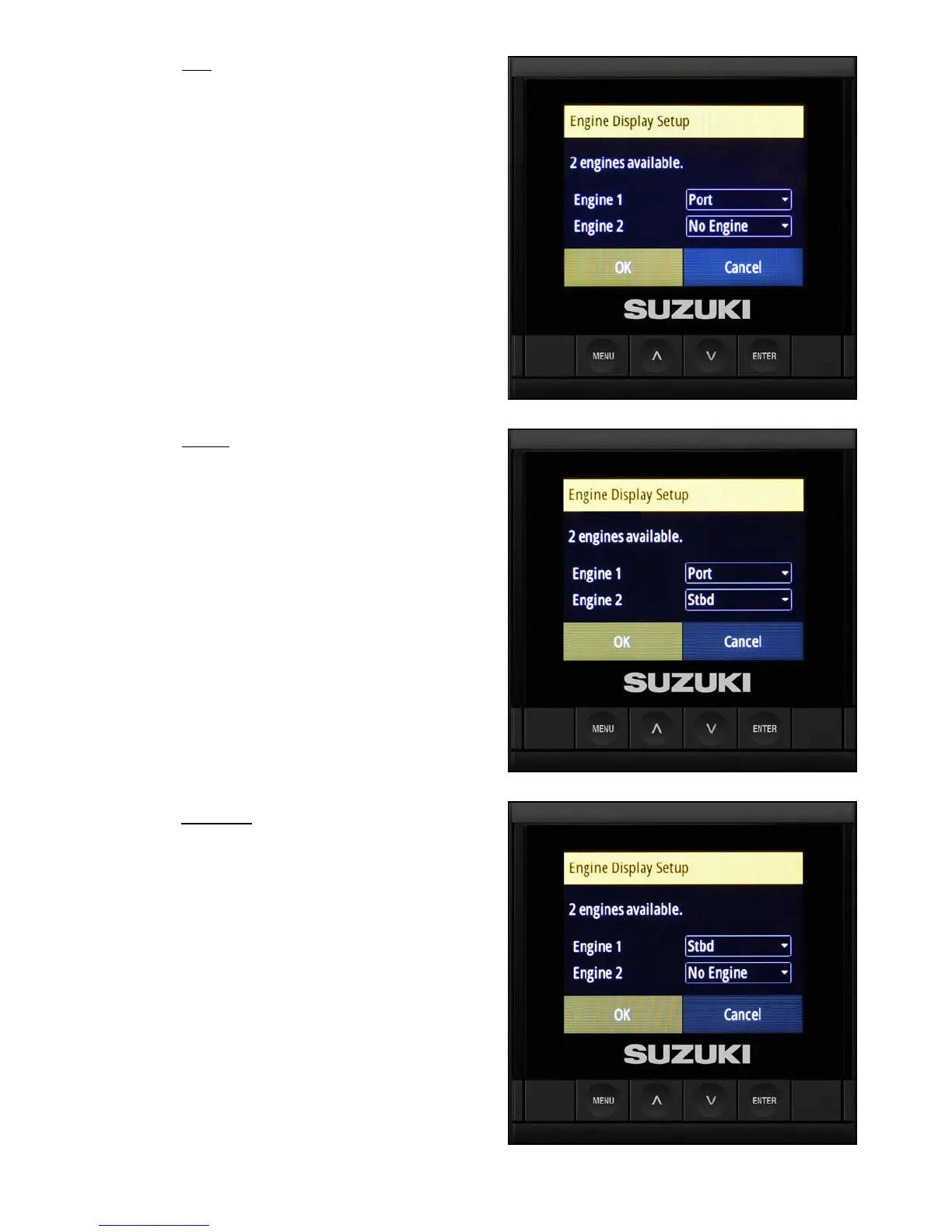
1. On the port C10 Color Display, use the arrow
buttons to change Engine 1 to Port. Leave
Engine 2 as no engine. Then select OK.
2. On the center C10 Color Display, use the
arrow buttons to change Engine 1 to Port,
and use the arrow buttons to set Engine 2 to
Starboard. Then select OK.
3. On the starboard C10 Color Display, use
the arrow buttons to change Engine 1 to
Starboard and leave Engine 2 as no engine.
Then select OK.



 To Next Page