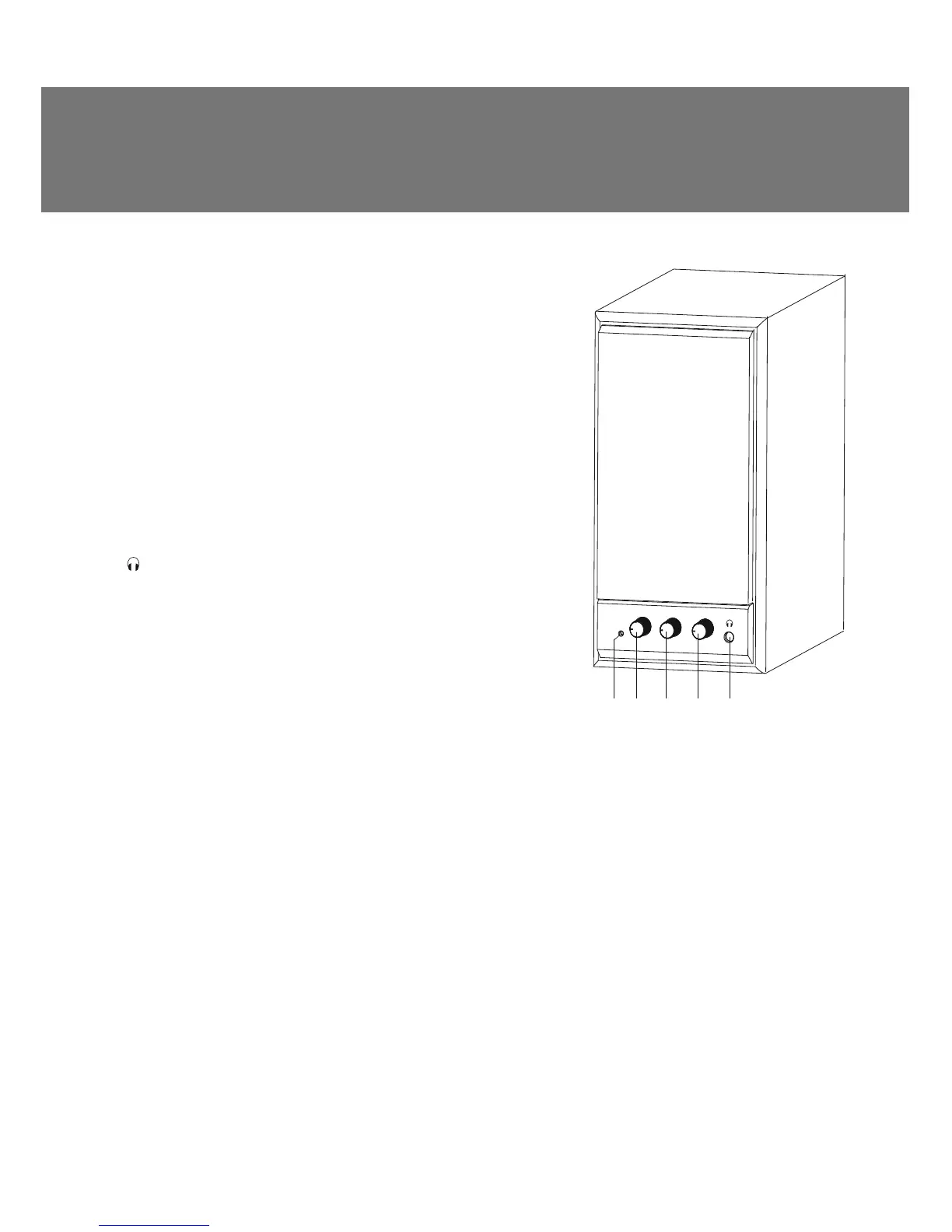
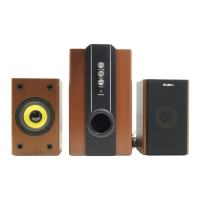
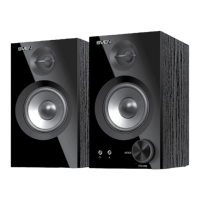
ab c d e
TREBLE
BASS
VOLUME
Special features
• Built-in transformer power supply
• Volume, treble and bass control
• Control knobs on front panel of the active speaker
• Speaker system is compatible with PCs, DVD/Media-players,
mobile devices and other sound sources
• Headphone jack
• Power LED
• Magnetic shielding
• MDF speaker cabinets
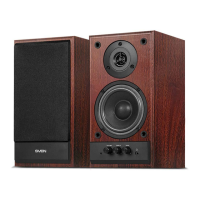
Active speaker front panel
a Power LED
b VOLUME: master volume control knob
c TREBLE: treble control knob
d BASS: bass control knob
e : headphone jack
5. PREPARATION AND OPERATION
Speaker placement
• Place the speakers symmetrically to the listener at least
one meter away.
• Since the speaker system has a rear-ԛring bass reԜex
port, place it at the distance of 20-30 cm from a wall or
any other obstacle.
• Place MSS far away from monitors and TV sets, as
insigniԛcant image distortion in these supersensitive
devices is possible.
MSS Connecting
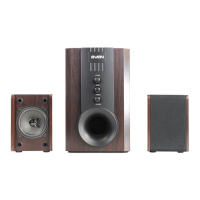
SPS-702 Multimedia Speaker System (MSS) can be connected to virtually any audio source (see
connection diagram in Fig. 2).
• Before making any connections, make sure that the MSS is unplugged.
• Then connect the speakers to each other via the audio cable built into the passive speaker (see
the connection diagram, as shown in Fig. 2).
• Plug the RCA connectors of the included 2RCA to 3.5 mm mini-jack stereo signal cable into the
INPUT R/L jacks of the MSS, and connect the mini-jack of the signal cable to the output jack of your
PC sound card or to the audio output (Ø 3.5 mm jack) of any other sound source, as shown in Fig. 2.
Note. To connect the MSS to a CD/DVD/MP3 player or TV, use a 2RCA to 3.5 mm mini-jack
stereo signal cable (included) with a mini-jack to 2RCA adapter (not included), as shown in
Fig. 2 or use a 2RCA to 2RCA stereo signal cable (not included).
• Insert the power cord plug built in active speaker into the mains outlet, as shown above.
• Adjust the volume knob to the minimum b, set the POWER switch on the rear panel of the active
speaker into the ON position, and the power LED a will illuminate. Then turn on your audio source.
Fig. 1. Active speaker
front panel
ENG
3
Operation Manual
sPS-702


 To Next Page