ENG
4
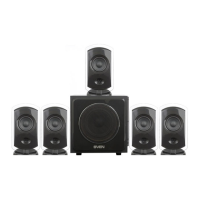
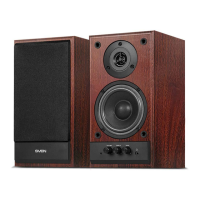
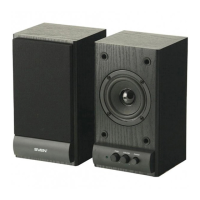
2.1 Multimedia Speaker System
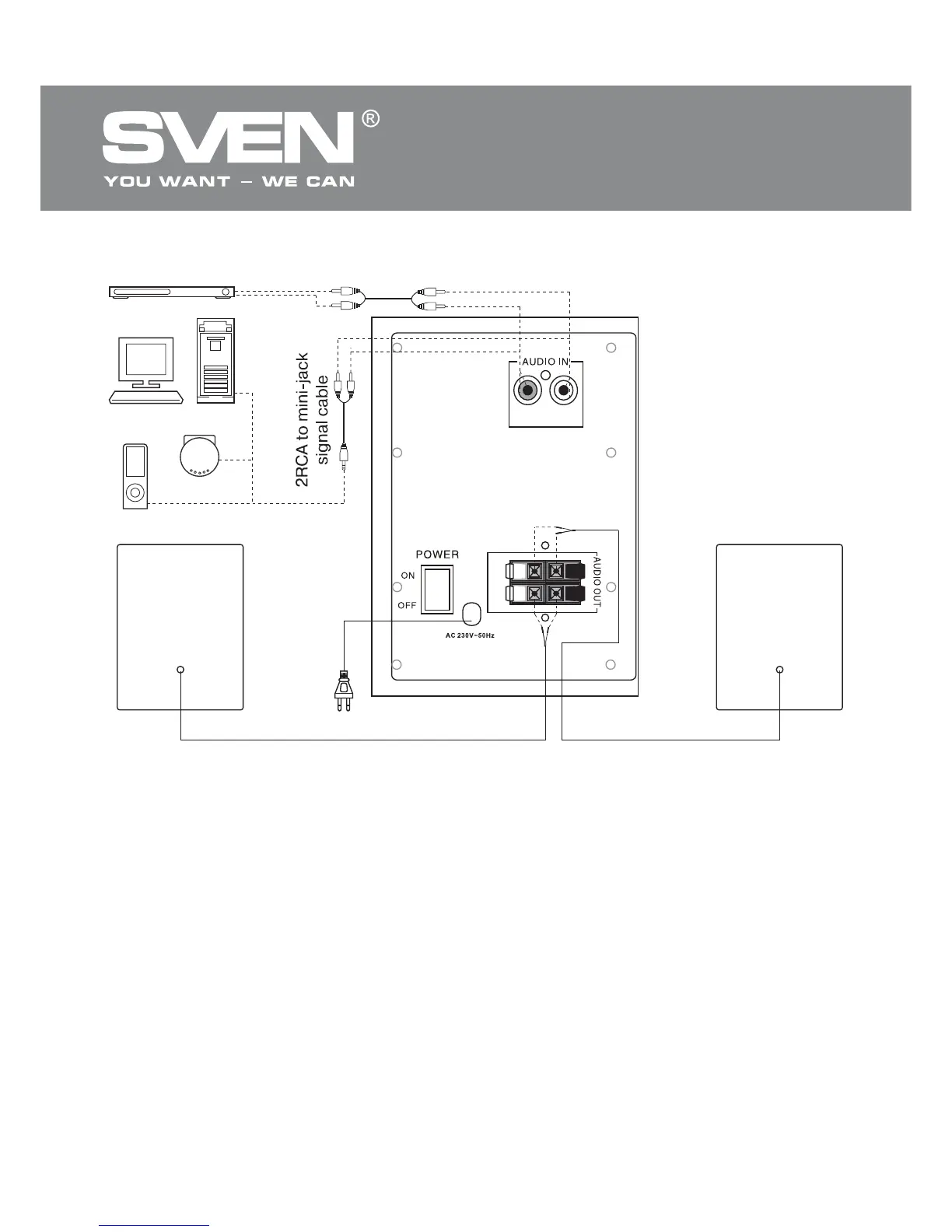
Fig. 3. Connection diagram
RL
I
O
L
R
Subwoofer
Аadio cable
Аudio cable
Right
speaker
Left
speaker
CD
PC
DVD
Player
2RCA to mini-jack
signal cable
• Plug the power cord ion the rear panel of the subwoofer into an outlet.
• Set the master volume to minimum, turn VOLUME a counter-clockwise until it stops.
• Turn the power switch POWER g into position ON on the rear panel of the subwoofer. Power LED
d will illuminate.
• Turn on your audio source.
• To adjust the master volume, turn VOLUME a. By turning the knob clockwise volume level
increases, while by turning counter-clockwise it is reduced.
• To adjust the bass level, turn BASS b. By turning the knob clockwise the bass level increases,
while by turning counter-clockwise it is reduced.
• Adjust the timbre knob TONE c.
Notes:
• If you are a long time do not use MSS, make sure the device is turned off, chit POWER
switch and unplug the power cord.
• Use the soundcard Line&Out port to improve sound quality.



 To Next Page