SUBWOOFER CONTROL OPTIONS
Your SVS PB-3000 Subwoofer can be controlled from the new SVS Mobile App, an included IR
Remote Control or via the front panel for unprecedented exibility when optimizing performance
for room layout, speakers, system set-up and more.
SVS Bluetooth App
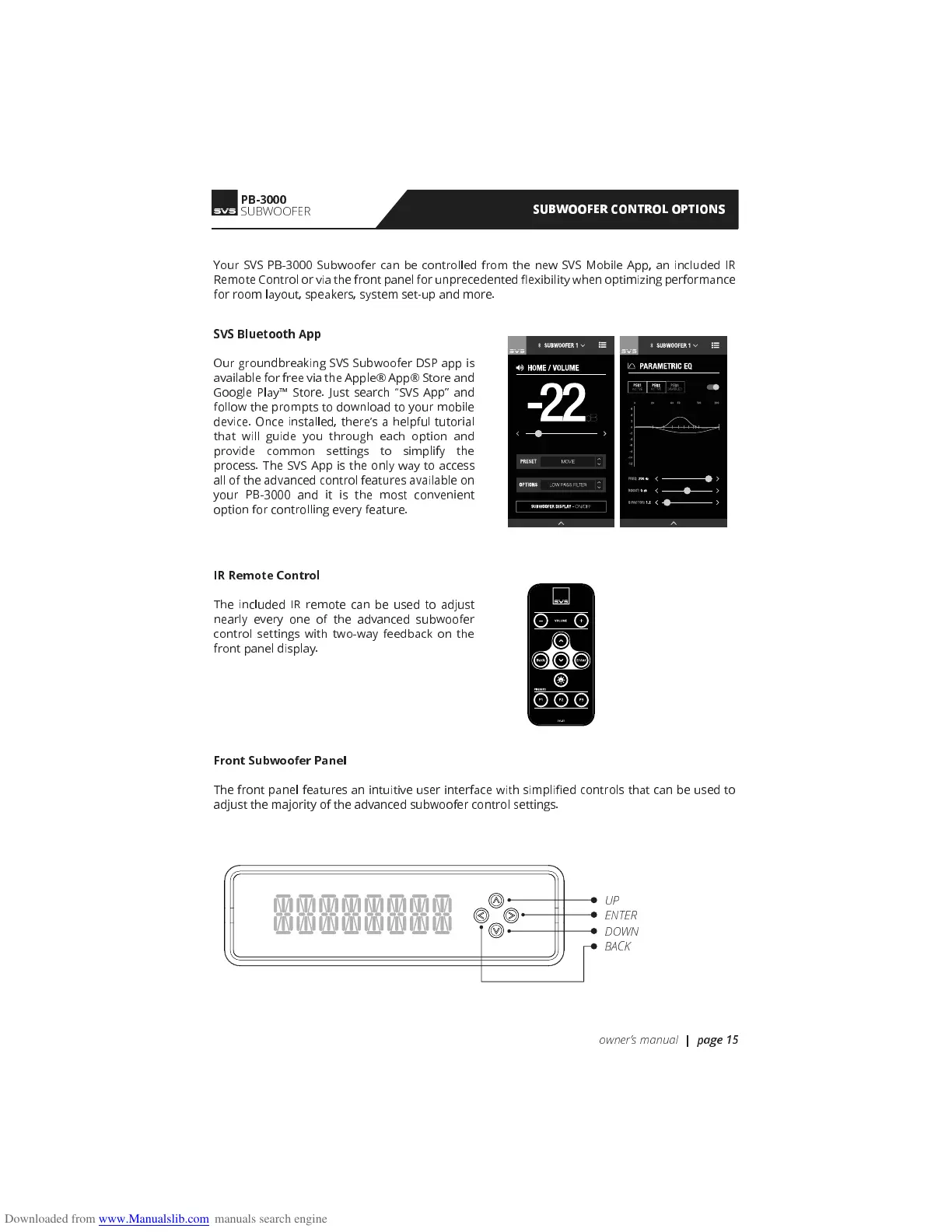
Our groundbreaking SVS Subwoofer DSP app is
available for free via the Apple® App® Store and
Google Play Store. Just search “SVS App” and
follow the prompts to download to your mobile
device. Once installed, there’s a helpful tutorial
that will guide you through each option and
provide common settings to simplify the
process. The SVS App is the only way to access
all of the advanced control features available on
your PB-3000 and it is the most convenient
option for controlling every feature.
IR Remote Control
The included IR remote can be used to adjust
nearly every one of the advanced subwoofer
control settings with two-way feedback on the
front panel display.
Front Subwoofer Panel
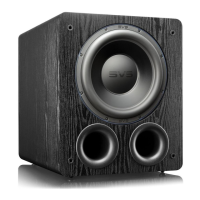
The front panel features an intuitive user interface with simpli ed controls that can be used to
adjust the majority of the advanced subwoofer control settings.
ENTER
UP
DOWN
BACK
PB-3000
SUBWOOFER
owners manual
| page 15


 To Next Page