11
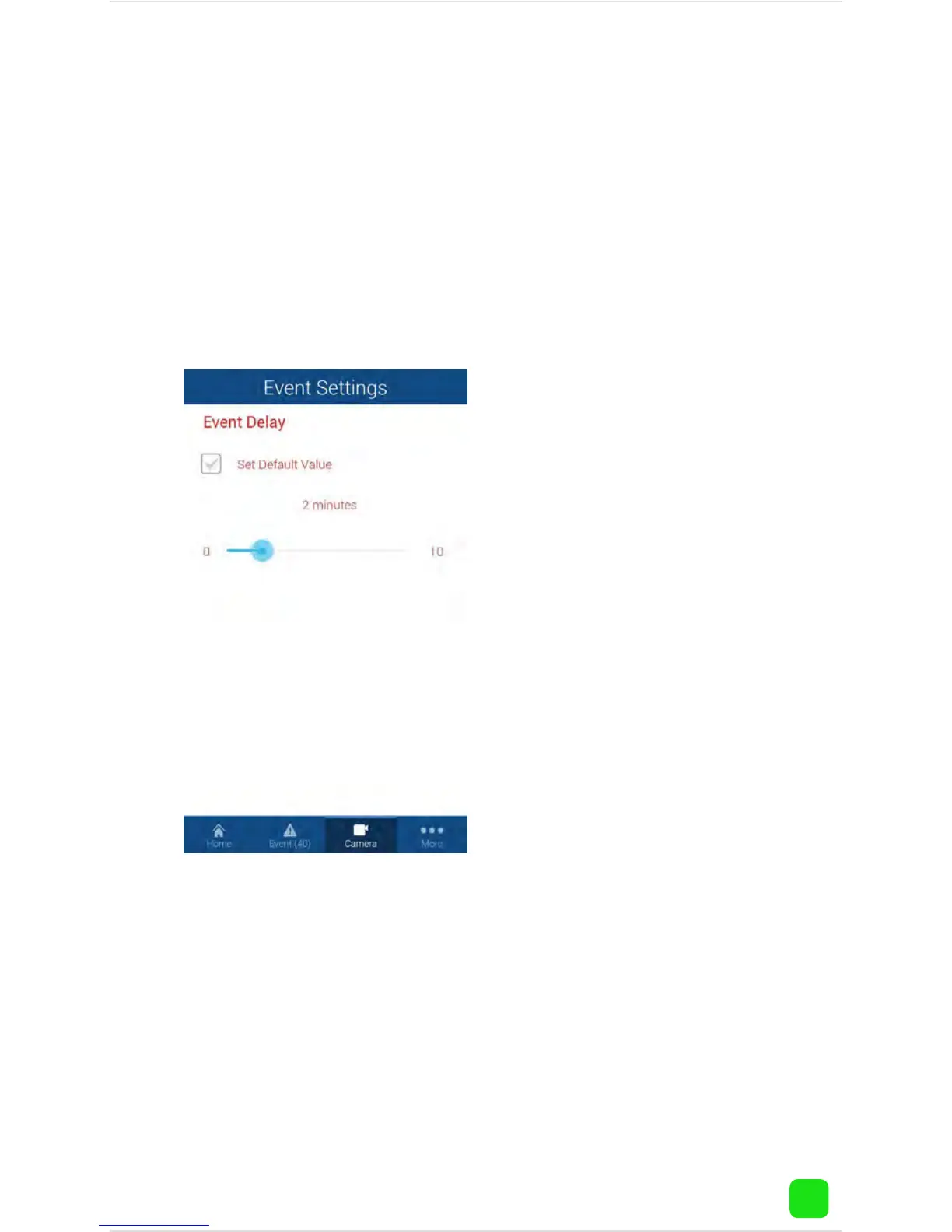
Camera Settings: Event Delay
Tap “Camera”, tap the name of your camera, tap the
camera settings button. To adjust the delay time be-
tween events, tap “Video Analytics Settings” then
“Event Delay”.
This will adjust the delay
time between events.
Adjust it according to
your needs.
Tap the return button on
your mobile device or
tap “Home” to exit.



 To Next Page