14
Intrusion Detection - Intrusion detection is really
useful if you want the camera to detect movement
in a particular direction. For example, if an object is
moving from left to right, you would select “Right” as
the intrusion direction within the app.
Motion Detection - Select motion detection if you want
the camera to detect any type of motion within the
camera’s viewpoint. You can also notify the camera
to detect motion in a particular area of its view, a
window or door for example.
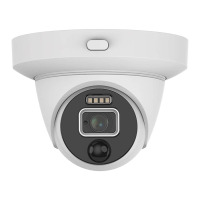
PIR Detection - This detection method utilizes the PIR
sensor that is located at the front of the camera. PIR
technology can measure infrared light radiating from
an object; therefore selecting this will ensure you
won’t get false events recorded. Please note; the PIR
sensor has a shorter range of detection, therefore it
is mainly used to record movement that is closer to
the camera’s view. It is recommended to enable this
if you have selected motion detection.
Facial Detection - Facial detection technology
determines the location and size of a human face.
It detects facial features and ignores anything else
such as buildings, trees and other objects. This is
recommended if you are monitoring the front entrance
to your house or garage.
Which event type(s) should I be
using?



 To Previous Page