ENglISH VErSIoN
9
Advanced setup
AdvancedsetupcanbedonewhenyouknowexactlywhichsettingsyourISPrequiresorwhenthesimplesetupfails.
Thereare6possibleconfigurations.Wehavelistedthemwithinstructionsonhowtoconfigurethem.Toknowwhichsettingmatchesthesettings
requiredbyyourISP,lookatthelistofprovidersfurtheroninthismanual.ThelistismadeoutofISP’sandtheircorrespondingservices.Behindeach
serviceislistedtherequiredsetting.
Note:Ifanyofthesettingsbelowdonotworkimmediately,itisrecommendedtopowerdownyourmodem,waitafewminutesandthenconnect
thepowertoyourmodemagain.
Logging in to the router:
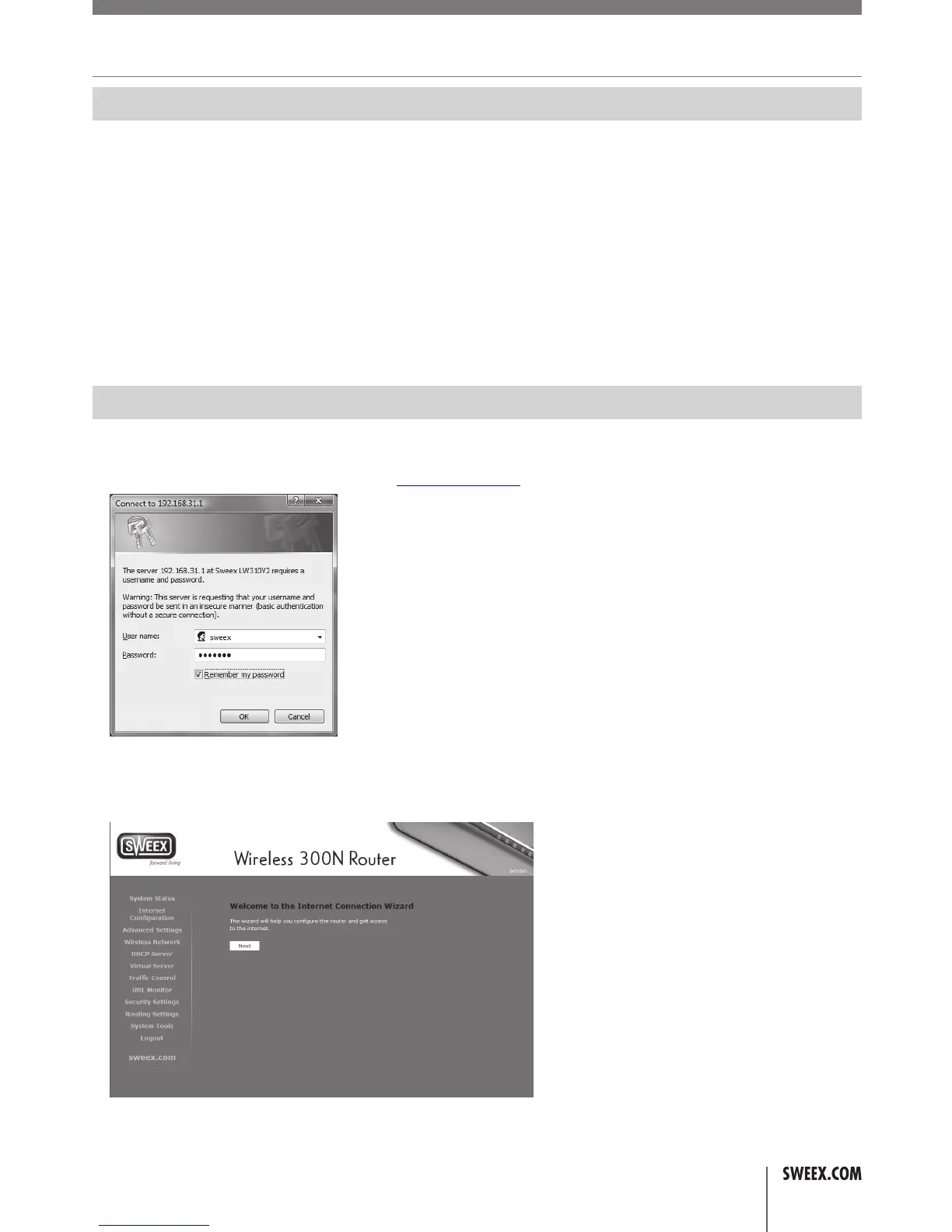
Foradvancedsetup,itisrequiredthatyoulogintotheroutertomanuallyconfigureitcorrectlyforyourinternetconnection.Tologintotherouter,
startInternetExplorer,emptytheaddressbarandenter:http://192.168.31.1/,thenpressEnter.Thefollowingwindowshouldappear:
Enter“sweex”asusernameand“mysweex”aspassword,thenclickOK.Ifyouareunabletologin,pleaserefertothetroubleshootingsectionof
thismanual.Thefollowingscreenshouldappear.Clicknexttostarttheadvancedsetup.Ifyouseeadifferentscreen,click“InternetConfiguration”
inthemenuontheleft:
YoushouldseetheInternetConfigurationWizardscreen:
LW310V2_Manual_01.indd 9 03-11-09 13:32



 To Next Page