15
Fill out all fields as required by your ISP and then choose “Finish”.
During all selections you will have an option to configure the “Basic” wireless settings of the router.
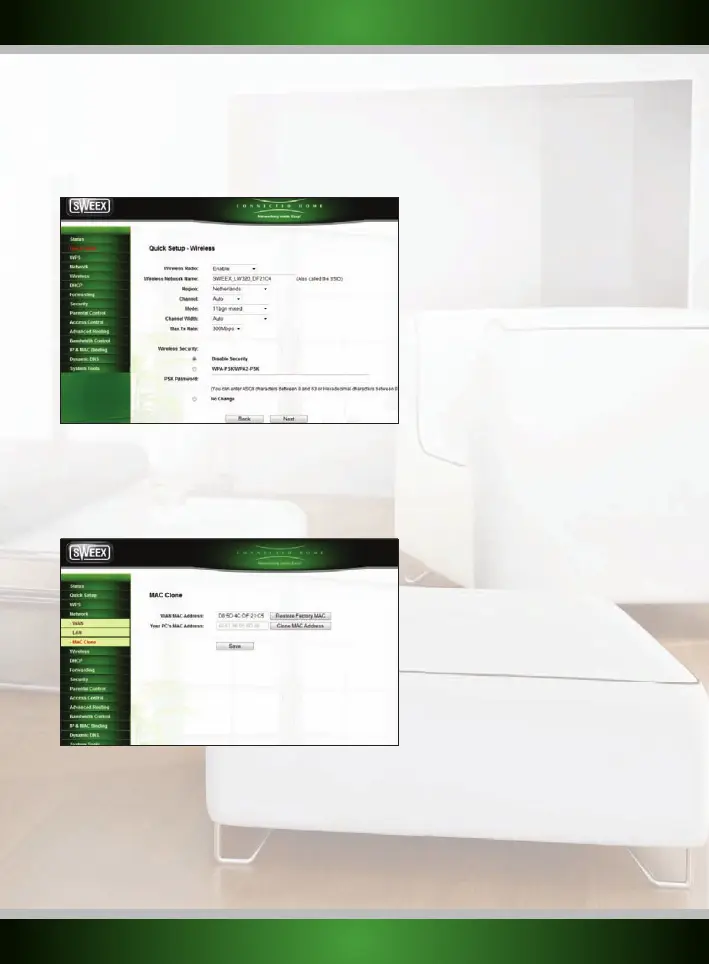
The following screen is presented during each choice:
Fill all fields in as desired. Please view the “Wireless network configuration” section for more information about the options presented.
Some ISPs requires the MAC address to be cloned, this can be done in the “WAN” settings, please choose the option “MAC Clone”
When choosing the “MAC Clone” option the following screen will be presented:
Choose the option “Clone MAC Address” to clone your MAC address.
Note: Cloning your MAC address must be done from the computer that was originally connected to your modem, and this computer must be
connected to your router by network cable. MAC address cloning normally does not work over wireless connections.
English version



 To Next Page