©2018 SwellPro All Rights Reserved
44
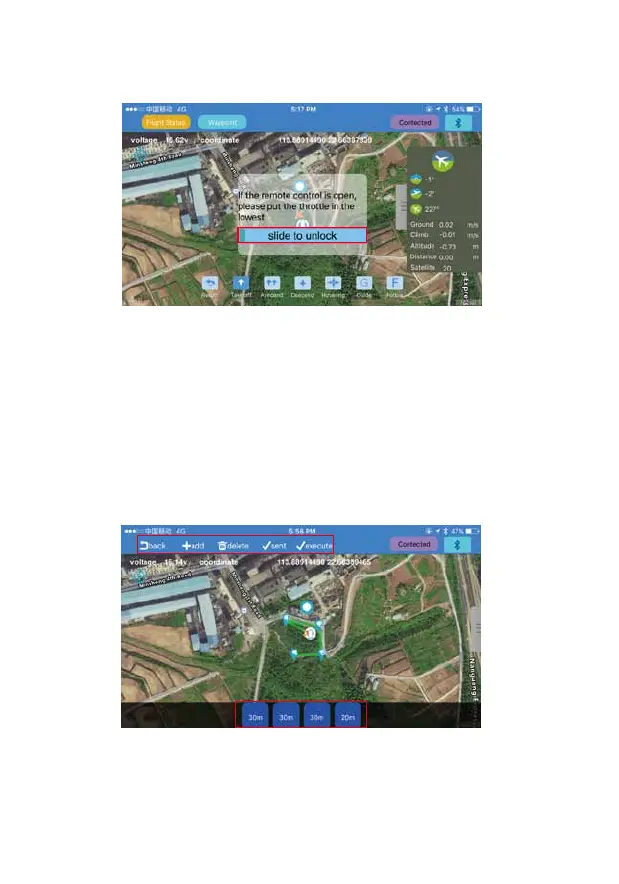
5. The APP allows you to start flying the drone, land, ascend, hover, return home, flight path
setting, follow me and point to fly.
6. Flight path setting:
a). click “+”, click the map to set the flight point, you will see all the selected flight points on
the bottom of the screen. You can delete them.
4. Once you have a minimum of 9 GPS satellites, you can unlock the drone and start flying
with controller, or use the APP to unlock the motors and start flying.














 To Next Page