9. Starting up
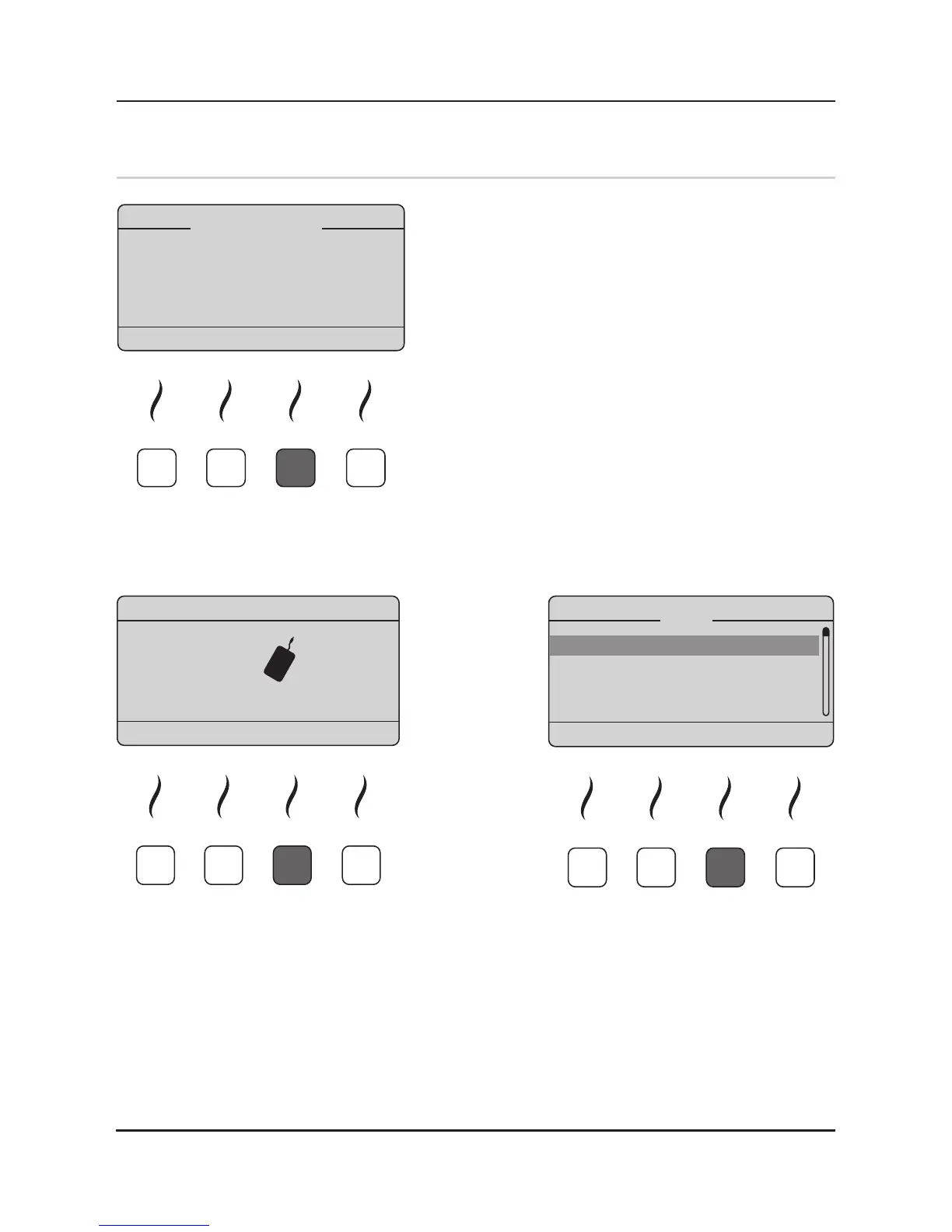
Aer you have installed the iMRS system and connec-
ted it to the electrical outlet, switch the device on by
pressing the ON / OFF key (4) on the membrane key-
board. Aer the switching on process the iMRS-logo
appears together with a short melody, followed by the
informaon of the legally required contraindicaons.
Please conrm by pressing the sokey below „ENTER“.
The iMRS is now retrieving the SD Card informaon
and displays the available opons as well as the serial
number of the control unit. Aer the successful boot
process, the main display of the iMRS changes to the
start menu and is ready to use.
9.1 Basic Settings:
Using the sokey below „SETUP“ you get to the main sengs of the iMRS. Please be aware, that
you must adjust several basic sengs before using the iMRS for the rst me. Pls choose your
language (English, German, French) as well as the basic volume of the build-in speaker for the
signal melodies and possible failure alerts. The seng of the digital clock is mandatory for the
automac adjustment of the build-in organ clock.


 To Next Page