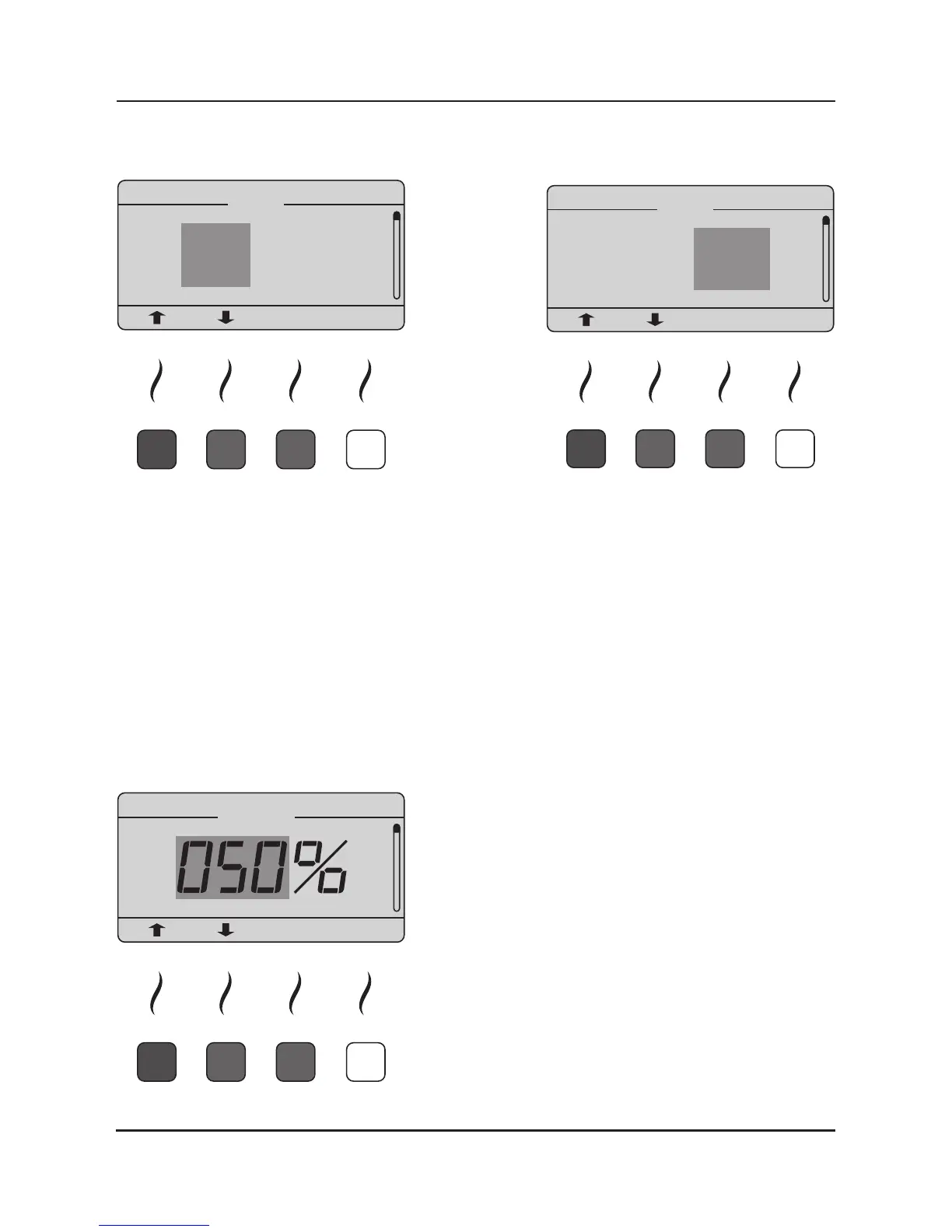
9.1.1. Clock:
By using the arrow-up and arrow-down buons you can adjust the hours and aer pressing the
so key below „ENTER“ you can adjust the minutes. All numbers are shown in military me.
Aer you nished seng the clock please conrm with the so key below „ENTER“ and leave
the menu by pressing the so key below „ESC“.
Pls note: If the iMRS is not connected to an electrical outlet, a build-in high performance conden-
sor maintains the build-in clock up to 3 months. An addional memory baery is not necessary.
If the iMRS is not connected to an electrical outlet for more than 3 months, you must adjust the
clock again manually. The iMRS must hereby be connected to an electrical outlet
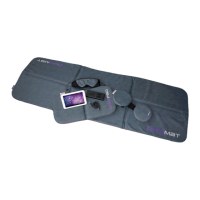
9.1.2. Volume:
he volume of the build-in speaker (melodies and failure
alerts) can be adjusted from 0% - 100% in 1% steps. By
using the arrow-up and arrow-down buons you can
adjust the volume, by remaining on the arrow-up and
arrow-down buons the volume automacally counts
up or down. Pls choose a suitable volume according
to our personal preference, conrm with the so key
below „ENTER“ and leave the menu by pressing the
so key below „ESC“.


 To Next Page