Aer conrmaon you will be automacally guided to the next organ clock. Once you pre-pro-
grammed all 4 organ clocks for one applicator, you will be automacally guided to the next
applicator. Please repeat the sengs as described above. Once you preprogrammed all 2 (iMRS
wellt) or 3 (iMRS complete and iMRS professional) applicators, please conrm by pressing the
so key below „YES“. The sengs are now stored in the internal memory unit of the iMRS.
9.2.2. Recall the storage:
Aer the inial boot of the iMRS please select the applicator (5), choose the designated user P1,
P2 or P3 (11) on the membrane keyboard and start the applicaon by pressing the start/stop
buon (9). The iMRS now uses the presengs out of the internal memory unit.
9.3. Starting an application:
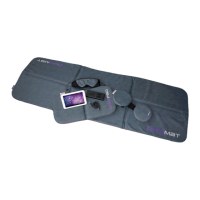
Aer the successful inial boot of the iMRS please choose the designated applicator (applicator
mat, applicator cushion, applicator probe (iMRS complete/iMRS professional)) by pressing the
buon (5) on the membrane keyboard.
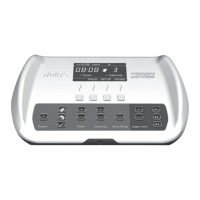
By pressing the +/- buons (6) on the membrane keyboard you can choose the applicaon dura-
on, 8, 16 or 24 minutes. The iMRS professional can be individually adjusted between 2 and 60
minutes in one minute steps.
By pressing the +/- buons (8) on the membrane keyboard you can choose the intensiy (ux
density) of the applied pulsed electromagnec eld. The intensies are divided in 7 steps, sen-
sive, 10, 25, 50, 100, 150, 200 (iMRS wellt) or in 8 steps, sensive, 10, 25, 50, 100, 150, 200,
400 (iMRS complete, iMRS professional).
Start the applicaon by pressing the start/stop buon (9). The iMRS iniates the beginning of
the applicaon with a short melody. The main display level (25) shows the remaining me of the
applicaon, the selected applicator and the selected intensity. The informaon of the magnec
eld polarity (N= North, S=South) (21) and the automacally selected organ clock (20) will be
displayed within the info level (24).
A short melody signalizes the end of the applicaon. Aer the applicaon period has nished the
iMRS automacally switches into stand-by mode. Aer remaining in stand-by mode for approx.
2-4 minutes, the iMRS switches o automacally. IMPORTANT: The system cannot be switched
o manually!


 To Next Page