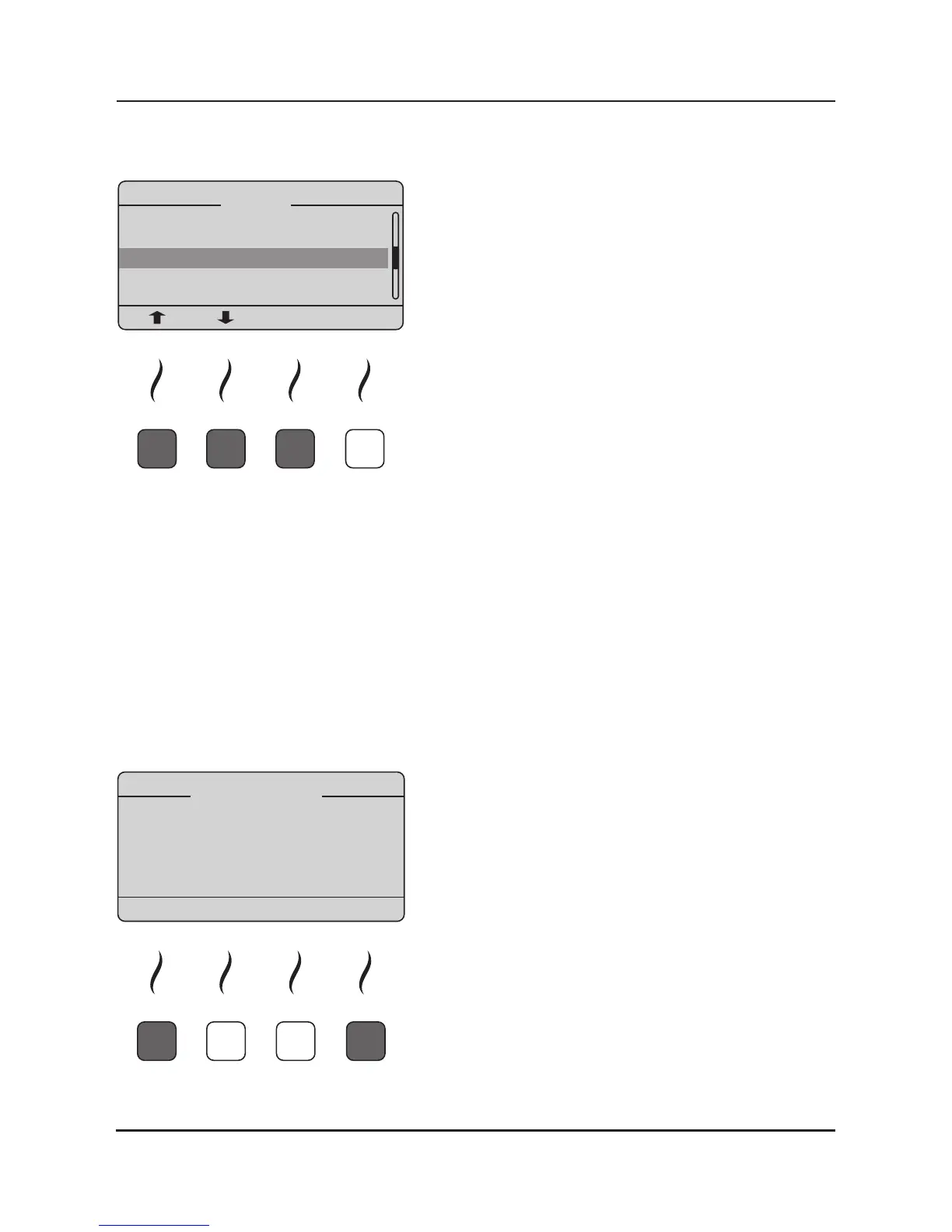
9.1.3. Language:
By using the arrow-up and arrow-down buons you
can choose the desired language (English, German,
French). Aer choosing the language please conrm
with the so key below „ENTER“ and leave the menu
by pressing the so key below „ESC“.
9.1.4. Contraindications:
By using the arrow-up and arrow-down buons you can enable or disable the noce of the
legally required contraindicaons during the inial boot process of the iMRS. Aer choosing
your opon (ON or OFF) please conrm with the so key below „ENTER“ and leave the menu by
pressing the so key below „ESC“.
9.1.5. iMRS Options:
Here you can check your SD Card opons and the serial number of the control unit (The serial
number is a necessary informaon in order to upgrade your iMRS with addional opons).
9.1.6. Factory Settings:
By pressing the so key below „YES“, the iMRS will be
restored to factory sengs. A reboot of the iMRS will
be iniated, the basic sengs of the iMRS (Language,
Clock, preprogrammed sengs P1, P2 and P3) need
to be congured again. By pressing the so key below
„ESC“ you can cancel the process.
BE AWARE: All stored sengs will be lost!


 To Next Page