4
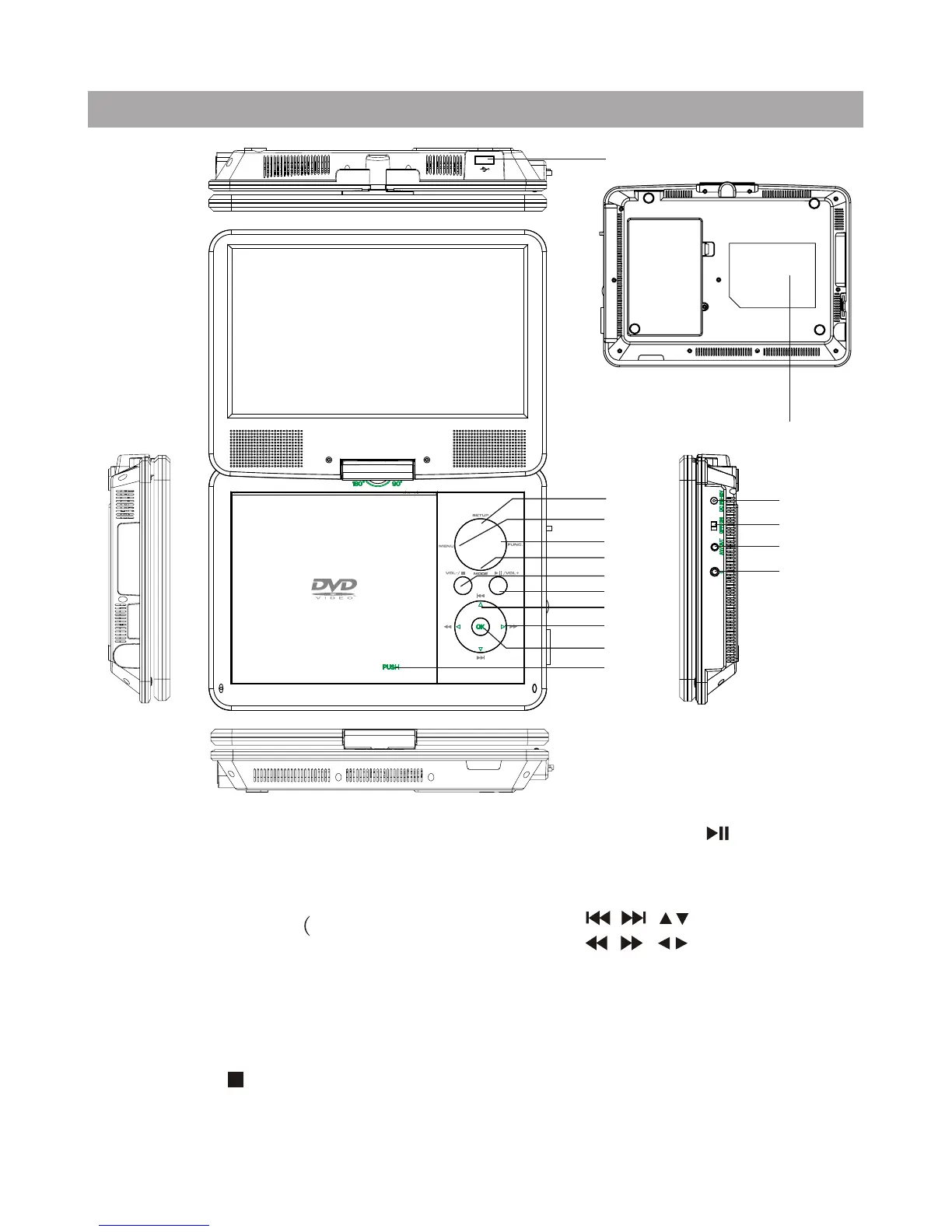
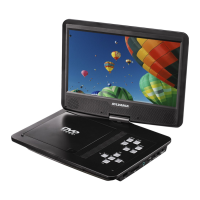
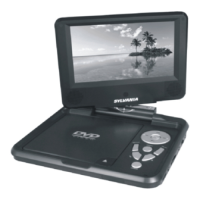
Main Unit Controls
1
8. button
9. button
10. OK button
11. DC IN 9-12V
12. Power ON/OFF switch
13. AV OUT
14. Earphone jack
15. Open knob
16. Rating label position
1. USB Port
2. SETUP button
3. MENU button
4. FUNC. button
5. MODE button
-
6. STOP / VOL
( press shortly to stop, press
longly to reduce volume.)
7. Play/Pause / VOL+
( press shortly to play /pause,
press longly to add volume.)
/
/
2
3
4
5
6
7
8
9
10
15
11
12
13
14
16
1.when put in
USB flash,press "MODE" will switch
to USB status, if no USB ,will keep
DVD status unchanged. 2.Press this
button 4 times continuously to be
the password for children)






 To Next Page