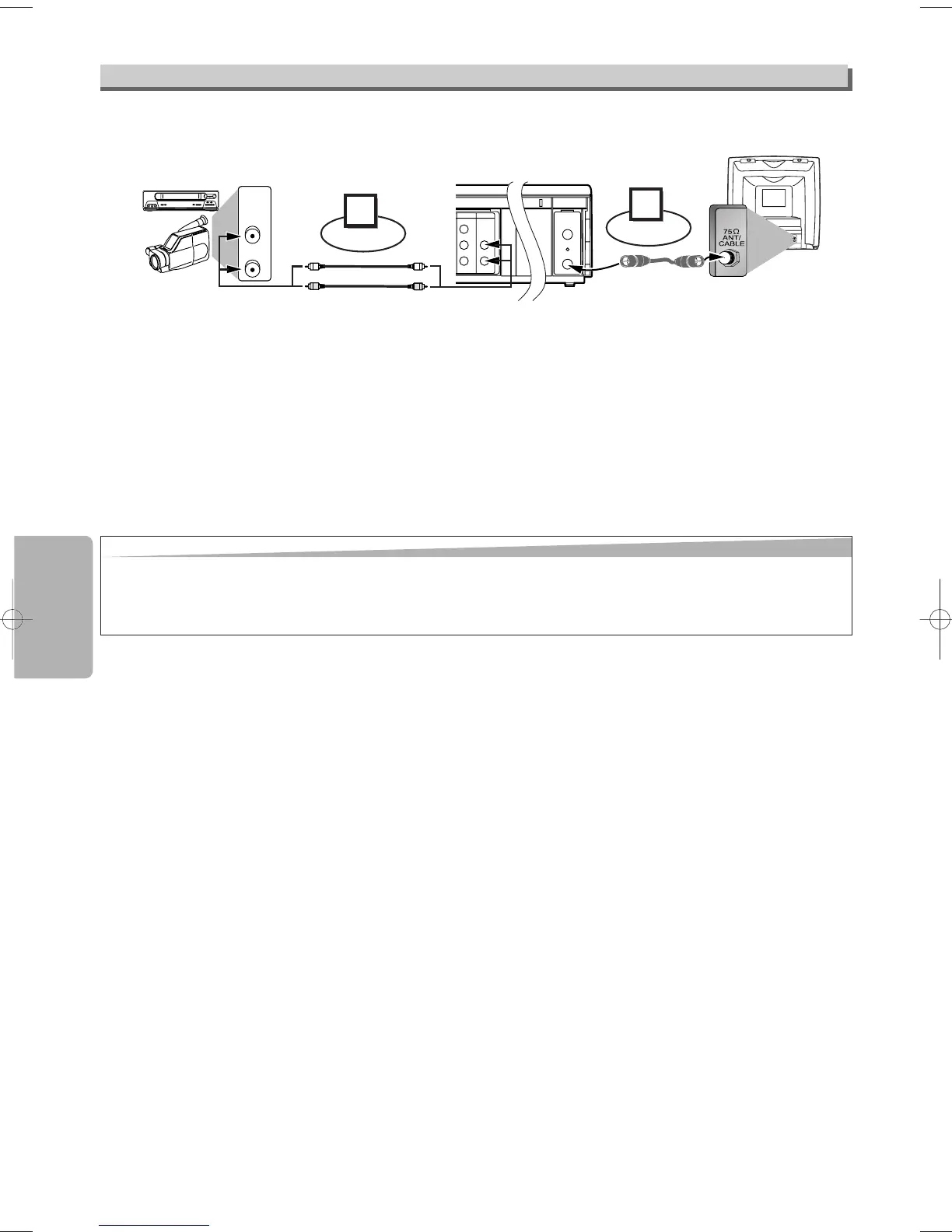
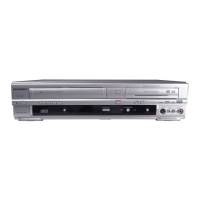
1) Insert a pre-recorded tape into the playing VCR.
2) Insert a tape with its record tab into the recording unit.
3) Press
[SPEED] on the remote control of the recording unit to select the desired recording speed (SP/SLP).
4) Select the “L1”or “L2” position on the recording unit.
• To use the input jacks on the back of this unit, select “L1” position by pressing
[0], [0], [1] on the remote control or
[CHANNEL
KK
/
LL
].
• To use the input jacks on the front of this unit, select “L2” position by pressing
[0], [0], [2] on the remote control or
[CHANNEL
KK
/
LL
].
5) Press
[REC/OTR] on the recording unit.
6) Begin playback of the tape in another source.
7) To stop recording, press
[STOP/EJECT
CC
/
AA
] on the recording unit, then stop playback of the tape in another source.
Hint
Hint
• For best results during dubbing, use the front panel controls whenever possible. The remote control might affect another source’s operation.
• Always use video-quality shielded cables with RCA-type connectors. Standard audio cables are not recommended.
• You can use a video disc player, satellite receiver or other audio/video component with A/V outputs.
• “L1” or “L2” is found before the lowest memorized channel. (Example: CH02)
• “L2” input jacks are on the front of this unit.
Copying a Video Tape


 To Next Page