EasyManua.ls Logo

Symbol DS4308 - User Manual

Symbol DS4308
20 pages
Print Icon
To Next Page IconTo Next Page
Loading...
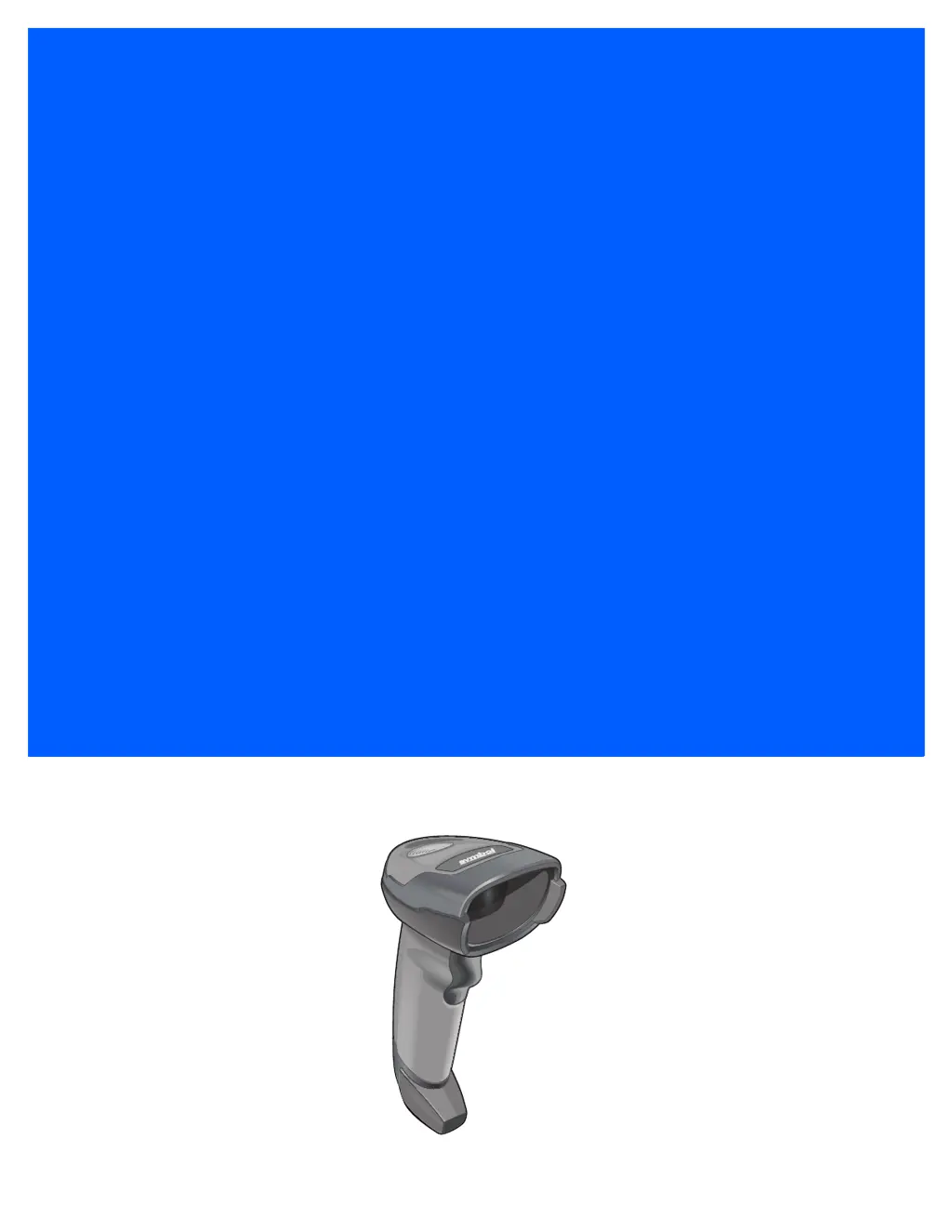
DS4308
DIGITAL SCANNER
QUICK START GUIDE

Other manuals for Symbol DS4308

Questions and Answers

Summary

Scanner Features

Presentation Mode

Connect Host Interface

USB

Connect the scanner to a computer using a USB cable for data transfer and configuration.

RS-232 Interface

Keyboard Wedge Interface

IBM 46 XX Interface

Configuration Bar Codes

Factory Defaults

Scan this barcode to restore the scanner to its original factory settings.

Enter Key Functionality

Configure the scanner to add an enter key after scanned data.

Tab Key Functionality

Configure the scanner to add a tab key after scanned data.

USB Caps Lock Override

Manage the USB caps lock override feature for the scanner.

Scanning Operations

Hand-Held and Hands-Free Scanning

Instructions for performing scanning in hand-held and presentation modes.

Aiming Guide

Visual indicators and best practices for aiming the scanner at barcodes.

Device Indications

LED Indications

Explanation of LED status lights for different scanner operations.

Beeper Indications

Explanation of beeper sequences indicating scanner status and events.

123 Scan Software

Utility Functionality

Overview of features and capabilities provided by the 123Scan² software.

Ergonomic Usage

Recommended Body Posture

Guidelines for maintaining optimum body posture to prevent ergonomic injury.

Troubleshooting

Regulatory and Safety Information

LED Device Classification

Information regarding LED device classification and pulse duration.

Ergonomic Recommendations

Guidelines to minimize the risk of ergonomic injury during scanner operation.

Power Supply Requirements

Specifications for the approved power supply unit and its electrical ratings.

Regional Compliance

FCC Requirements

Details on FCC compliance for Class B digital devices and interference guidelines.

Canadian ICES-003 Compliance

Compliance statement for Class B digital apparatus under Canadian ICES-003.

European Economic Area (EEA)

Statement of compliance with applicable EU directives and CE marking.

Japan (VCCI) and Korea

Information on VCCI compliance in Japan and warning statements for Korea.

International Regulations

Brazil

Regulatory declarations for DS4308 in Brazil, including ANATEL website.

Chile

Compliance statement for Chilean electromagnetic radiation regulations.

Mexico

Mexico's operating conditions and frequency range for this equipment.

South Korea

Requirements for radio equipment operating in specific frequency bands in South Korea.

Taiwan

Taiwanese regulations for low-power radio frequency devices and usage guidelines.

Ukraine

Compliance with Ukrainian technical regulations regarding hazardous substances.

Waste Electrical and Electronic Equipment (WEEE)

China RoHS Compliance

Summary

Scanner Features

Presentation Mode

Connect Host Interface

USB

Connect the scanner to a computer using a USB cable for data transfer and configuration.

RS-232 Interface

Keyboard Wedge Interface

IBM 46 XX Interface

Configuration Bar Codes

Factory Defaults

Scan this barcode to restore the scanner to its original factory settings.

Enter Key Functionality

Configure the scanner to add an enter key after scanned data.

Tab Key Functionality

Configure the scanner to add a tab key after scanned data.

USB Caps Lock Override

Manage the USB caps lock override feature for the scanner.

Scanning Operations

Hand-Held and Hands-Free Scanning

Instructions for performing scanning in hand-held and presentation modes.

Aiming Guide

Visual indicators and best practices for aiming the scanner at barcodes.

Device Indications

LED Indications

Explanation of LED status lights for different scanner operations.

Beeper Indications

Explanation of beeper sequences indicating scanner status and events.

123 Scan Software

Utility Functionality

Overview of features and capabilities provided by the 123Scan² software.

Ergonomic Usage

Recommended Body Posture

Guidelines for maintaining optimum body posture to prevent ergonomic injury.

Troubleshooting

Regulatory and Safety Information

LED Device Classification

Information regarding LED device classification and pulse duration.

Ergonomic Recommendations

Guidelines to minimize the risk of ergonomic injury during scanner operation.

Power Supply Requirements

Specifications for the approved power supply unit and its electrical ratings.

Regional Compliance

FCC Requirements

Details on FCC compliance for Class B digital devices and interference guidelines.

Canadian ICES-003 Compliance

Compliance statement for Class B digital apparatus under Canadian ICES-003.

European Economic Area (EEA)

Statement of compliance with applicable EU directives and CE marking.

Japan (VCCI) and Korea

Information on VCCI compliance in Japan and warning statements for Korea.

International Regulations

Brazil

Regulatory declarations for DS4308 in Brazil, including ANATEL website.

Chile

Compliance statement for Chilean electromagnetic radiation regulations.

Mexico

Mexico's operating conditions and frequency range for this equipment.

South Korea

Requirements for radio equipment operating in specific frequency bands in South Korea.

Taiwan

Taiwanese regulations for low-power radio frequency devices and usage guidelines.

Ukraine

Compliance with Ukrainian technical regulations regarding hazardous substances.

Waste Electrical and Electronic Equipment (WEEE)

China RoHS Compliance

Symbol DS4308 Specifications

General IconGeneral
Decode Capability1D, 2D, PDF417
SealingIP42
Weight5.71 oz./162 g
Scanner TypeHandheld
Corded TechnologyCorded
Storage Temperature-40° to 158° F / -40° to 70° C
Humidity5% to 95% RH, non-condensing
Scan PatternOmnidirectional
ConnectivityUSB, RS232, Keyboard Wedge
Drop SpecificationWithstands multiple 6 ft./1.8 m drops to concrete
Operating Temperature32° to 122° F / 0° to 50° C
Light Source650 nm laser diode
Minimum Bar Width4 mil
Resolution4 mil
Power Requirements4.5 to 5.5 VDC Host Power

Related product manuals