8 DS4308 Digital Scanner Quick Start Guide
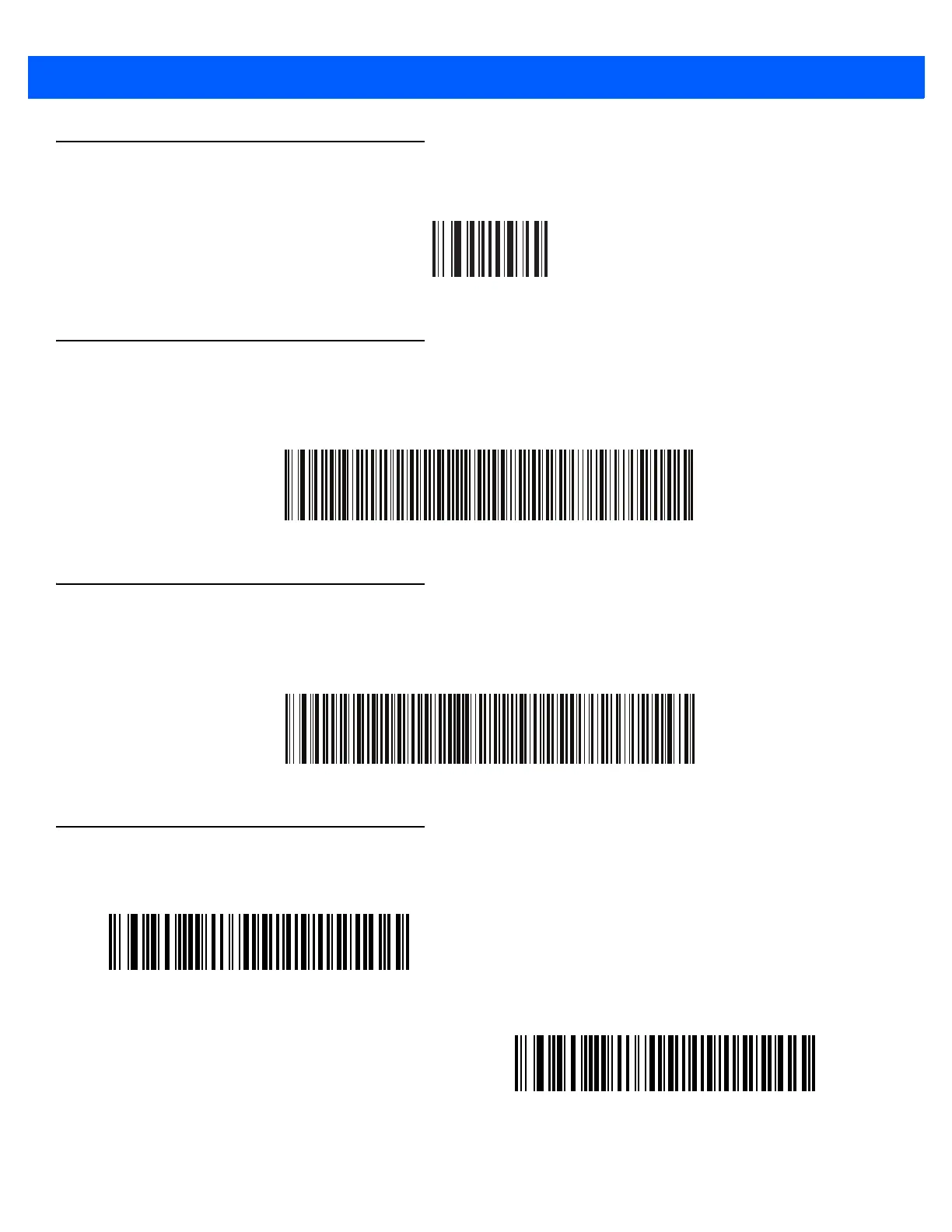
Set Defaults Bar Code
Return to Factory Defaults
Enter Key Bar Code (Carriage Return/Line Feed)
Add an Enter key after scanned data.
Enter Key (Carriage Return/Line Feed)
Tab Key Bar Code
Add a Tab key after scanned data.
Tab Key
USB Caps Lock Override
USB Override Caps Lock Key (Enable)
*USB Do Not Override Caps Lock Key (Disable)



 To Next Page