After hardware setup is nished, please install DiskStation Manager (DSM) – Synology’s web-based operating
system – on your Network Video Recorder.
Install DSM with Web Assistant
Your Network Video Recorder comes with a built-in tool called
Web Assistant
that helps you download the latest
version of DSM from the Internet and install it on your Network Video Recorder. To use Web Assistant, please
follow the steps below.
1
Power on the Network Video Recorder.
2
Open a web browser on a computer connected to the same network as the Network Video Recorder.
3
Enter either of the following into the address bar of your browser:
a nd.synology.com
b synologynvr:5000
4
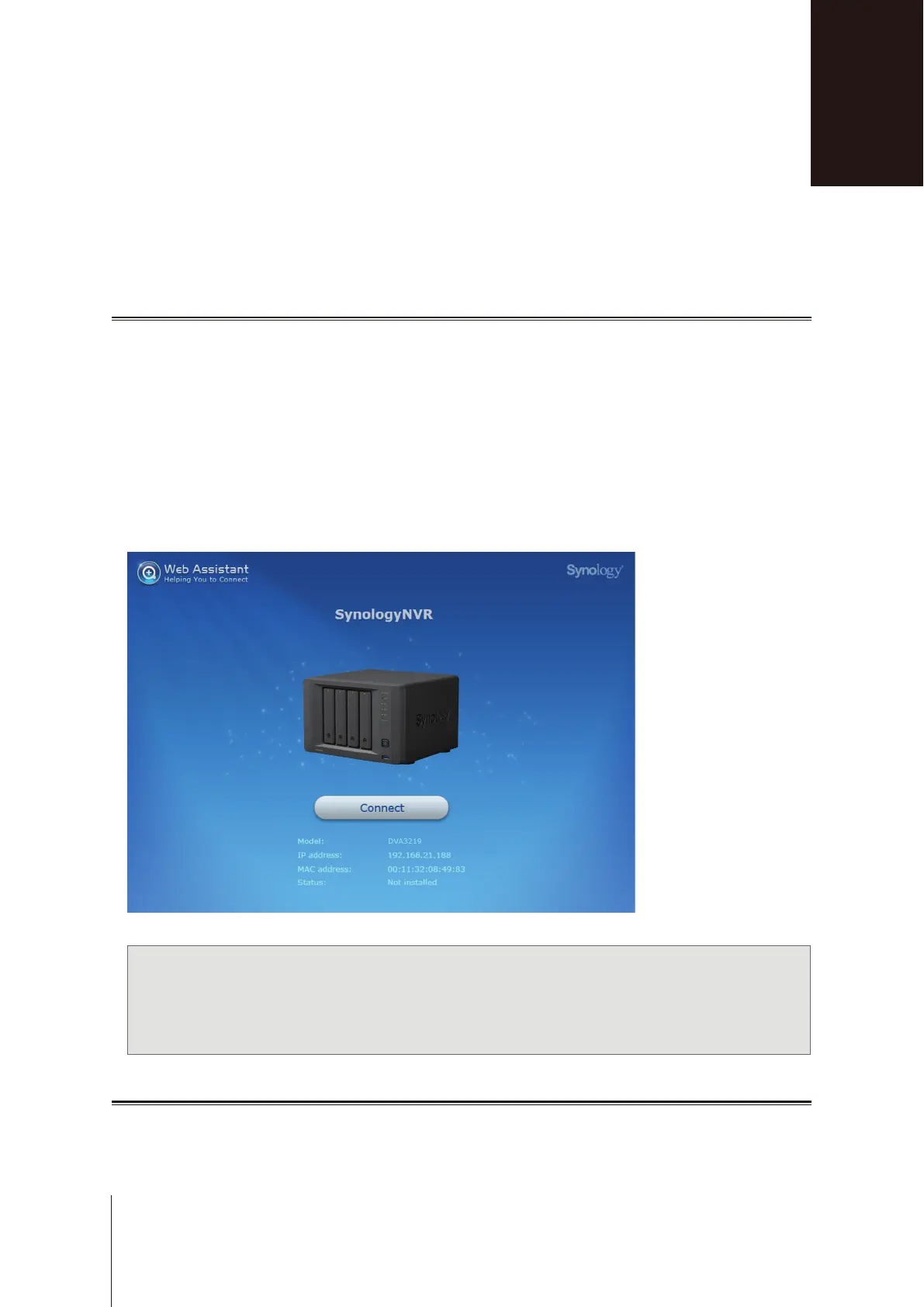
Web Assistant will be launched in your web browser. It will search for and nd the Network Video Recorder
within the local network. The status of the Network Video Recorder should be
Not installed
.
5
Click
Connect
to start the setup process and follow the onscreen instructions.
Note:
1. The Network Video Recorder must be connected to the Internet to install DSM with Web Assistant.
2. Suggested browsers: Chrome, Firefox.
3. Both the Network Video Recorder and the computer must be in the same local network.
Learn More
Congratulations! Your Network Video Recorder is now ready for action. For more information or online resources
about your Network Video Recorder, please visit
www.synology.com
.
Install DSM on Network Video Recorder
3
15
Chapter













 To Next Page