EasyManua.ls Logo

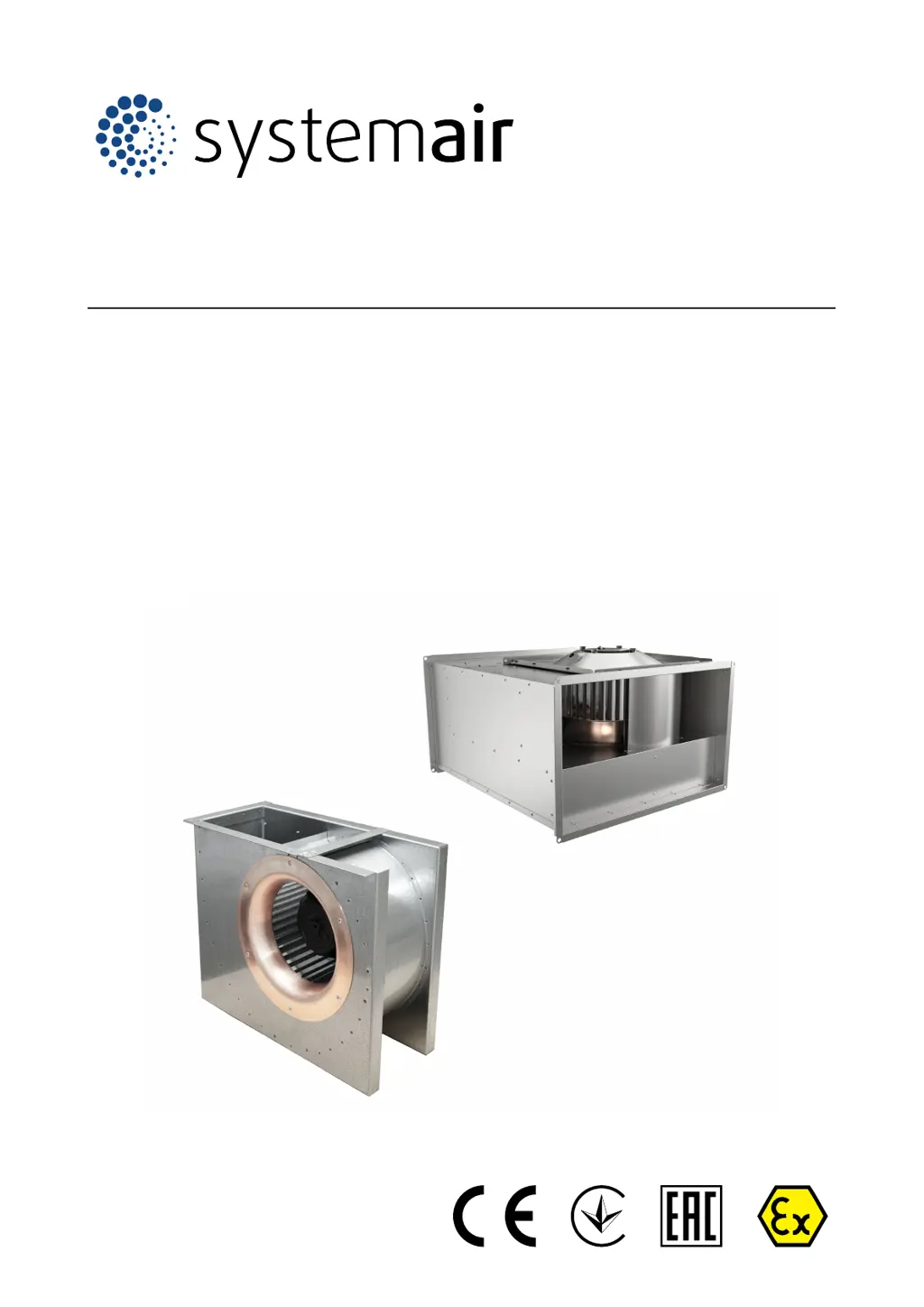
SystemAir DKEX 225-4 - User Manual

SystemAir DKEX 225-4
28 pages
Print Icon
To Next Page IconTo Next Page
Loading...
Installation, Operation and Maintenance instruction EN
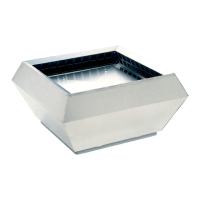
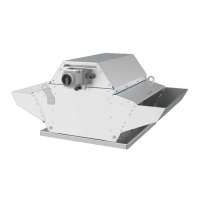
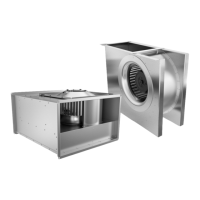
DKEX Centrifugal Explosion proof fan
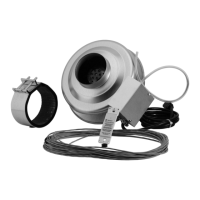
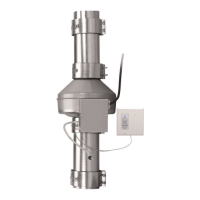
KTEX Inline ducted Explosion proof fan

Other manuals for SystemAir DKEX 225-4

Questions and Answers

  • D
    Debra ClarkAug 9, 2025
    What to do if the SystemAir DKEX 225-4 Fan motor does not rotate?
    • A
      Angel FranklinAug 10, 2025
      If the SystemAir Fan motor does not rotate, check the power supply, replace any defective components, and reconnect it. Also, ensure the electrical connection matches the wiring diagrams. Allow the motor to cool and reset the motor protection if it has overheated, identifying the cause of overheating. For 3-phase motors, verify that no phase is missing.
  • D
    Daniel HurleyAug 14, 2025
    Why is the air output not sufficient in my SystemAir DKEX 225-4?
    • J
      John CrossAug 14, 2025
      To address insufficient air output from your SystemAir Fan, ensure the electrical connection is correctly done and agrees with the wiring diagrams. Make necessary changes in the duct system and installed components to increase the air pressure. Adjust the airflow shutters, remove any blockage in the air inlet or duct system and make sure that the product is applicable for the installation location.
  • L
    Lindsey BrownAug 19, 2025
    What to do if electronic components or the motor is overheated in SystemAir Fan?
    • G
      gonzalezkennethAug 20, 2025
      If the electronic components or the motor of your SystemAir Fan is overheated, allow the motor to cool, reset the motor protection, and identify the cause of overheating. Ensure the product is suitable for the installation location, considering both motor overload and ambient temperature. Also, verify that there is sufficient space around the motor to maintain adequate cooling.
  • N
    Nathan MillerAug 25, 2025
    What to do if thermal contacts, PTC or resistors are released in SystemAir Fan?
    • K
      Kevin BauerAug 25, 2025
      If the thermal contacts, PTC, or resistors are released in your SystemAir Fan, ensure the electrical connection is correctly done. For a 3-phase motor, verify that no phase is missing. Check the motor cooling impeller and, if possible, measure the resistance to check the motor winding. Connect the capacitor correctly, referring to the included motor wiring diagram.
  • B
    Benjamin ChenAug 29, 2025
    How to fix a SystemAir DKEX 225-4 Fan that does not operate smoothly?
    • K
      Kevin LawrenceAug 29, 2025
      If your SystemAir Fan does not operate smoothly, make sure the product is correctly installed and check the duct system. Increase or decrease the fan speed until the product operates smoothly. Ensure that the temperature of the transported air is not higher than the value on the name plate and replace the product.
  • V
    Vincent StanleySep 3, 2025
    Why does the fan speed not get the nominal value in my SystemAir DKEX 225-4 Fan?
    • A
      Ashley CooleySep 3, 2025
      If the fan speed of your SystemAir Fan does not reach the nominal value, measure the resistance to check the motor winding, if possible. Set the speed control correctly. Remove any mechanical blockage preventing the fan impeller from turning freely. For a 3-phase motor, ensure that no phase is missing.

SystemAir DKEX 225-4 Specifications

General IconGeneral
TypeDuct Fan
Diameter225 mm
Voltage230 V
Frequency50 Hz
Phase1~
Air flow840 m³/h
Weight4.2 kg
Max. temperature of transported air60 °C
Enclosure class, motorIP44
Insulation class, motorF
Capacitor3 µF
Housing MaterialGalvanized Steel
MountingDuct

Related product manuals