TAC AB, Feb 2000
3:3
Daily operations, P:00 - P:15
TAC 200 User’s Manual
Setting a time program day-by-day.
P:09 Time program 1, day-by-day
P:10 Time program 1, 1-7 days
P:11 Time program 2, day-by-day
P:12 Time program 2, 1-7 days
The digital clock has two time programs, TP 1 and TP 2.
TP 1 is used to switch between Day and Night time operation. TP 2
may be used for any suitable purpose.
Both can be individually set for each of the days in the week with a
precision of 30 minutes. By picking suitable on/off times, operation will
always occur within 15 minutes of any desired time value.
TP 1 is set by using either P:09 or P:10.
TP 2 is set by using either P:11 or P:12.
To set a time program, day-by-day:
1. Select P:09 (TP 1) or P:11 (TP 2).
2. Use the toggle-key (0/ l) to
– fill the segment for Active output
– clear the segment for Passive output
The flashing segment will also move to the next position.
3. Move the flashing segment with the + or – keys, if necessary.
4. The day is automatically switched when you leave the last segment
(or the first, backwards).
5. Enter the segments for all the days of the week.
Important! 6. To execute the changes, you must press either P
up
or P
down
when
you are finished !
MO
0
1
2
3
4
5
7
6
89
10
11
12
13 14 15 16
17
18
19
20
21
22
23
24
P:09
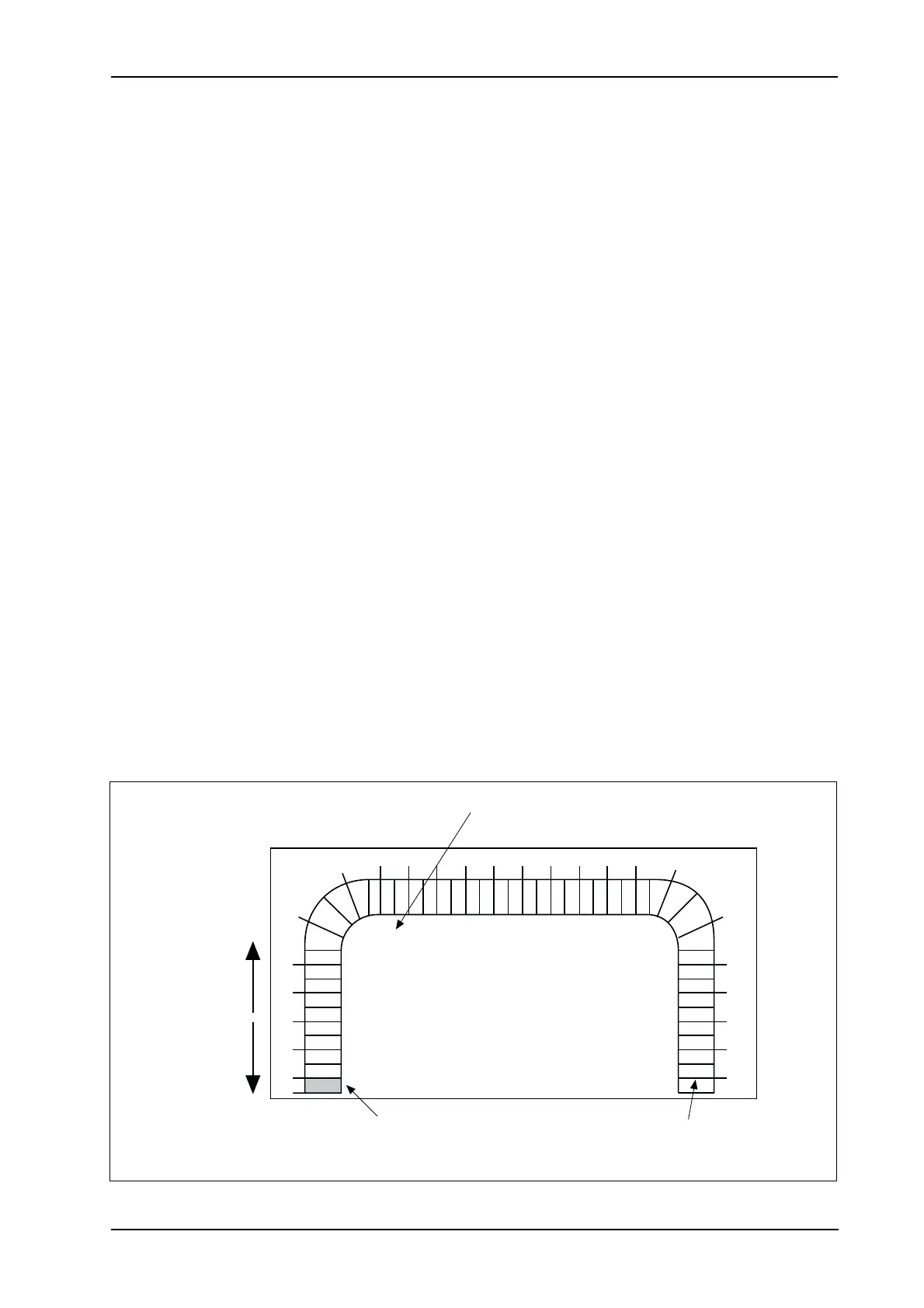
Flashing segment:
Toggle indication with 0/I key.
A filled segment indicates Active
operation.
Day the entry is valid for.
Move flashing
segment with
key + or –.
If you press + when the
segment is here, the
entry will switch to the
next day.



 To Next Page
 Loading...