•Mark the checkbox of all contacts, then touch and conrm to delete all contacts.
From the contact details screen:
•Touch then select Delete. Select DELETE when prompted to conrm.
The contact you have deleted will also be removed from other applications on the
the phone or web the next time you synchronize your phone.
Sharing a contact
You can share a single contact with others by sending the contact's vCard to them via
Email, Messages, and Bluetooth. Select a contact you want to share, touch and then
select Share.
Available options
From the contact list, you may also make further settings by touching
Settings
•My info Touch to set up your prole
•Accounts Touch to add account and congure related info.
•Default account Touch to choose the default place to save a new contact.
for new contacts
•Contacts to Touch to choose All contacts or Customize.
display
•Sort by Touch to sort the list by the rst name or last name.
•Name format Touch to choose whether to display rst name rst, or last name rst.
•Phonetic name Touch to choose display or hide phonetic name.
•Import/Export Import or export contacts between phone, SIM card, microSD card and
phone storage, etc.
21 22
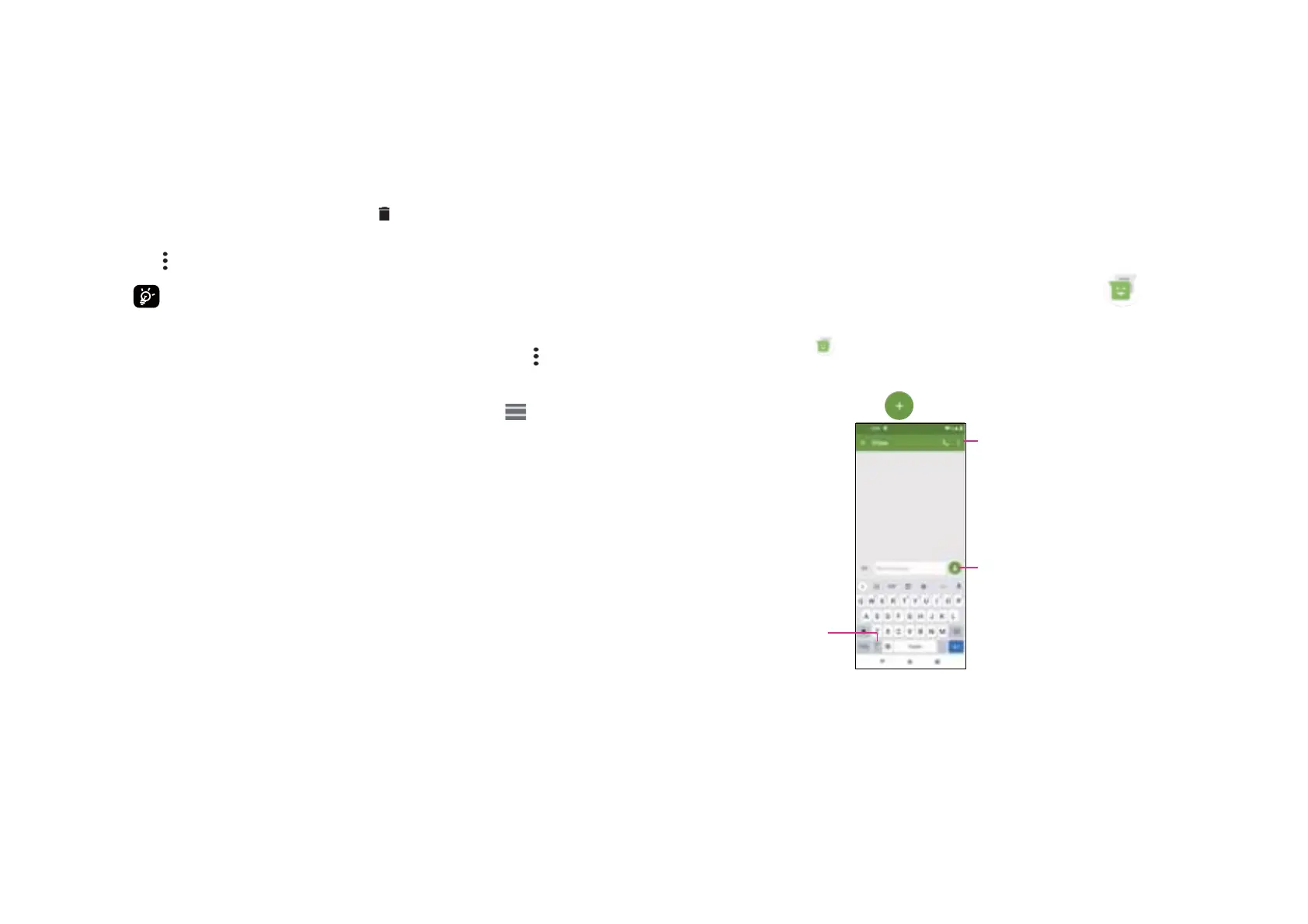
Type the text message
Insert emoticons
Add recipients
•Blocked numbers Add numbers here so that you won't receive the calls or texts from
them.
•About Contacts Touch to view the build version, open source licenses and so on.
4.3.1 Messaging
Use the messaging app to send and receive text (SMS) and multimedia (MMS)
messages.
Creating a message
On the Messaging list screen, touch to write text/multimedia messages.
4.3 Messages......................................................



 To Next Page
 Loading...









