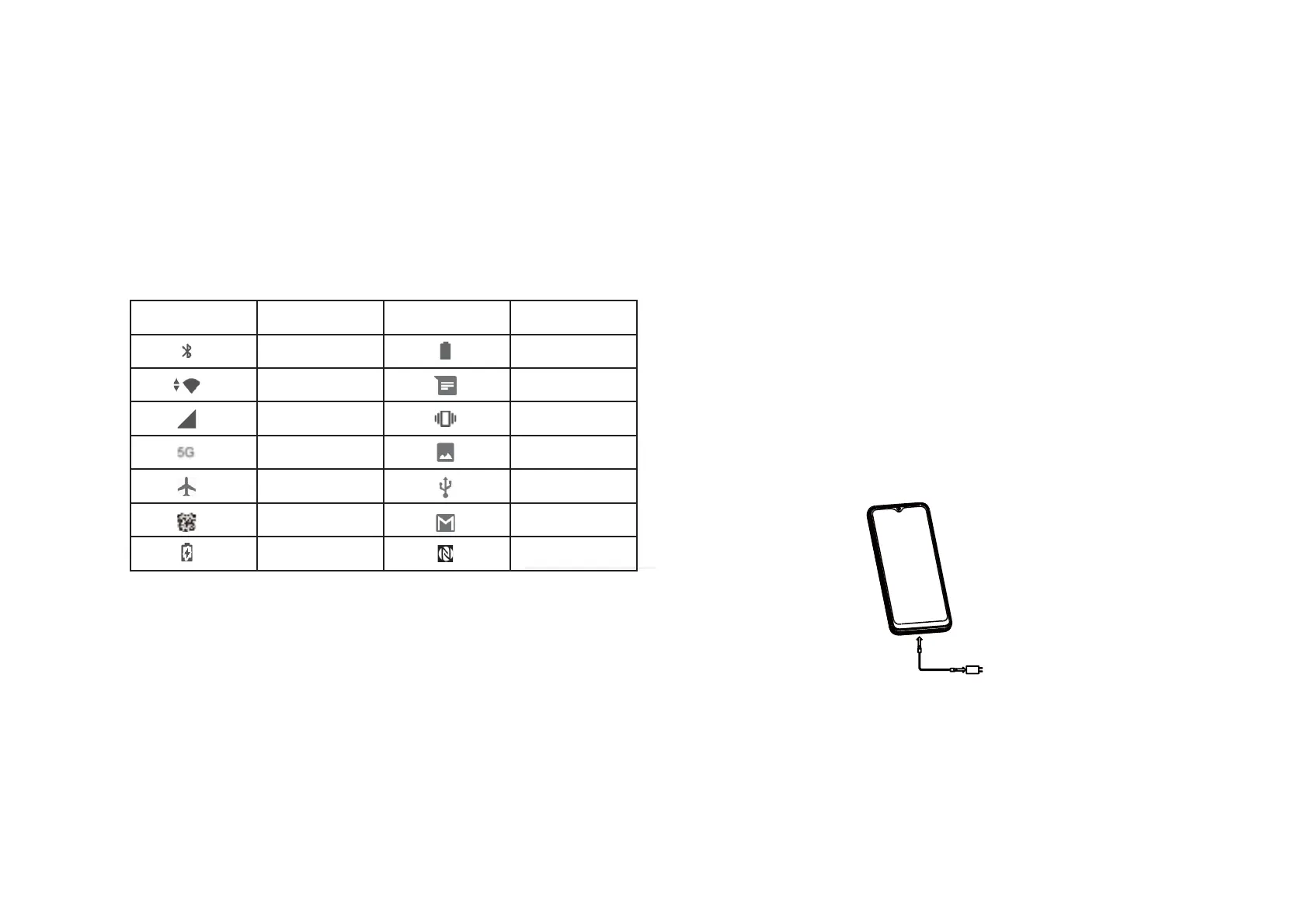
1.4 Status Bar
The Status bar appears at the top of your Home screen. Icons indicating your
phone's status and new notication alerts appear in the Status bar.
Icon
Status
Icon
Status
Bluetooth® active
Network (full
5G data service
2.1 Power On/O
Hold down the Power key until the phone powers on, unlock your phone (Swipe, Pattern,
PIN, Password, Fingerprint or Face key) if necessary, once unlocked, Home screen is
displayed.
If you don't know your PIN code or if you have forgotten it, contact Customer Care. For
Safety, please do not store PIN code in your phone.
Press and hold the Power key until options appear, then select Power o.
Charging
Insert the small end of the charging cable into the charge port and plug the charger into
New Gmail message
NFC is on
Wi-Fi® active
Airplane mode
Alarm set
Battery (charging)
Battery (fully charged)
New message
Vibrate mode
Screenshot captured
Connected via USB cable
2 About your phone.............................................
9
10



 To Next Page
 Loading...









