DHR Series Getting Started Guide Page 50
Adjusting Brightness of the LCD Display
The display brightness can be adjusted from the front panel.
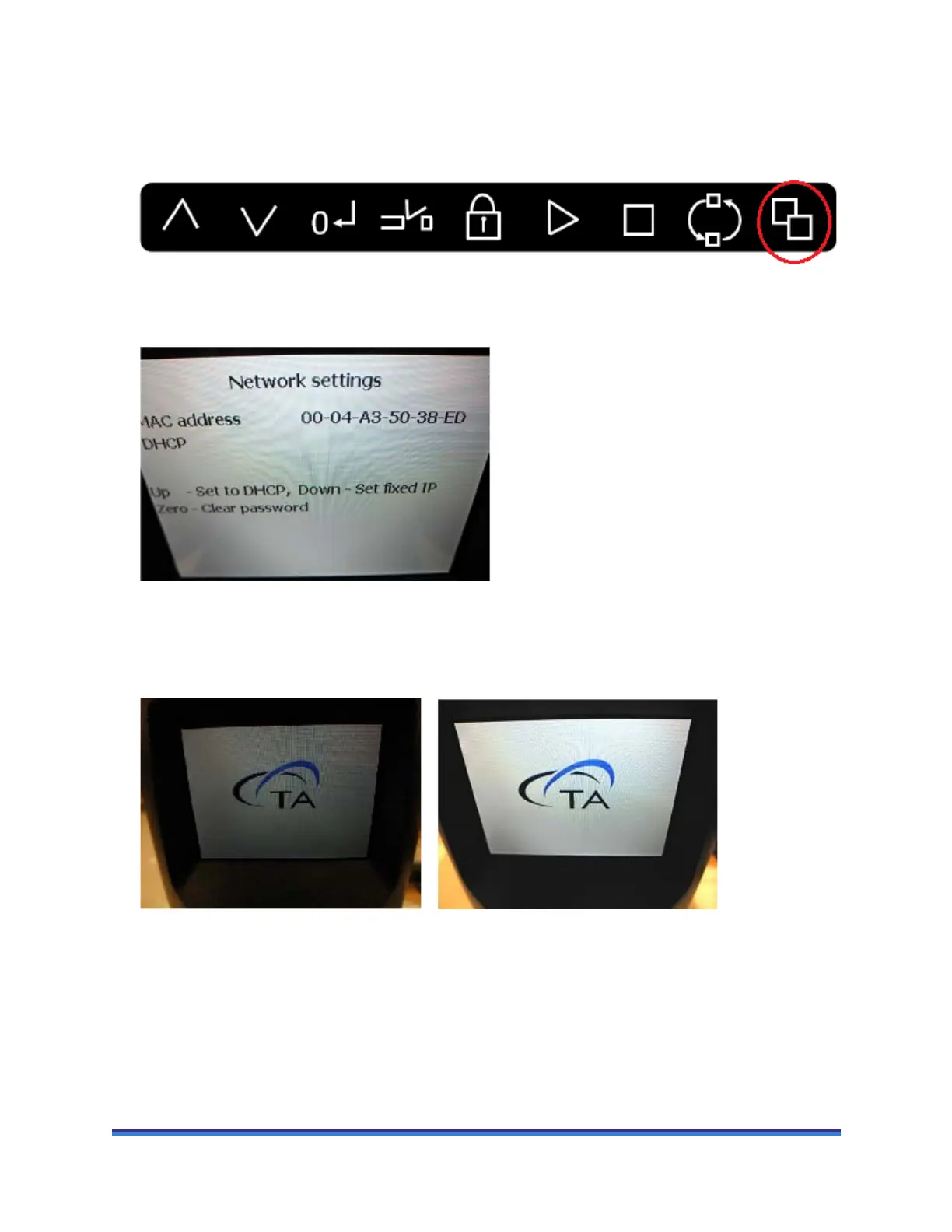
1 Press the cycle display button until the network settings are displayed.
Figure 23 DHR front panel.
Figure 24 Network settings screen.
2 Press and hold down the cycle display button (do not lift your finger off the button). The display will
cycle to the TA Logo view, and gradually the display will brighten. Release the button when the display
brightness is sufficient.
Figure 25 Dim display (left); Brightness adjusted (right).



 To Next Page