MEET YOUR
DISK
A LOOK
INSIDE OF
IT
Although your disk
looks
like
a
record,
it is really
more like a multitude
of
tiny magnets. One disk
can hold more than a
million magnetic charges.
1,290,240
of
them are for your
information.
That's
what we mean
when we say a disk will hold
1,290,240
bits
or 161,280
bytes of information
(there are eight
bits
in
a
byte).
Some
of
these bits are
magnetically charged
and
some
aren't. The
pattern
formed by these mag-
netic
charges is what's
important. It forms a code
which the
Computer can
read.
With more
than
a million of these
bits on a disk,
you can
appreciate how your
Computer must orga-
nize them in
order to find
anything.
It does this by
building a
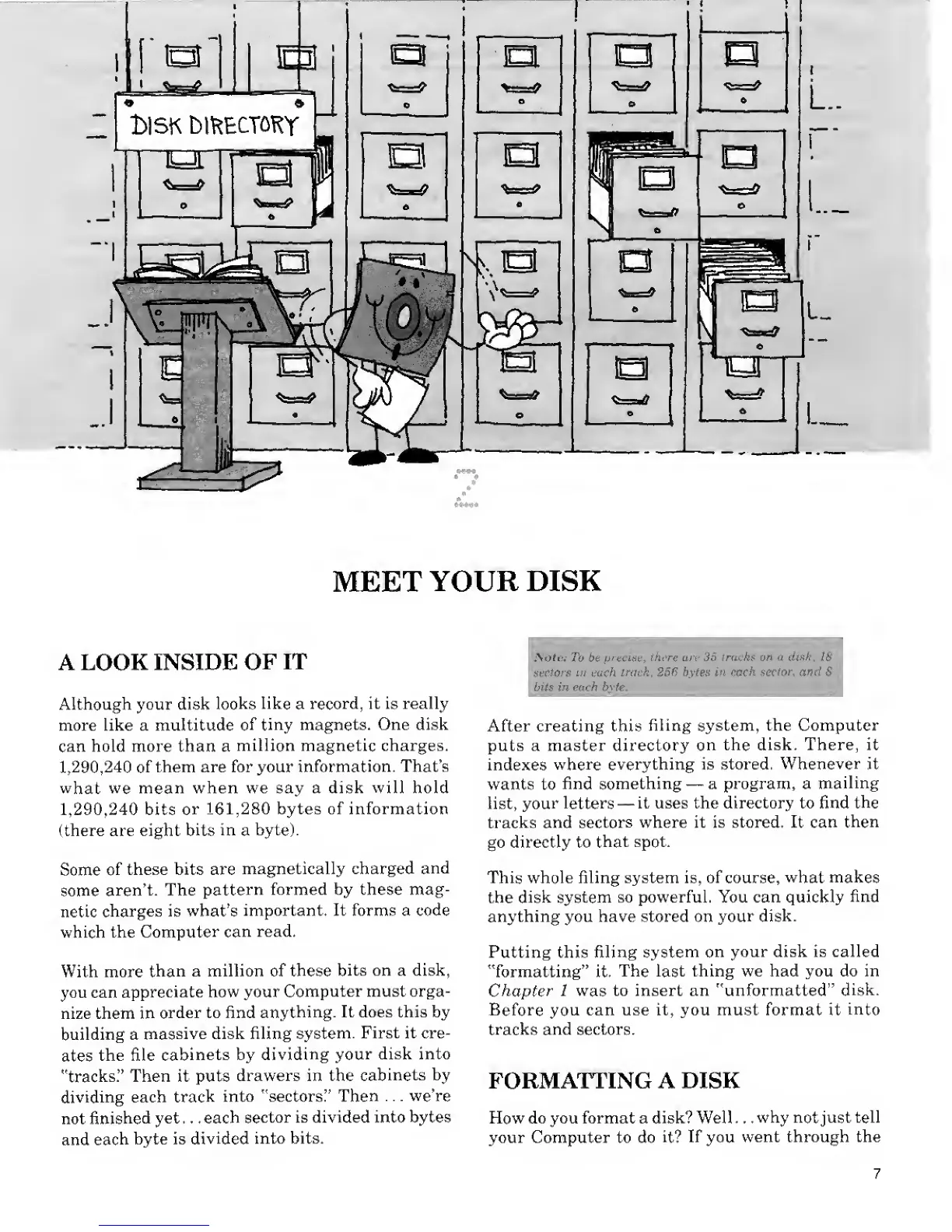
massive disk filing
system.
First it cre-
ates
the file
cabinets by
dividing your
disk into
"tracks."
Then it puts
drawers in the
cabinets
by
dividing each
track
into "sectors"
Then
. .
.
we're
not
finished
yet . . .
each
sector is divided into bytes
and
each
byte is
divided
into bits.
Note: To be
precise,
there are 35 tracks on a disk, 18
sectors
in
each
track, 256 bytes in each
sector,
and 8
bits in each byte.
;
After creating this
filing system, the Computer
puts a master directory
on the
disk. There, it
indexes
where
everything is stored.
Whenever it
wants to
find something
—
a program, a
mailing
list,
your letters
—
it uses the directory to find
the
tracks
and sectors
where it is stored. It can
then
go directly to
that
spot.
This whole filing system is, of course,
what makes
the
disk system
so powerful. You can quickly
find
anything you have stored on
your disk.
Putting this filing
system on
your disk is called
"formatting" it.
The
last
thing we had you do in
Chapter
1
was
to insert an "unformatted"
disk.
Before you
can use it, you must format it
into
tracks
and sectors.
FORMATTING A
DISK
How do you format a disk? Well . . .
why
not
just tell
your Computer to do
it?
If
you
went through the










 To Next Page