MEET
YOUR
DISK
Note: Upgrading
your
tape
system? Note the
differ-
ence:
SAVE stores
a program on disk;
CSAVE stores
it on tape
I
RUN CENTER)
MEMORY VS
DISK
STORAGE
To those of you
new to computers,
we would
like to
expound a
little on
computer
"memory." If you
already
know what it is,
skip down to the next
heading
—
"Loading a
File
from Disk!'
Whenever
you type a
BASIC program
line and
press (ENTER), the
Computer
automatically
puts it
in
its
memory. Once
it's in
memory,
you
can do
things with it.
For
example, type:
RUN [INTER]
Your
Computer
PRINTs:
STORE ME
IN
ft DISK FILE
AND
YOU'LL
NEVER LOSE
ME
To list the
program as you have
it above,
type:
LIST dNTEFD
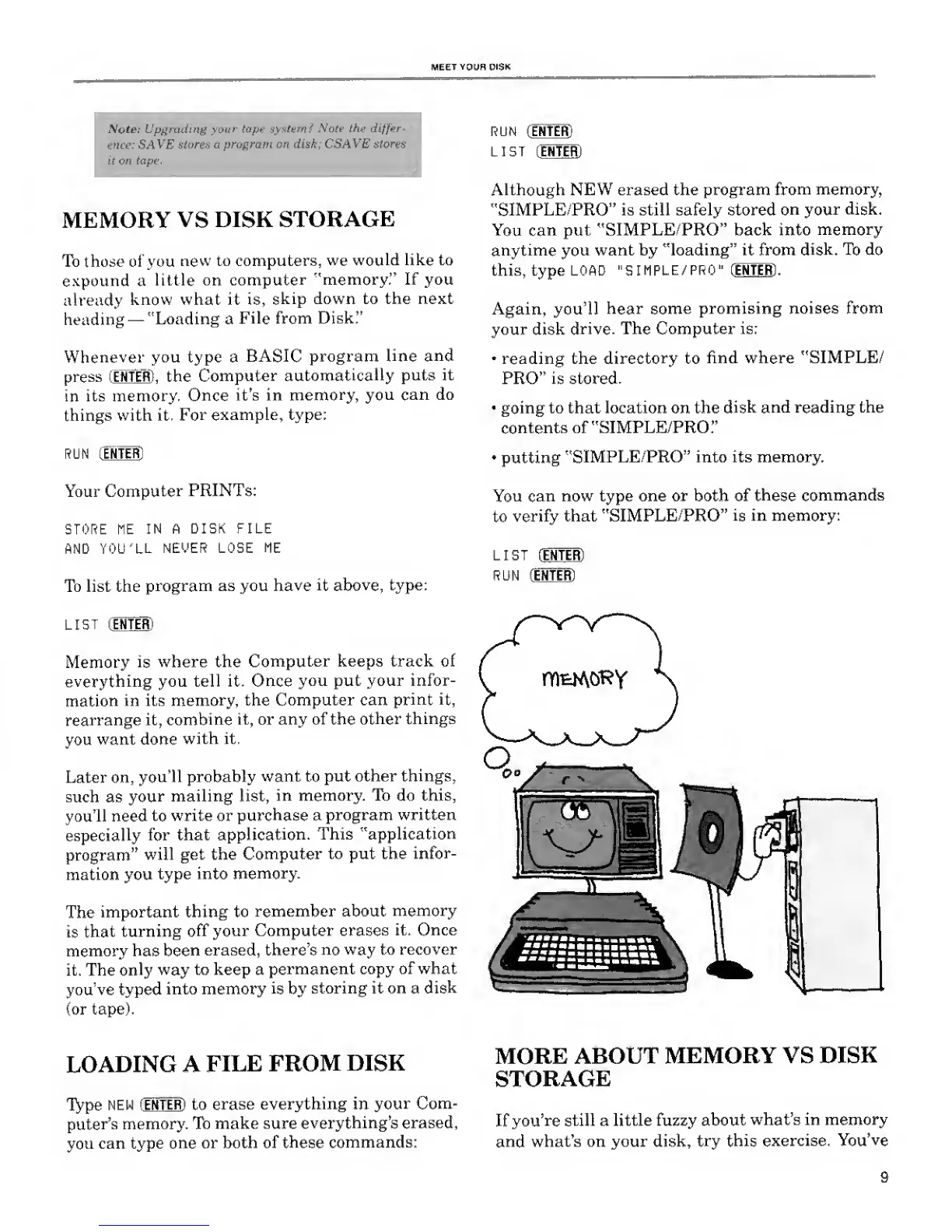
Memory
is
where the
Computer keeps track of
everything
you tell it.
Once
you put your infor-
mation
in its
memory, the
Computer can
print it,
rearrange it,
combine
it, or any of the
other
things
you
want done
with it.
Later on,
you'll
probably
want to
put other things,
such as
your
mailing list,
in memory. To do this,
you'll need
to
write or
purchase a
program written
especially
for that
application. This
"application
program"
will get the
Computer
to put the
infor-
mation you
type into
memory.
The
important thing to
remember about
memory
is
that
turning
off your Computer erases
it. Once
memory has
been
erased, there's
no way
to recover
it. The
only way
to keep a
permanent copy of what
you've typed
into memory
is
by
storing it on a
disk
(or tape).
LIST
[
ENTER)
Although
NEW erased the program
from
memory,
"SIMPLE/PRO" is still safely stored
on your
disk.
You can
put "SIMPLE/PRO" back into
memory
anytime you
want by "loading" it from
disk.
To do
this, type LOAD
"SIMPLE/PRO" [ENTER] .
Again,
you'll hear
some promising noises
from
your
disk
drive. The Computer is:
•
reading the
directory
to
find where "SIMPLE/
PRO" is stored.
going to that location on the
disk
and reading the
contents of "SIMPLE/PRO."
•
putting
"SIMPLE/PRO" into its memory.
You
can
now type one or both of
these
commands
to
verify that "SIMPLE/PRO"
is
in memory:
LIST (ENTER)
RUN (ENTER)
LOADING A
FILE
FROM
DISK
Type
NEW [ENTER) to
erase everything in
your Com-
puter's
memory.
To
make sure
everything's erased,
you
can type
one or
both of these
commands:
MORE
ABOUT
MEMORY VS
DISK
STORAGE
If you're
still a little fuzzy about
what's in memory
and what's on your disk,
try this
exercise.
You've
9










 To Next Page