A
GARBLED
UP DISK
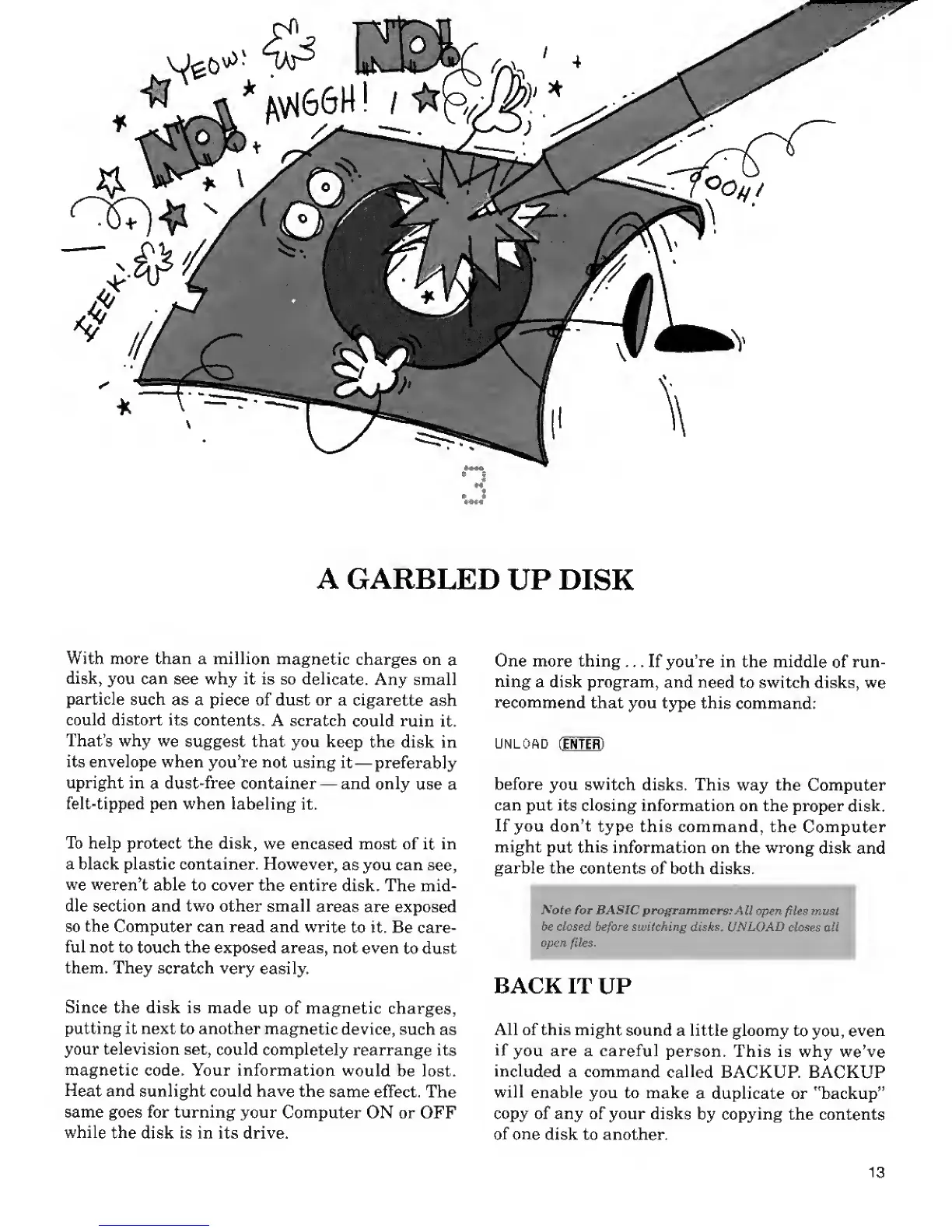
With more than a million
magnetic
charges on
a
disk,
you
can
see why it is so
delicate.
Any small
particle
such
as a piece of dust or a
cigarette
ash
could distort its
contents.
A scratch
could ruin
it.
That's why
we
suggest that you
keep the
disk in
its envelope when
you're not
using it
—
preferably
upright in
a
dust-free
container
—
and only
use a
felt-tipped
pen
when
labeling
it.
To help protect the
disk,
we encased most of
it
in
a black plastic container. However,
as you can
see,
we weren't
able to cover the
entire
disk. The mid-
dle section and two other small
areas
are exposed
so
the
Computer can read and write
to it. Be care-
ful not
to touch
the exposed areas, not
even
to dust
them. They scratch very
easily.
Since the disk is
made
up of magnetic charges,
putting it next to another
magnetic
device,
such
as
your television set,
could completely
rearrange its
magnetic code. Your information
would
be lost.
Heat
and sunlight could have the
same effect. The
same goes for turning your
Computer
ON or OFF
while
the
disk is in its drive.
One more thing
... If you're in the middle
of
run-
ning
a disk program,
and need
to switch disks,
we
recommend
that you
type
this command:
UNLOAD
fIRTER)
before
you
switch
disks. This way the
Computer
can put
its closing
information on the
proper disk.
If you don't
type this command, the
Computer
might
put
this
information on the wrong
disk
and
garble the
contents
of both disks.
:
Note for BASIC
programmers;
All open
files
must
be closed
before
switching
disks, UNLOAD closes al,
open
files.
'
BACK
IT
UP
All of this might
sound a little gloomy
to
you,
even
if
you are a careful
person. This is why
we've
included
a command
called
BACKUP. BACKUP
will
enable you to
make
a duplicate or "backup"
copy of any of your disks
by copying the contents
of one
disk to another.
13










 To Next Page