30
Table 4.1 Configuration instructions
Screen
Buttons
Screen Description
Button effects
Alarm latch
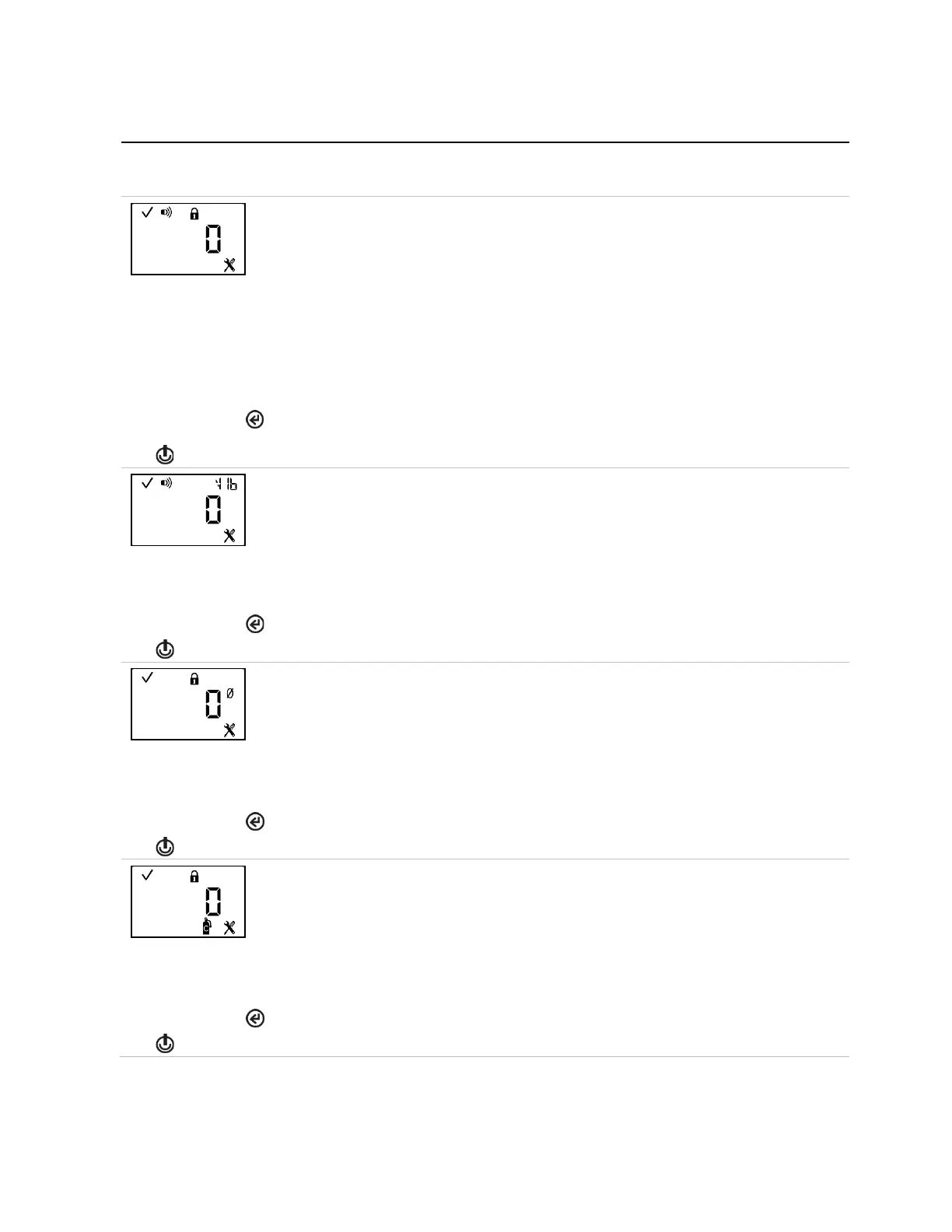
This screen features the status, alarm, lock, and configuration icons, with the current setting
displayed in the main area. The technician can enable or disable this operation-mode feature.
When disabled, a unit in alarm will turn off its alarm when the gas reading is no longer at the
alarm-producing concentration.
When enabled, a unit in alarm will remain in alarm until it is manually reset. The instrument
operator can reset a latched alarm from operation mode.
Values:
0 = disabled
1 = enabled
Increments the value. In operation mode, a long press resets the alarm but does
not
an enabled latch.
One press saves the displayed value and activates the next configuration-mode screen.
Vibration alarm
This screen features the status, alarm, “VIb”, and configuration icons, with the selected setting
value displayed in the main area. When enabled, the vibrating alarm will be activated when
the unit is in alarm.
Values:
0 = disabled
1 = enabled
One press saves the displayed value and activates the next configuration-mode screen.
Operation-mode zero
This screen features the status, lock, zero, and configuration icons. The technician can
enable or disable this operation-mode option.
When enabled, the instrument operator can zero the unit from operation mode.
Values:
0 = disabled
1 = enabled
One press saves the displayed value and activates the next configuration-mode screen.
Operation-mode calibration
This screen features the status, lock, configuration, and calibration icons. The technician can
enable or disable this operation-mode option.
When enabled, the instrument operator can calibrate the unit from operation mode.
Values:
0 = disabled
1 = enabled
Increments the value.
One press saves the displayed value and activates the next configuration-mode screen.



 To Next Page