Targetmax® V.2.0 Attendance System Hardware Suite Guide
43
F=
. Fingerprint
P=. Password
C=. ID Card
3.7.1(A) Machine No.
Select “Machine No.” and press OK
Using the “▼▲” or number key to select the Machine parameter, the range is
1-255. For example: input 3 and press OK to show:
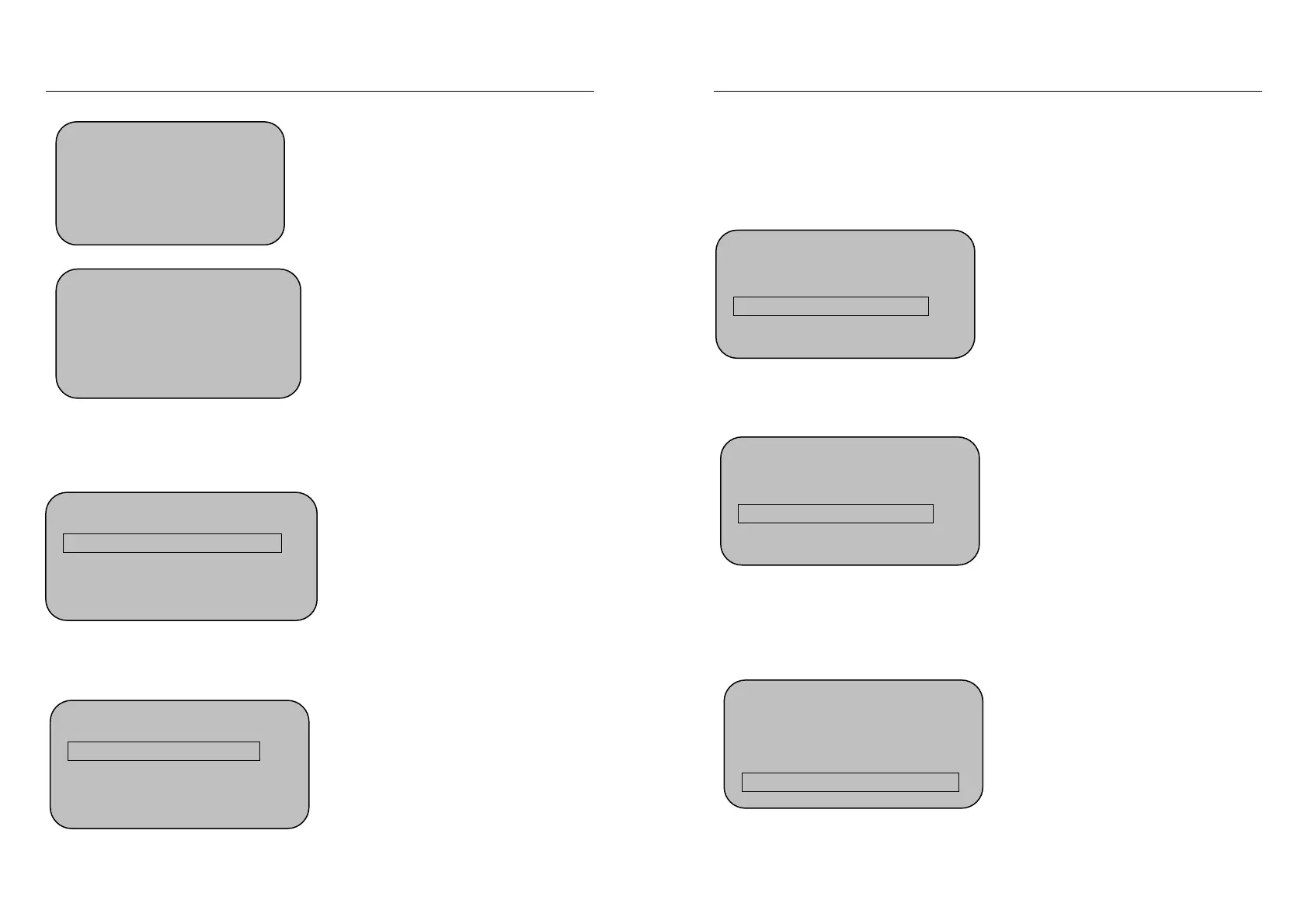
Machine Setting
4. Select Voice Yes
5.LCD Backlight 47
6.Auto Shut Down On
Machine Setting
6.Auto Shut Down No
7.Verify F/P/C
8.Initialization
Machine Setting
1.Machine No. 1
2. Manager Total 1
3.Select Language English
Machine Setting
1. Machine No. 3
2. Manager Total 1
3. Select Language English
Targetmax® V.2.0 Attendance System Hardware Suite Guide
44
★ Please make sure the Machine no. had not duplicated from previous setting.
Duplicated machine no. will cause confusion during information query.
3.7.1(B) Manager Total
Select “Manager Total” and press OK
Using the “▼▲” or number key to select the “Manager Total” , For example:
input 3 and press OK to show:
3.7.1(C) Select Language
Using the “▼▲” or number key to select the “Select Language” and press OK
to show:
Machine Setting
1. Machine No. 3
2. Manager Total 1
3. Select Language English
Machine Setting
1. Machine No. 3
2. Manager Total 3
3. Select Language English
Machine Setting
1. Machine No. 3
2. Manager Total 1
3. Select Language English


 To Next Page