Targetmax® V.2.0 Attendance System Hardware Suite Guide
45
Using the arrow keys moving▼ to select the required language selected.
(There are 3 different languages included English, Traditional Chinese &
Simple Chinese)
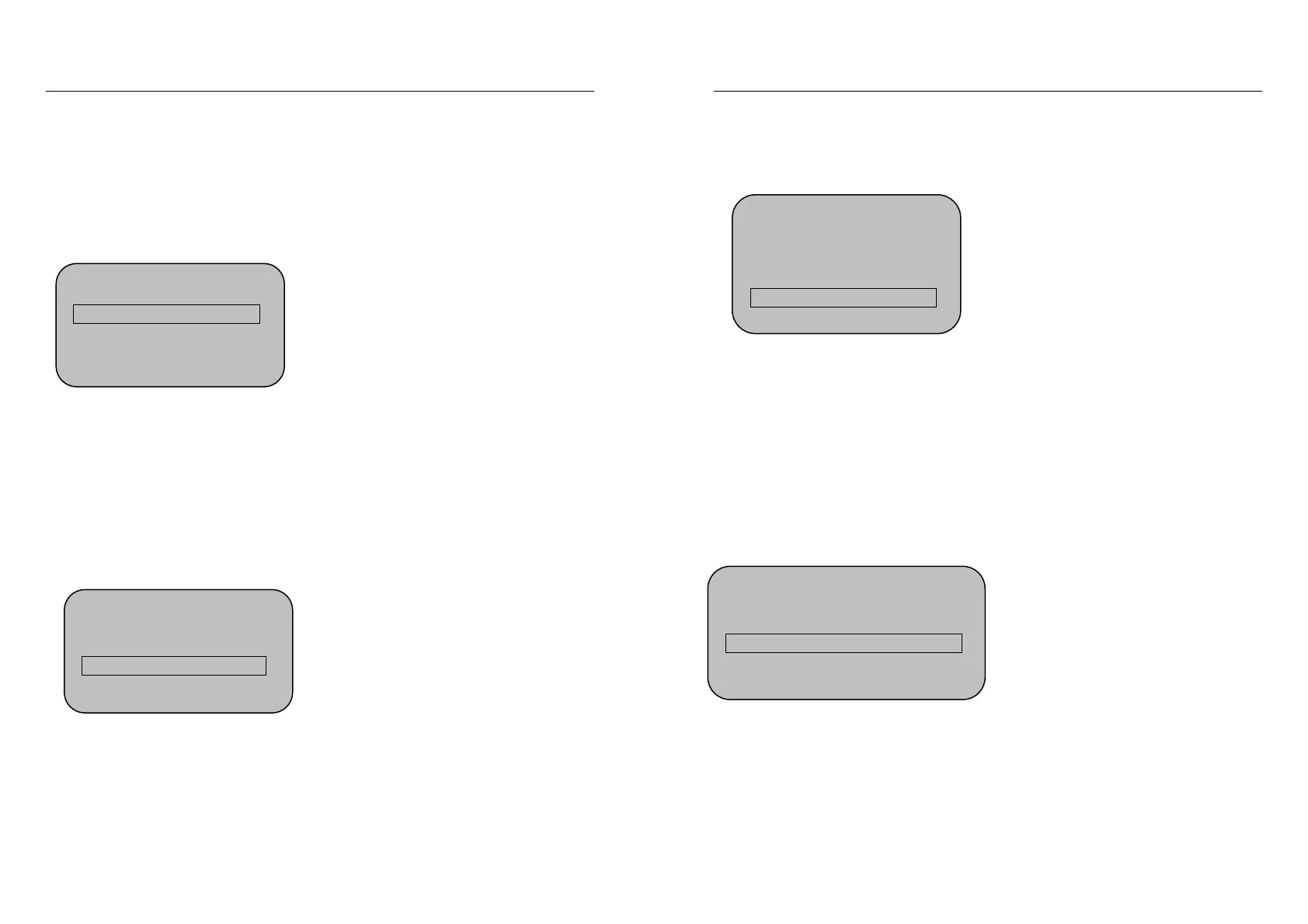
3.7.1(D) Select Voice
Using the “▼▲” or number key to select the “Select Voice” menu and press OK
to show:
Using the arrow keys moving▼ to select the voice “On” or “Off”
(There is only one defaulted language inside the machine)
3.7.1(E) LCD backlight
Using the “▼▲” or number key to select the “LCD Backlight” menu and press
OK to show:
Using the “▼▲” or number key to select the numerical value, higher value =
darker words.
Machine Setting
4. Select Voice On
5.LCD Backlight 47
6.Auto Shut Down On
Machine Setting
4. Select Voice On
5.LCD Backlight 47
6.Auto Shut Down On
Targetmax® V.2.0 Attendance System Hardware Suite Guide
46
3.7.1(F) Auto Shut Down
Using the “▼▲” or number key to select the “Auto Shut Down” menu and press
OK to show:
Using the arrow keys moving ▼ to select the auto shut down feature by
selecting “On” or “Off”. The setting unit is “minutes”
3.7.1(G) Verify Fingerprint / Password / ID card
Using the “▼▲” or number key to select the “Verify” menu and press OK to
show:
7.Verify F/P/C
Using the arrow keys moving ▼ to select the “F/C/P” feature by selecting
“F/C/P” ,”F+P” or “F+C”. The setting unit is “Registration Mode:”
Machine Setting
6. Auto Shut Down On
7. Verify F/P/C
8. Initialization
Machine Setting
4. Select Voice On
5.LCD Backlight 47
6.Auto Shut Down On


 To Next Page