Targetmax® V.2.0 Attendance System Hardware Suite Guide
13
1.9 Keypad
1.9.1 Keypad Configuration
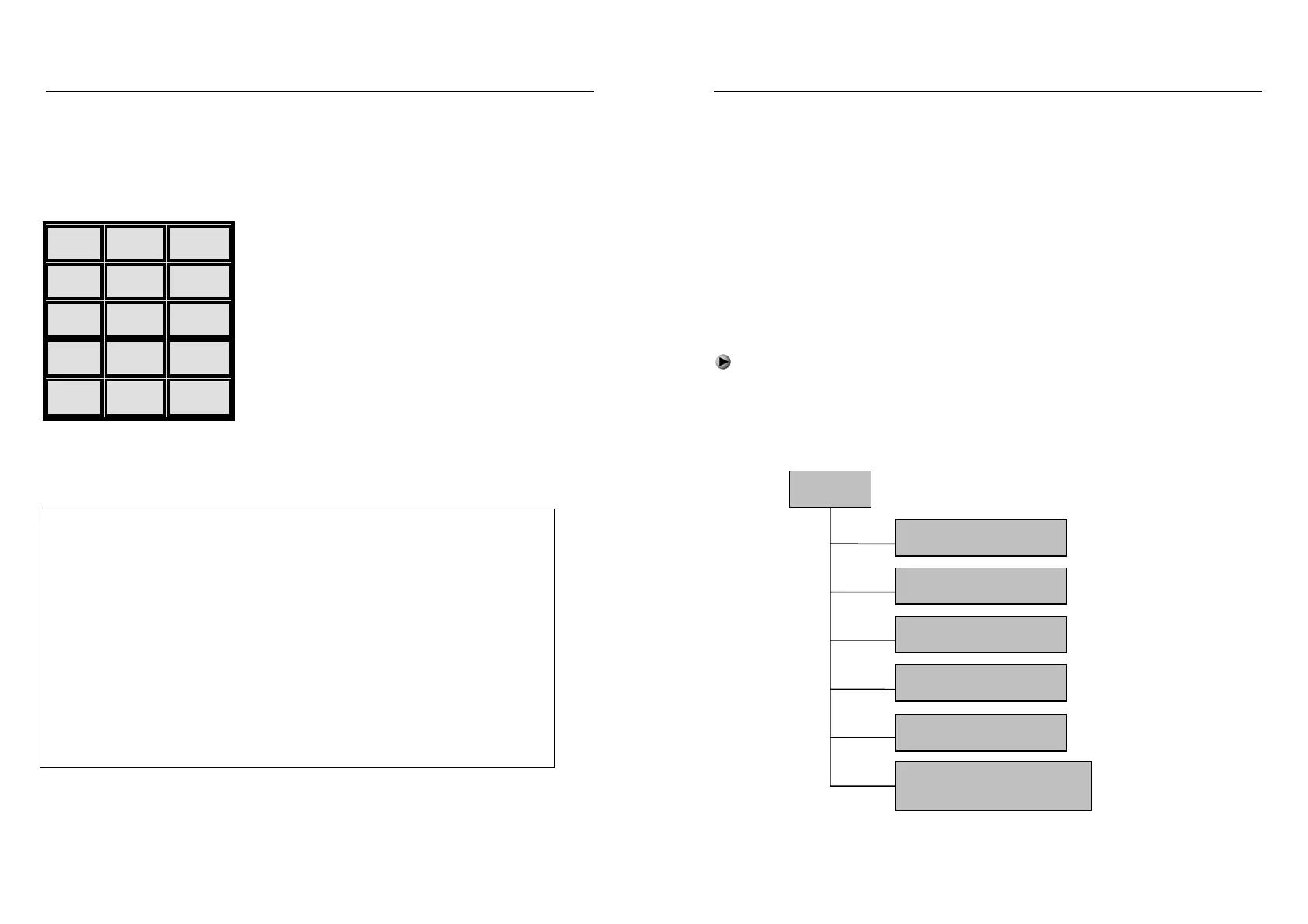
Keypad figure :
1 2 3
4 5 6
7 8 9
0 ▲ ESC
OK ▼ MENU
1.9.2 The Keypad Function
The function is illustrated as follow:
ESC Exit or Close
MENU Menu Management
OK Confirm Setting / Enter
▲ Scroll-Up
▼ Scroll-Down
0…9 Input Numbers or Selecting Menu
☉ On/Off Button
Targetmax® V.2.0 Attendance System Hardware Suite Guide
14
1.10 Menu
It is convenient to user to operate the machine by using the 5 operation buttons
and 0~9 numbers’ buttons. Besides, there also have notice on LCD display and
voice notice to remind the user whether the operation is correct or not.
1.10.1 Menu Description
Menu is divided into Operating menu, Setting menu and Status menu
- The “Operating menu” is for data processing
- The “Setting menu” is for setting necessary information of machine
- The “Status menu” is for display system information of machine
1.10.2 Menu Structure
Press “MENU” key to enter the 1
st
level menu, there are 6 items.
Press “▲”“▼” to select the corresponding columns, or press the corresponding
number to get into menu item.
For example:Press number key “3” to enter the “Data Download”
Menu
1. Register User
2. Delete User
3. Data Download
4. Time Setting
5. Advance Setting
6. Information Query


 To Next Page