11
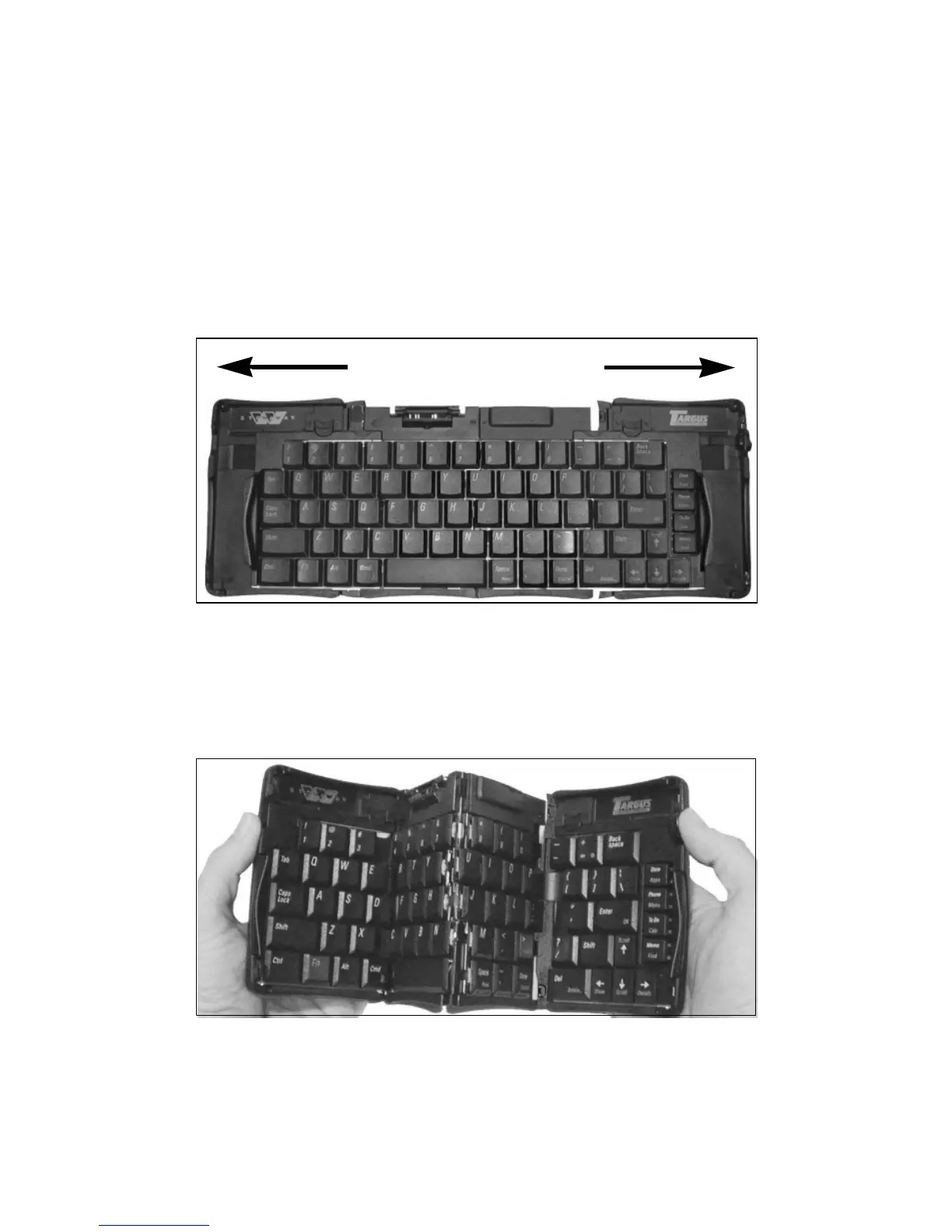
3 With the keyboard still on a flat surface, slide the red end-grips toward the
ends of the case, separating the keyboard sections as far apart as
possible.
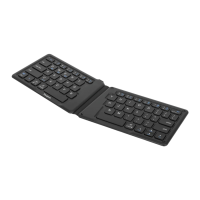
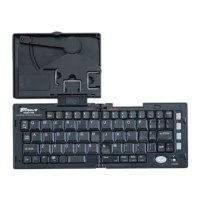
Sliding the Stowaway keyboard ends apart
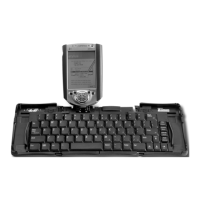
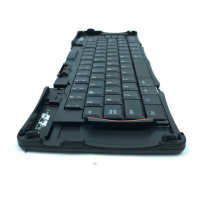
4 Lift the keyboard, push the center up to form a “W,” then close the
keyboard, pressing the four corners of the case together until they click
into place.
Folding the Stowaway keyboard


 To Next Page