19
Using Help to View Keyboard Shortcuts
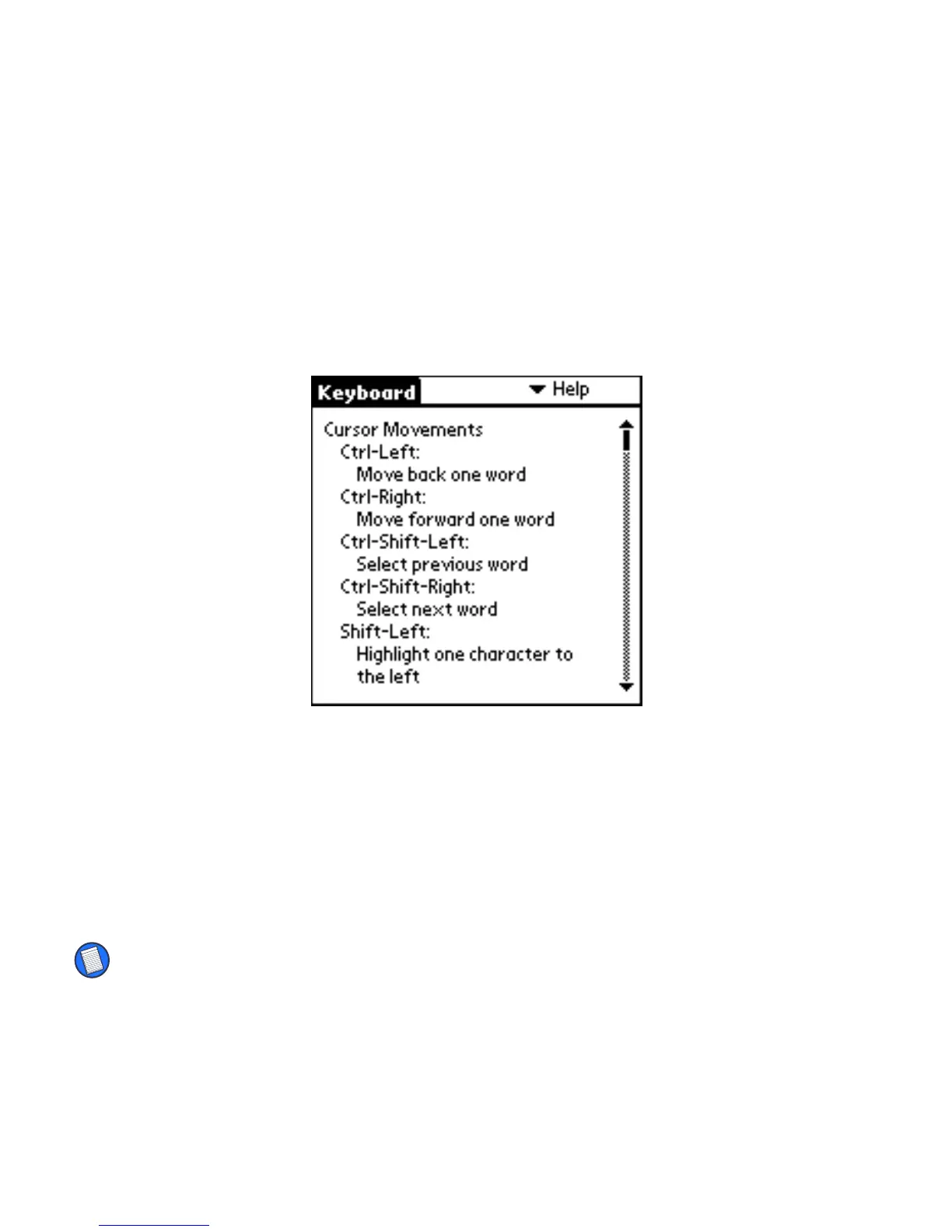
To view the shortcut Cmd keys, open the Keyboard application, then tap Help
from the settings list. Press the Fn key and the up or down arrow to scroll
through the list.
Keyboard shortcuts in Help
For a complete list of these shortcuts, refer to the next section.
Typing Keyboard Shortcuts
The following tables detail the key sequences you can use to issue commands
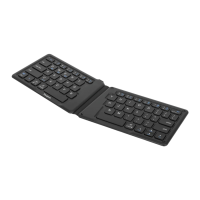
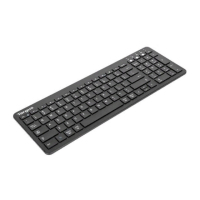
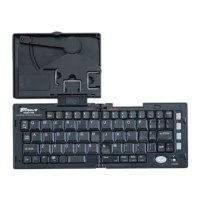
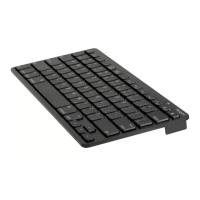
to your CLIÉ form the Stowaway keyboard.
NOTE: To access keys embedded with blue characters, press Fn + <key>.


 To Next Page