21
Activating On-screen Button Shortcuts
The following table lists the key combinations to activate on-screen buttons.
NOTE: You can also use on-screen button shortcuts by simultaneously pressing Ctrl – Cmd and
the first letter of the command in the on-screen button. For example, to select the
“Go to” on-screen button command, press Ctrl – Cmd – G at the same time.
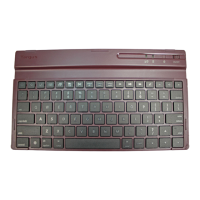
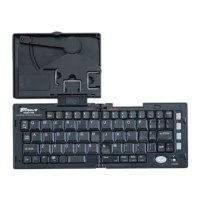
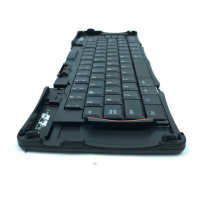
NOTE: The comma key on the Stowaway keyboard is not embedded with the blue
on-screen button shortcuts.
Key Sequence On-screen button
Fn – Enter OK
Fn – Del Delete
Fn – Done Cancel
Fn – Small space key New
Fn – Left arrow Show
Fn – Right arrow Details
Fn – Period Send
Fn – Comma Note


 To Next Page